


Two fake apps slipped past the Google Play Store this month and together picked up more than 600,000 downloads.
I feel weird about it because a secure ecosystem was part of the argument for Play Protect and Google’s verification system. Apparently, it’s not all that different from having no system or sideloading.
Developers now easily upload malicious software and profit from it. But in a few taps, you’ll escape being a victim with these app pre-download checks on your Android phone.
Apps are now Google unverified and scammer-approved
At this point, I’m my own security gateway
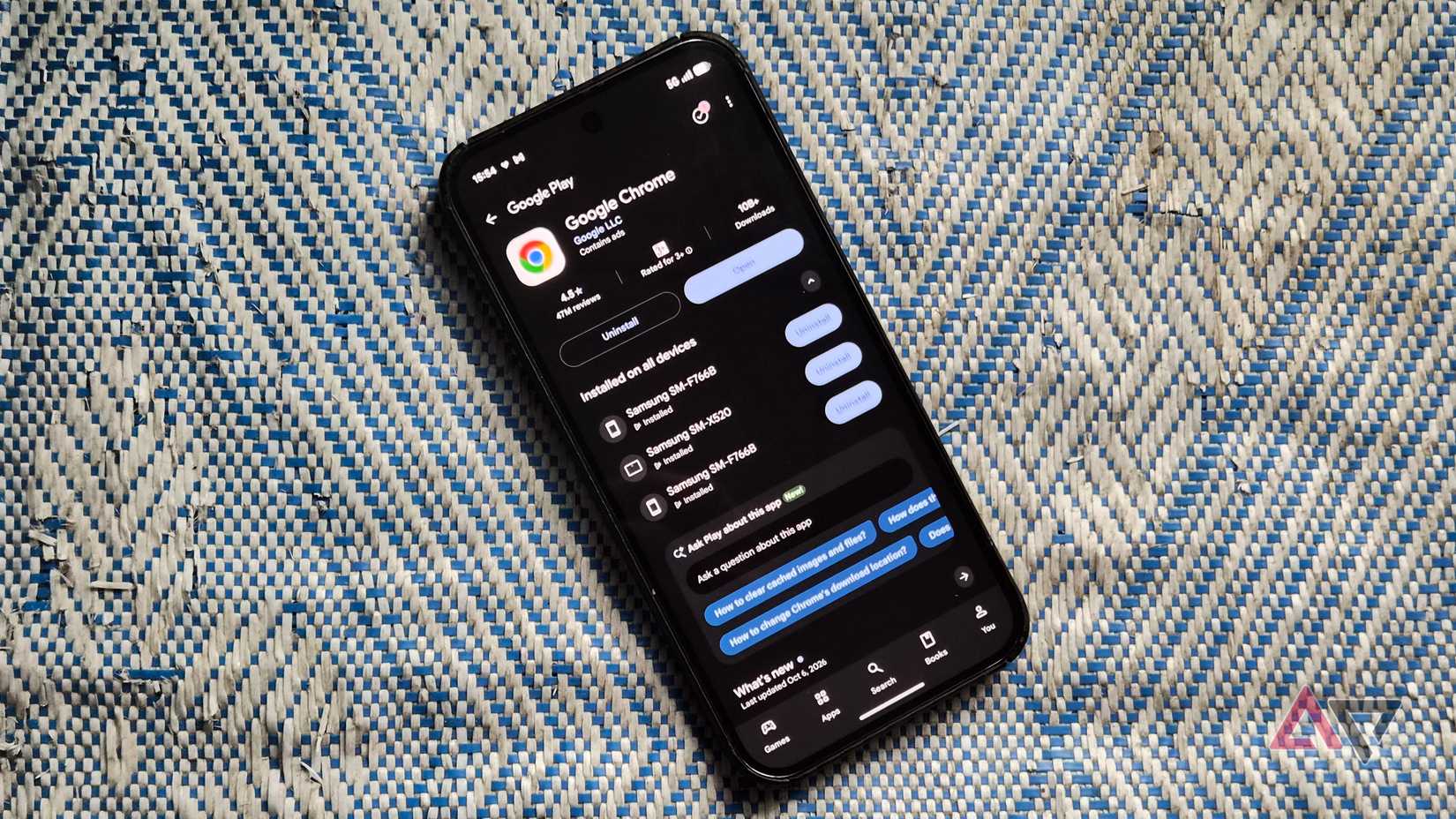
Within the past few days, I saw a Google Chrome dupe with 100,000 downloads and a WhatsApp app I could’ve sworn was the original. This isn’t a new issue.
In 2012, a counterfeit Super Mario Bros. and a Grand Theft Auto knockoff lived in the Play Store for over two weeks. As NBC News reported, they drew the same download volume despite Google’s screening.
It makes you wonder if Google’s verification is still effective. Normally, a developer must create a Google Play Console account. Then upload their app to the Play Store.
It costs $25, after which the developer sets up the listing with descriptions and screenshots.
The developer must also declare what data the app collects, upload the app bundle, run tests, apply a content rating, set pricing, then publish. Afterward, production review takes three to seven days.
You’d think that a fake app shouldn’t pass because the Data Safety declaration must match the app’s purpose. Ironically, Google admits its review process is not designed to verify the declarations.
So, everyone downloading apps is at the mercy of this faux honor system. Plus, sensitive submissions, including finance and health apps, undergo automated review unless human intervention is necessary.
It’s clear why you can’t leave app verification entirely to the company.
I call apps by their names
Tracing back to the source helps
Your first tell to a dupe is the developer’s name. On the software’s information page, tap About this app. Then scroll down to Offer by to see it.
Alternatively, tap the name to open their profile and see other apps they’ve published. For example, Chrome comes from Google LLC, and tapping it shows their collection page. The browser’s dupe came from Hizbartech.
Cross-check apps with the official website, if one exists. It always links to the legitimate store listing.
Also, Google won’t let two apps with the same package name exist, and the developer can’t change the name after it’s set.
If they try to impersonate it, the system rejects it because the namespace is taken. However, it doesn’t stop bad actors using subtle character variations, especially in package names.
WhatsApp’s dupe used com.AgmentAssetssallu.DeadPixelTriPulse instead of com.whatsapp. The automated system may have approved it because it detected a distinct string.
Go to Settings > Apps and tap any app. The package name is at the top under App info.
App catfishing scares me
Getting tricked by poorly spelled UI is unexplainably embarrassing
Professional developers ensure everything matches their brand standards because their reputation depends on it. Careless developers make sloppy mistakes.
Sometimes, a copycat has identical branding and even appears as a sponsored search result.
So, I read descriptions aloud or read backward, sentence by sentence, to catch unnatural sentences or grammar that my brain would autocorrect.
Comparing the listings reveals glaring numbers. For example, the real WhatsApp was created in 2010 and has 10B+ downloads, 241M reviews, and a 4.6-star rating.
The fake had 500K+ downloads, with no reviews and no rating. A rapid rise to that many downloads in a few weeks is a red flag, suggesting paid placement rather than popularity.
Scammers commonly inflate this metric because ads buy installs faster than word of mouth. As a result, reviews and ratings are among the most compromised metrics in today’s app stores.
People now use AI to mass-write false remarks. In 2024, DoubleVerify found more than three times as many apps with AI-powered fake reviews as in the same period of 2023.
Google blocked 160 million spam ratings and reviews in 2025 alone. The fakes are usually generic five-star reviews that exaggerate the app’s usefulness.
I mostly check the negative to three-star reviews. Paid reviewers rarely bother with them because they drag ratings down and work against the scammer. I’d also check the app size.
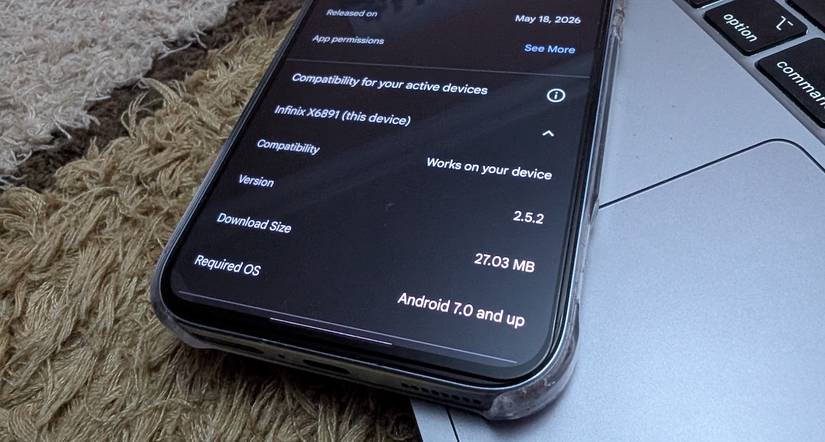
AI coding tools pull in heavy libraries, so scammers who build copies with AI may ship the bloat. A suspiciously small app may also be a shell.
It’s a WebView wrapper that loads a website inside an app frame. After it’s on your phone, it downloads the real payload as an update or plugin.
Banking trojans like Anatsa reached Play Store users this way. It was hidden inside harmless-looking PDF readers and file managers. The review only checks the uploaded content, so it can’t spot the later download.
Apps score bonus points of suspicion if they’re in early access alongside these red flags. You’ll see an Early Access label but no reviews.
Google blocks them so developers can test for bugs without hurting their rating, and the feedback stays private. But scammers exploit it to silence victims.
I spy on apps before they do me
It’s the exodus of my auditing routine
Google briefly removed the permissions list from the Play Store in 2022 and returned it after people complained. Most people only find out about app requirements when the pop-up asks for it after installation.
On the Play Store, open an app’s listing and tap About this app. Scroll down to App info and tap See more beside App permissions. You’ll see everything the app needs to run properly, and they’re grouped by category.
Also pay attention to the Other group at the bottom because most of the risky permissions hide there. I look up apps on the Exodus Privacy website.
It’s a non-profit directory with publicly available code on GitHub for review. It downloads APKs from the Play Store and reads their permissions. Then it compares their code against a known tracker signatures list.
You don’t have to log in or install anything. However, it only detects trackers on its list, and may miss new or custom ones. Treat it as one part of your auditing process, not as a complete solution.
When in doubt, uninstall
Even after these checks, avoid apps you’re still unsure of. I never ignore my gut because I’ve had too many close calls with trojans.
I even audit installed apps. Occasionally, I connect my phone to my PC over USB and inspect app code with Visual Studio Code and Gemini.
One mod APK kept my session details, user ID, and activity history in unencrypted files that anyone with my phone could read. Its cache was also filling my storage quickly in the background.
It was among software I recently deleted from my phone.










