


Summary
- The interactive weather map tile has returned to the Google Pixel Weather app after disappearing recently.
- The fix appears to be server-side, as users on the same app version (1.0.20250127.729684887) are seeing the map reappear without an app update.
- Upon its return, the weather map widget may have shifted, potentially disrupting users’ customized widget order, requiring manual repositioning.
Mere days after reports about the Pixel Weather app’s weather map tile being MIA, the interactive UI element has begun quietly returning.
For those unaware, weather maps aren’t necessarily essential to the weather app experience, but they’re a welcome addition nonetheless. Released with the Pixel 9 last year to replace the OG weather app (RIP frog mascot), these are essentially radar-style weather maps that give you detailed time-based precipitation forecasts.
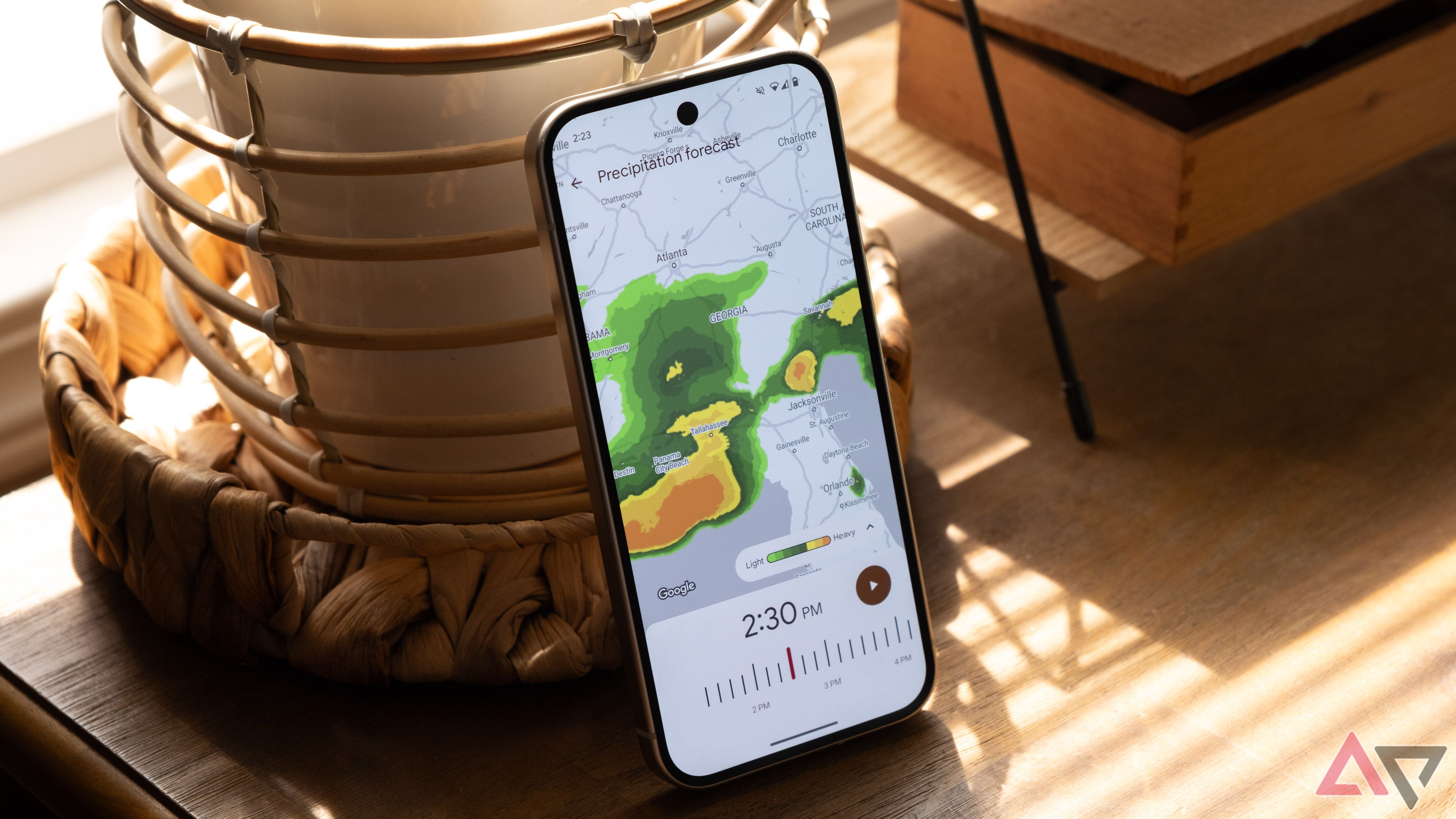
For reference, the conspicuous disappearance of weather maps seems to have kicked-in sometime last week, alongside the introduction of a new floating action button (FAB) for adding new locations to your list of favorites. The affected build was Pixel Weather version 1.0.20250127.729684887.release.
We’re still on the same app build, and it seems as though Google has addressed the issue through a server-side update as the weather map is back on our devices without any subsequent updates or changes. This confirms that the disappearance was indeed unintentional — potentially a server-side mixup.
You might need to fix your Weather app widget order
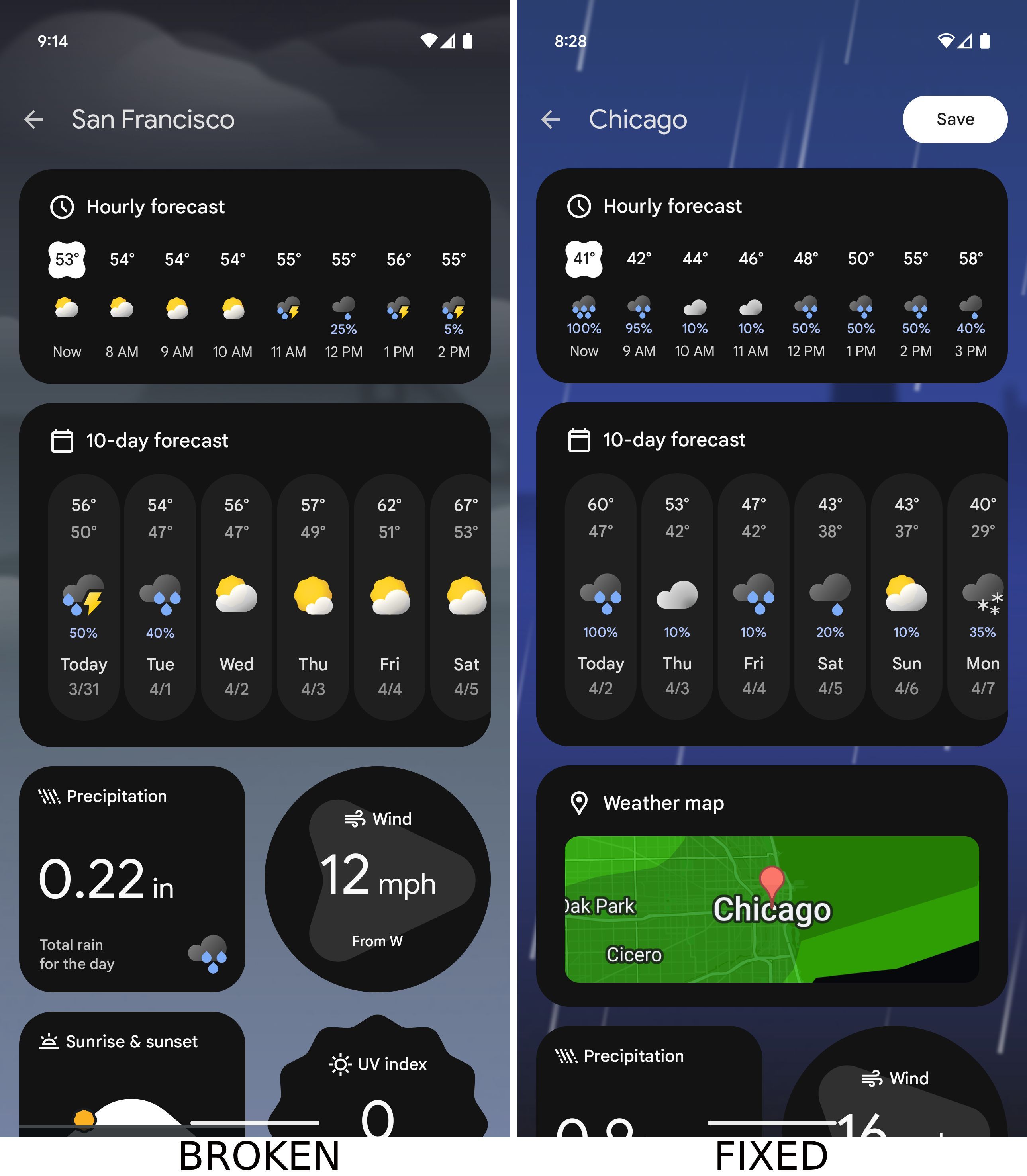
There’s a caveat, however. We’ve found that once the weather map resurfaces, it may disrupt your previously-curated widget order. In our case, the widget seems to have repositioned itself, inadvertently splitting two previously-adjacent cards. You might need to long tap and drag the weather maps to their intended position/the position you had the widget in previously.
Google is yet to comment on the brief disappearance. Regardless, we’re glad that the interactive maps weren’t gone for an extended duration.
Have weather maps returned for you? Let us know in the comments below!
Thanks: Armando
Related
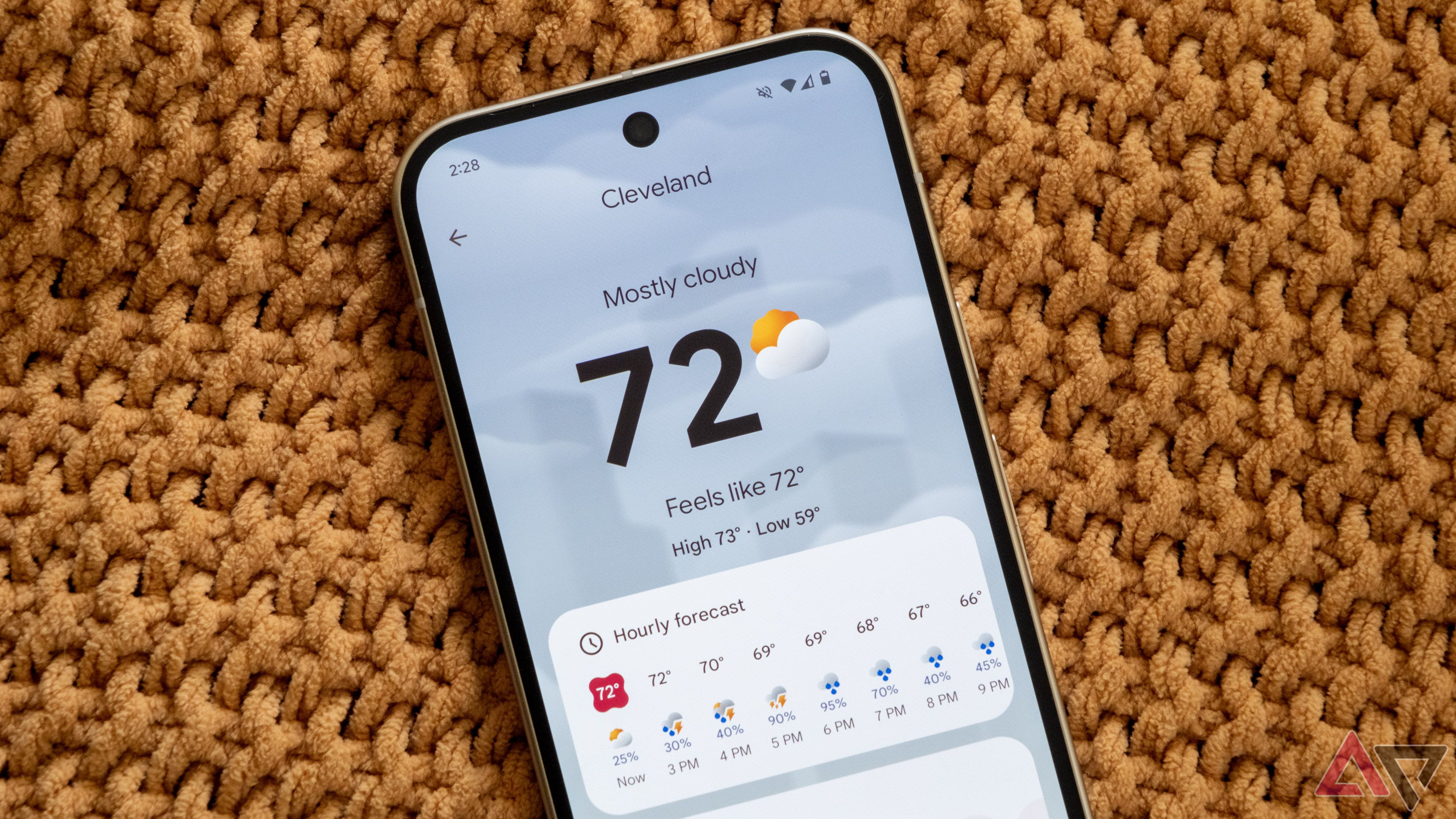
My 3 favorite things about the Pixel 9’s new Weather app
There aren’t any frogs, but it’s still a good app











