


Training for a marathon isn’t easy, especially if you run a hectic schedule. I’ve run a few marathons before, but for the last year or so, most of my fitness training has focused on strength.
I wasn’t unfit, but I was woefully unconditioned to run a long run. I knew I needed to build cardio endurance, get enough sleep, and focus on recovery.
But knowing myself, I knew I couldn’t manage all the planning involved. So, I decided to put the Google Pixel Watch 5 and Google’s new Health Coach AI to the task.
Health Coach takes the data collected by the Pixel Watch 5 and turns it into a personalized training plan that adapts to my routine, recovery, and progress. It played a critical role in getting me across the finish line last weekend.
Health Coach built a training plan around my routine
Adapting my workouts with AI-based coaching
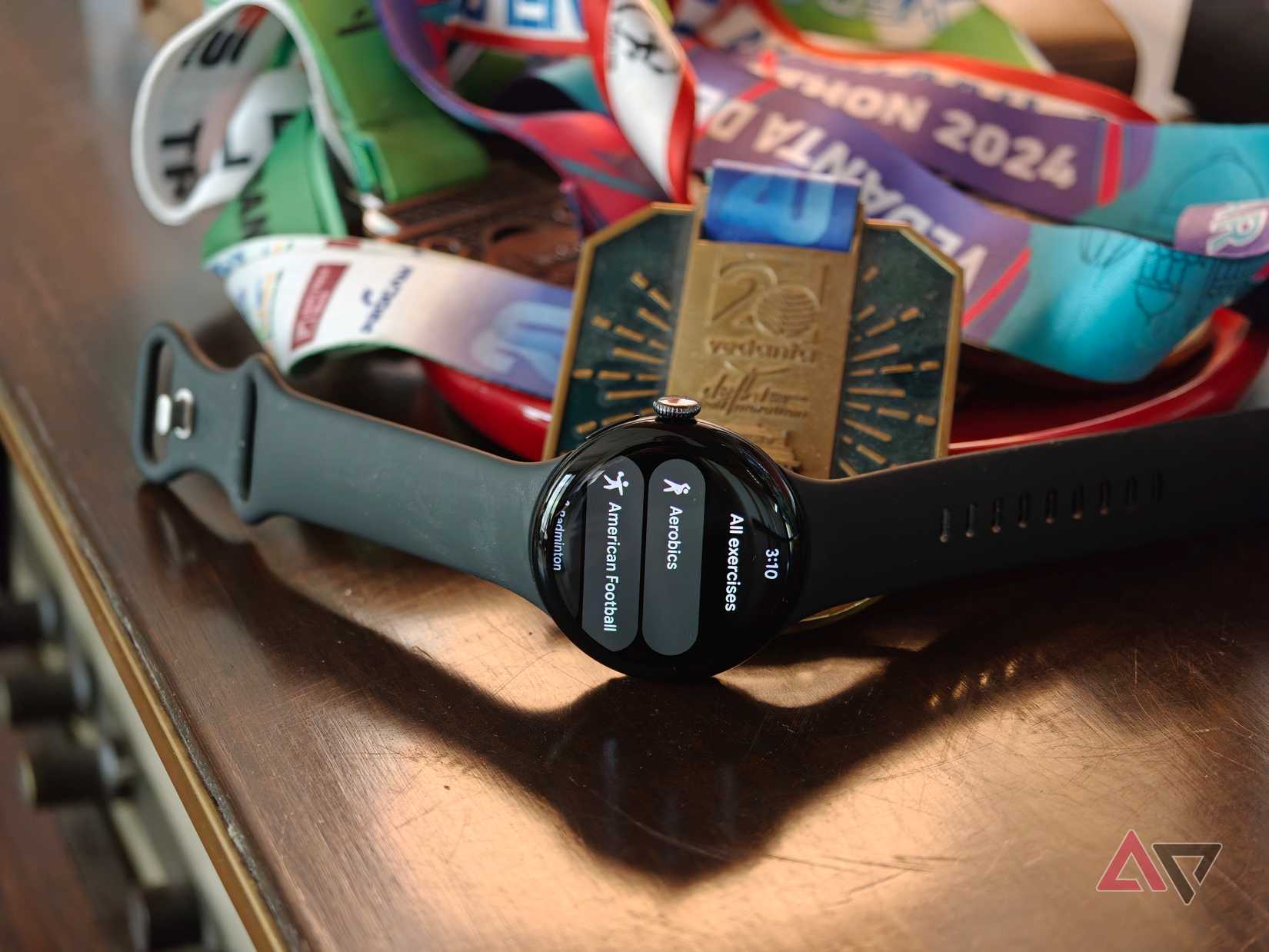
My marathon goal was simple. I wanted to finish the distance without worrying too much about my pace. I’m not the fastest runner, and I run marathons to test my endurance.
I didn’t need an aggressive coaching plan designed to shave seconds off every kilometer. Moreover, I’m not an athlete and have work and responsibilities. My plan couldn’t be so arduous that I’d be completely exhausted the rest of the day.
This is where Google’s Health Coach comes in. I gave it these instructions and asked it to make a training plan for me.
Rather than giving me a generic training plan, Health Coach starts things off by learning about my goals, routines, and preferences. This is the step where you tell it how much time you have to train, what you’re trying to achieve, and any limitations or injuries.
It adapts the plan based on inputs from your smartwatch. But we’ll get to that in a minute.
As a long-time Apple Watch user, the Health Coach’s conversational approach is what drew me to try the Pixel Watch.
Traditional fitness apps expect you to follow predefined plans and stick to them. Health Coach takes those fitness plans and adapts to my body’s metrics.
For example, in the two weeks before the marathon, it asked me to taper my training. This is what any conventional running plan would do. However, on days that I hadn’t slept enough, Health Coach shifted my schedule to give me adequate time to rest.
While my goal was to focus on running during this training period, I asked it to plan a short conditioning and strength workout that complemented my running program. It curated a 15-minute session geared toward exactly that. That’s very smart.
Health Coach adapts my training to my recovery and progress
Using sleep and fitness metrics to adjust my workouts
The hardest part of training for a race or competitive sport is figuring out how hard I should push myself on any given day. Now in my 30s, I’m acutely aware of my body’s recovery needs, and I prioritize it much more than I used to.
Google’s Health Coach AI addresses this by looking at multiple aspects of my routine. For example, it uses fitness and sleep metrics to recommend actions that support my recovery and progress.
The Pixel Watch 5 tracks measurements such as heart rate variability and sleep patterns, giving the coach additional context when suggesting how I should approach my next workout.
If my recovery isn’t where it should be, the coach can suggest a lighter session rather than pushing me toward a more intense run, something my Garmin has done in the past.
It wasn’t only simple sleep figures; I noticed that on days when my recovery was low, as I recovered from a cold and restless sleep, the AI told me to take an easy day.
When I was well-rested, it pushed me to get my mileage in earlier in the week so I would have fresh legs on the day of the run.
I also asked the AI for nutritional guidance, and it recommended adding extra carbs to my diet a day or two before the run. I took the carb-loading phase as an excuse to gorge on pasta, which might’ve affected my performance.
As good as it is, no AI can replace a real-world running coach or listening to your own body.
On a day when I had adequate rest but just felt out of it, I decided to take it easy even though Health Coach was up and ready with a workout.
Similarly, it can’t look at my running form or help me move more efficiently. Combined with the Pixel Watch 5’s data inputs, it’s an excellent planning and wellness tool, but not a replacement for an expert.
Google’s Health Coach made marathon training easier for me
The appeal of using Google’s Health Coach isn’t only that it can push me to go get a run in. I can put that down on a calendar. Instead, it helps me decide what to do, when to do it, and reschedule if I’m not quite ready yet.
The Pixel Watch 5 delivers top-tier health metrics that feed into the algorithm, making it one of the better use cases of AI.
While most fitness smartwatches tend to be reactive, the Health Coach takes a proactive approach towards wellness, and it’s something I can see beginner and enthusiast runners benefiting from.
Google Pixel Watch 5

- Case Material
-
Aluminum
- Case size
-
41mm / 45mm
- Display
-
1.2-inch / 1.4-inch
- CPU
-
Qualcomm Snapdragon W5 Gen 2 Accelerated
- RAM
-
2GB
- Storage
-
64GB
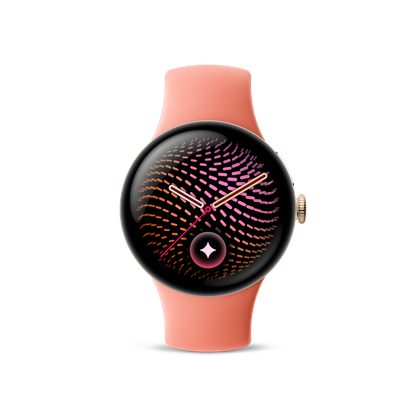
The Google Pixel Watch 5 takes the Pixel Watch 4’s fuss-free design and updates the internals, adds more health features, and introduces the Google Health AI Coach to help you on your fitness journey.










