Please provide your email address to finish creating your account.
<!–
Create an account
–>
*Required: 8 chars, 1 capital letter, 1 number
or
By creating an account, you agree to our Terms of Use and Privacy Policy.
You also agree to receive our newsletters; you can unsubscribe any time.
Case in point: YouTube used to be my refuge from the attention economy. It’s where I went to learn new skills and follow a handful of creators through the subscription feed.
But YouTube Shorts has almost completely transformed the way I interact with the app over the past few years, and not necessarily for the better.
I’m not alone — YouTube Shorts has reportedly attracted two billion monthly active users, making it one of the largest short-form video platforms on the internet.
Unlike Instagram or TikTok, I cannot simply uninstall the YouTube app from my phone if I want to limit my screen time. I rely on the platform for more than entertainment.
Fortunately, there’s a solution hidden in plain sight. Virtually every social media platform now reminds you to take a break after an hour or two, but YouTube is one of the few that lets you eliminate short-form content from your feed.
I set the daily Shorts time limit to zero minutes a few weeks ago, and my relationship with YouTube has been much better ever since.
Why I’m fighting YouTube Shorts
It’s a silent time sink
A couple of years ago, I rarely interacted with YouTube Shorts because the app maintained a clean separation between it and traditional long-form content.
I could open YouTube, glance through my subscriptions or search for something specific, and watch it without being constantly pulled toward short-form content.
However, as the latter took up more prominent space on my homepage over time, I noticed myself interacting with the feature more often.
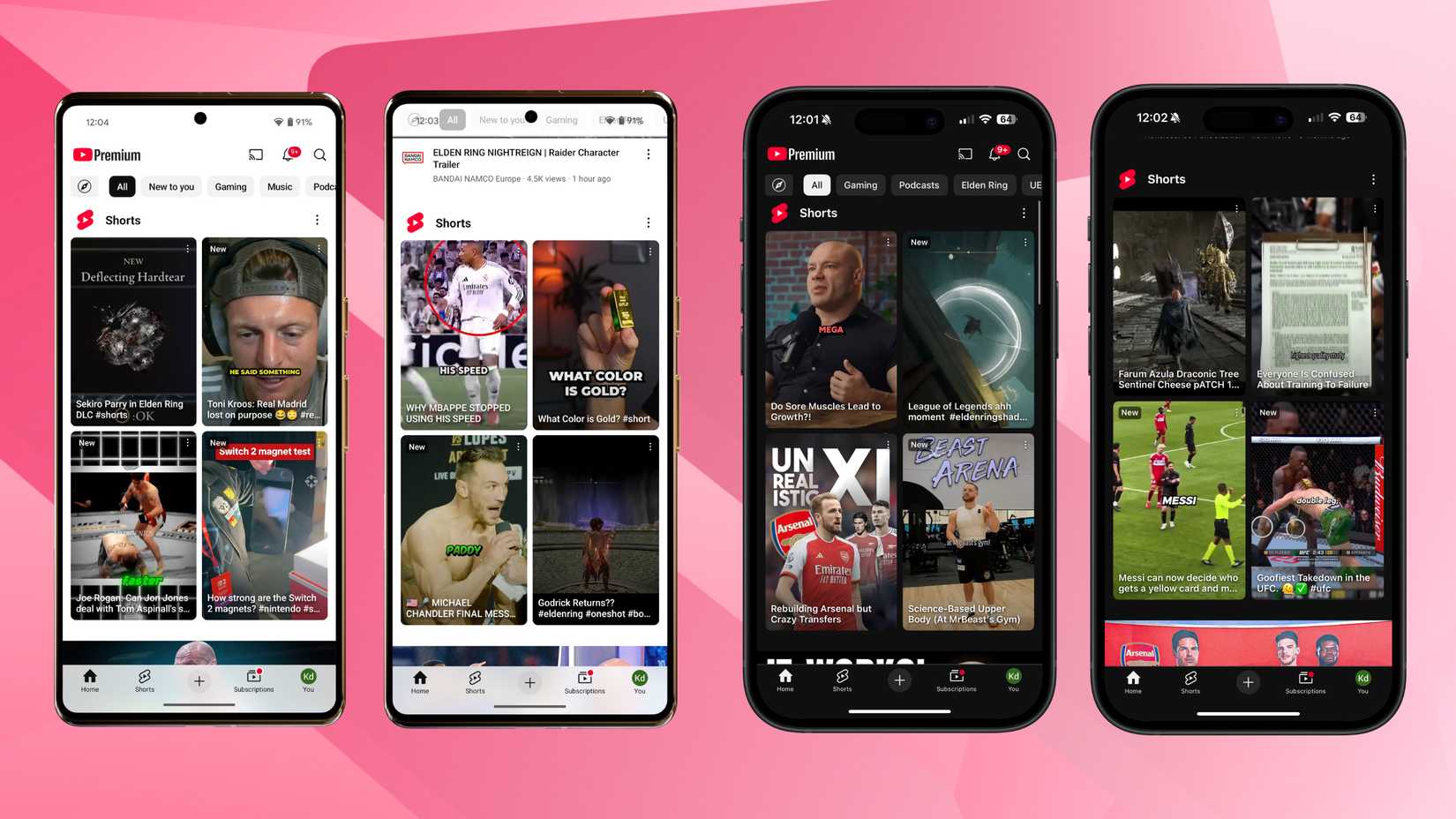
What’s more, YouTube has made Shorts increasingly difficult to ignore. Opening the YouTube app on a mobile device often autoplays a random Short instead of bringing you to the homepage. And before you know it, you’re scrolling through an endless stream of short-form content.
YouTube Shorts has been around for half a decade. In that time, the company found creative ways to boost the feature’s engagement, likely because it’s a significant source of revenue or user growth for the platform.
I’ve used YouTube extensively over the past decade, and the algorithm has more than enough data to optimize for the kind of content I’d watch. It always surfaces relevant content, more so than Instagram, since I rarely interact with the social media app.
If I accidentally opened the YouTube app before going to sleep, I would scroll through Shorts well past my bedtime.
The lure of watching just one more video to see what’s around the corner can keep you tethered for hours, a feeling I’m sure many of you are all too familiar with.
YouTube’s Time management menu is a godsend
Eliminate doomscrolling with a few taps
If you’re just as eager to curb your accidental YouTube Shorts binges as I am, there’s good news.
The YouTube app on mobile has a hidden Time management sub-menu. To find it, tap your profile photo in the lower-right corner of the YouTube home screen and then tap the Settings icon in the upper-right corner.
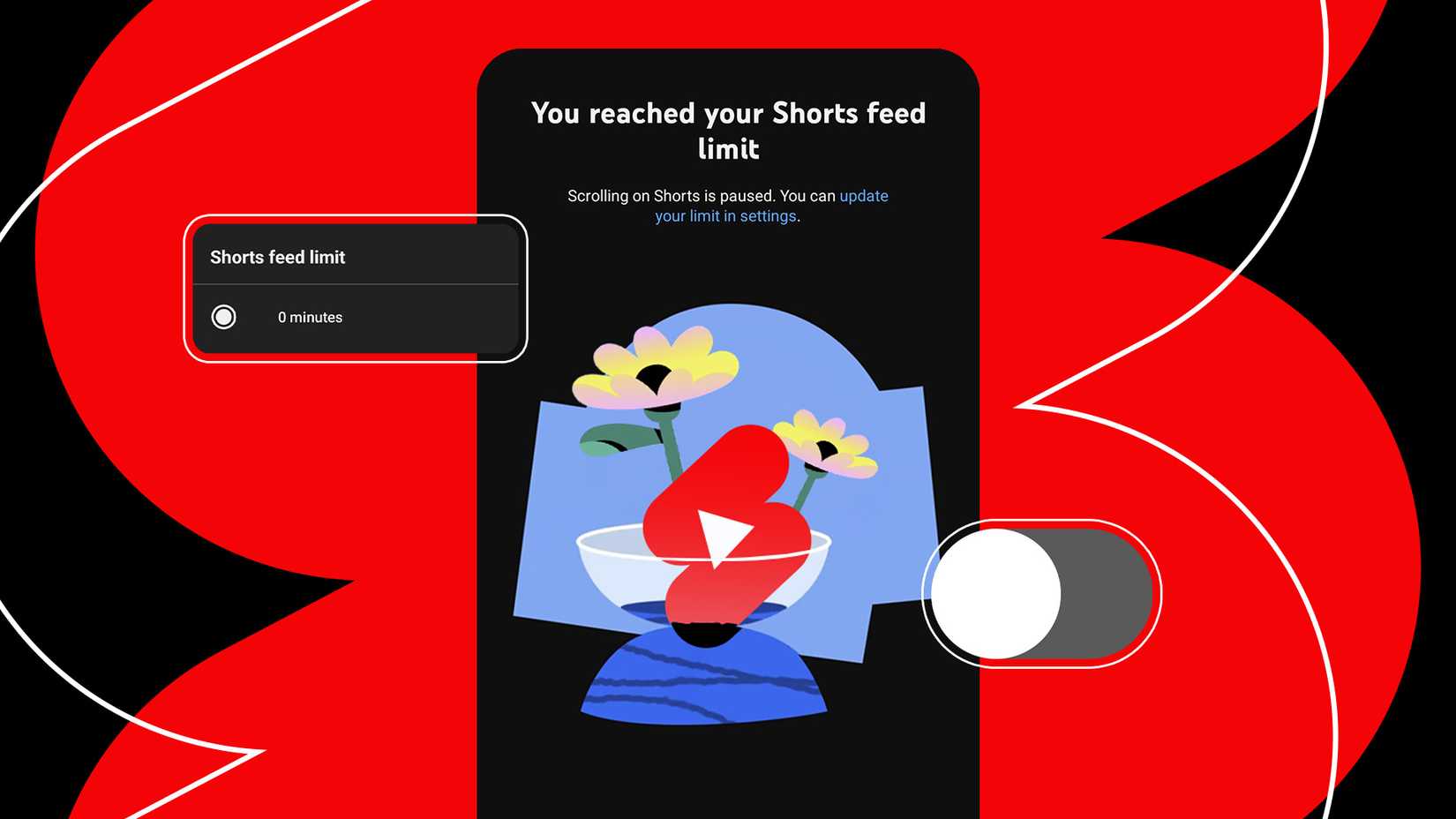
Simply enable the Shorts feed limit toggle and choose an option between zero minutes and two hours.
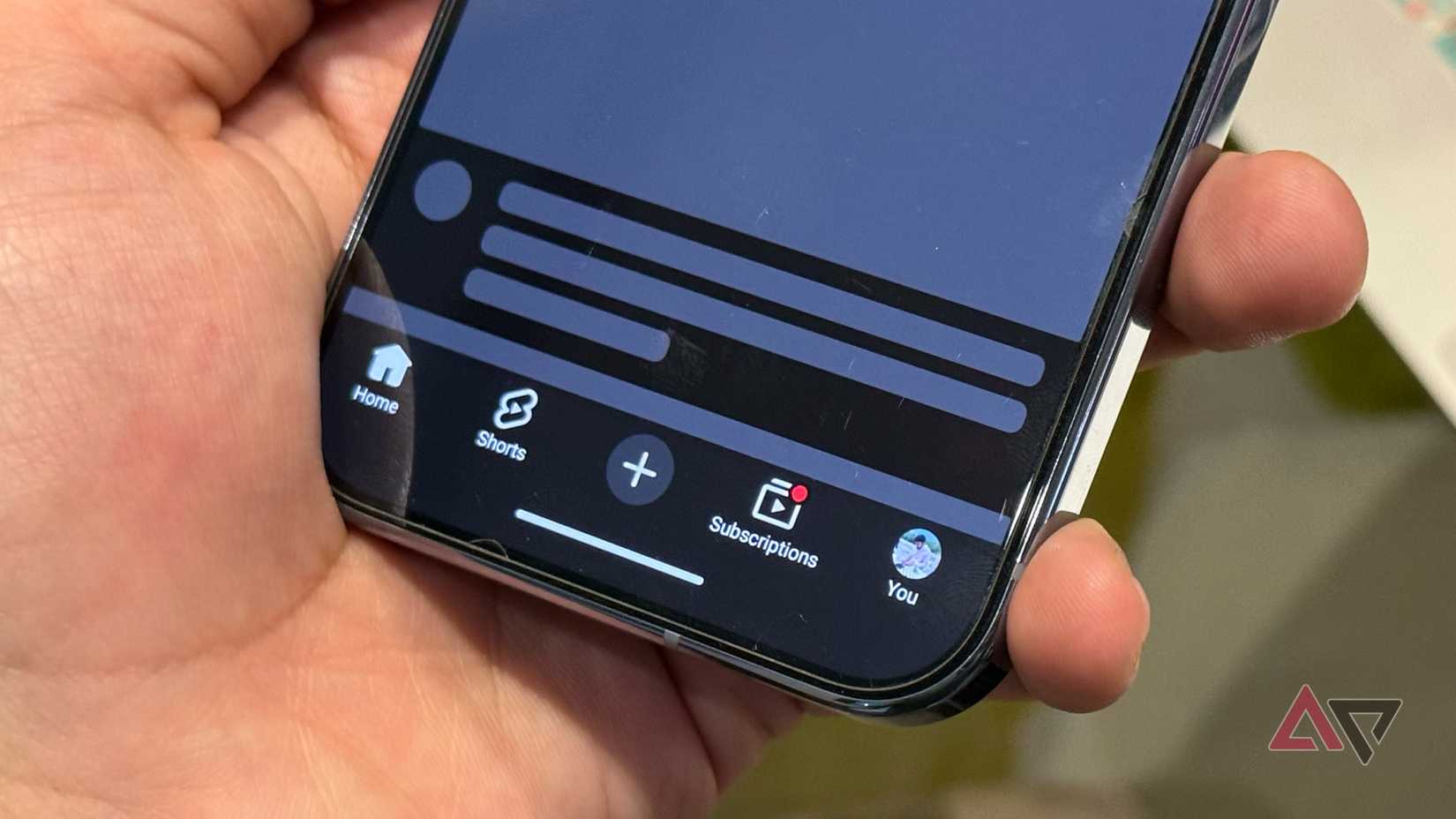
YouTube added the zero minutes option earlier in 2026, and it’s my preferred choice for one simple reason: it completely eliminates the Shorts carousel from the home feed.
Since selecting this option, I’ve also noticed that the app no longer brings up a random Short automatically to tempt me.
However, YouTube’s time limit feature only applies to the mobile app. I have noticed that Shorts retain their prime position within the home feed on other devices like Google TV (pictured above) and desktop.
Larger devices invite more intentional YouTube viewing, and I rarely find myself sucked into scrolling the Shorts feed for long. If you care about those, I’d recommend installing a browser to eliminate Shorts from the web.
YouTube offers watch time statistics in the Time Management sub-menu, but the feature doesn’t differentiate between Shorts and long-form content. I also tend to use YouTube for background music throughout the day, so I cannot track exactly how long I spend watching Shorts alone.
Still, I noticed my total YouTube watch time fell by a few hours each week after enabling the limit, so the feature is definitely effective. Out of sight, out of mind.
Why I pick the zero-minute Shorts limit
It’s the only effective solution
Credit: Lucas Gouveia / Android Police
With YouTube Shorts gaining mainstream traction, many of my favorite YouTube creators have adopted the feature. This makes disabling Shorts altogether a difficult decision, and you might be tempted to choose one of the other time-limit options.
But having tried the 15- and 30-minute daily limits, I found they made no difference to my overall scrolling habit.
When you select a time-based limit, the YouTube app doesn’t automatically kick you out of the feed after you reach the daily limit. Instead, a pop-up notifies you that you’ve reached your daily allowance.
Worse still, the app then presents a prominent button to dismiss this warning. After that point, you will not be warned again for the rest of the day. The home feed will keep populating with new Shorts, and you can scroll to your heart’s content with no consequences.
The zero-minute limit timer works differently, even though it’s nestled amidst the other options. I find it’s the most effective since it removes Shorts entirely from my YouTube feed and doesn’t give me the opportunity to bargain with myself for a few more minutes of scrolling.