


The Google Health app was recently updated, bringing several meaningful improvements for Fitbit and Pixel Watch users.
However, along with these new perks and changes, the app may have introduced a new bug. Reports indicate that users are no longer seeing their overnight vitals in the app, including heart rate, SpO2, and skin temperature changes.
A Google support forum moderator has acknowledged that this is due to the recent app update. While there’s no fix given yet, a temporary workaround has been shared with impacted users.
Missing heart rate, blood oxygen, and temperature vitals
Related reports about the Google Health app first appeared last week, when Google shipped version 5.12. The issue appears more prominent on iOS, though Android users are also impacted.
A few reports on Google’s support channel (via Android Authority), including from a Fitbit Charge owner, describe the Health app not showing overnight metrics like blood oxygen, breathing rate, resting rate, HRV, and skin temperature.
There are also a few reports on Reddit describing the same problem of missing daily vitals in Google Health with their Fitbit Air fitness tracker. Even so, one user described “No data” appearing in the app.
One of the Redditors even contacted Google’s customer support and received feedback that Google/Fitbit is aware of and monitoring the ongoing issue. “We’re aware of it, but may not be able to provide a fix in the immediate future,” the email says.
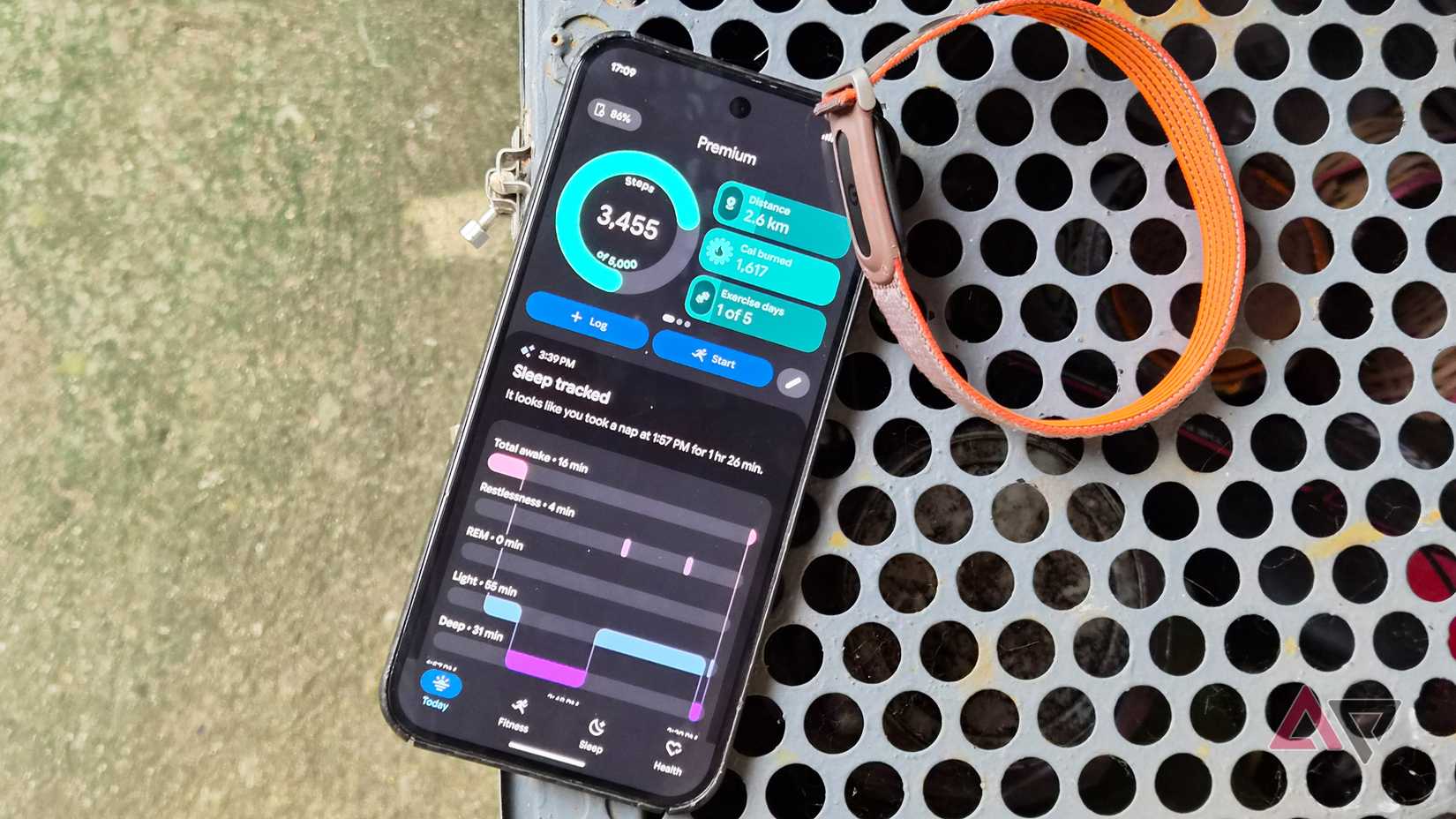
Although I updated to the latest Health app, I didn’t experience missing vitals, though I had one day with no SpO2 reading.
These are measurements that are tracked daily, giving users a daily and weekly outlook on trends. They are tucked in the Vitals page, while some metrics can be accessed in the main dashboard.
If tracking is skipped for a day or two, it breaks the trend, though users can still access past readings. But it appears that the issue is only with the visibility of these vitals.
Temporary fixes for missing vitals in Google Health
While we’re waiting for Google to roll out a patch or fix, users have quickly tested a couple of workarounds.
First, signing out of and back into the Google Health app can bring the missing vitals back to the dashboard. If the vitals go missing again, the wearer should follow the same procedure. Switching to the weekly or monthly timeframe when viewing the vitals might also fix it, according to one user.
But if it persists, it is recommended to uninstall the app entirely and reinstall it, which is the second fix and ensures the app cache is cleared. Still, that leaves a sour taste in users’ mouths as they find their own remedy while Google is still figuring it out.
We’ve reached out to Google to ask whether there’s a definite fix on the way. We’ll update you once we hear back.











