

Files by Google is such a staple on Google Pixel phones that it’s hard to imagine not using it. But as I’ve found by testing other file managers, it’s not the best solution for managing files.
I’ve never completely uninstalled Files by Google. Other file managers offer more utility and better organization tools, but Files by Google’s simplicity is so appealing that I keep coming back.
Rather than juggling multiple file managers, I wish Google would make two simple upgrades.
Files by Google is missing support for multiple cloud storage services
Drive isn’t enough
It’s easy to dismiss other file managers as being exclusively for power users who juggle multiple cloud services and NAS servers. However, they offer important features that anyone would find useful.
The app’s biggest miss is its limited cloud storage compatibility.
I can select any file and back it up to Google Drive from the file’s drop-down menu. It’s simple, quick, and painless.
To check my Drive files, I use the app’s dedicated window to jump straight to the cloud service.
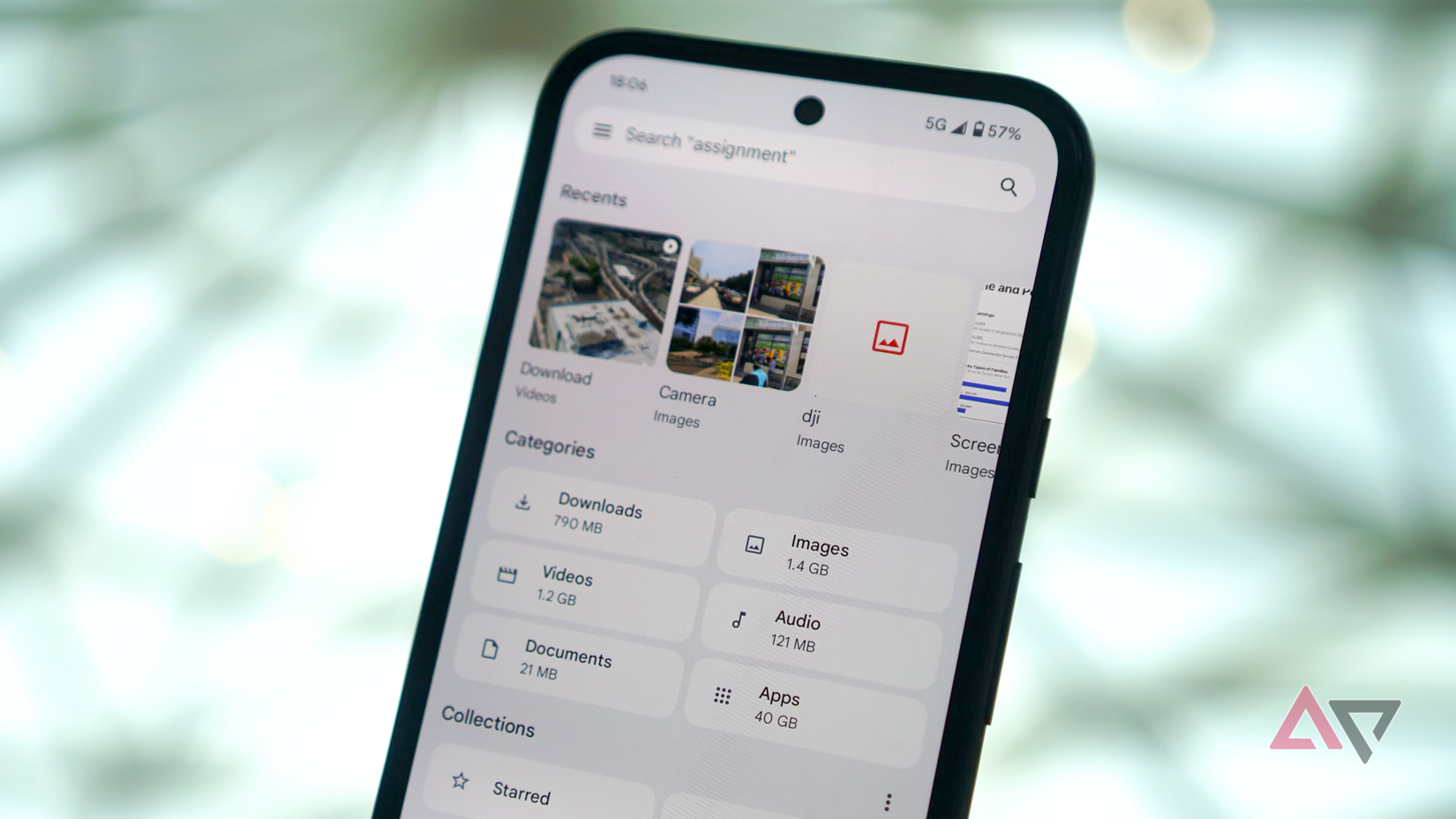
It’s a perfect experience. But not everybody uses Drive, and many people, including myself, use multiple cloud storage apps.
You can access a service like Dropbox from Files by Google. The share function lets you share a file to any app, including cloud storage apps.
But this service is clunky and awkward. I should be able to select any cloud storage service from the drop-down menu of any file.
Samsung’s My Files app is a little better, offering Google Drive and OneDrive integration. But for an app that’s the default on most Android phones, we shouldn’t need to install a separate app to access cloud-stored files.
Dual-pane view is sorely needed
Third-party apps have proved that it should be a basic requirement of file managers
A common feature on third-party file managers is dual-pane view. Files by Google shows only a single window at a time, so moving files means laboriously flipping back and forth between folders.
However, on apps like Solid Explorer, landscape mode opens two independent windows side by side.

To move a file, open the source folder on one side and the destination folder on the other, then drag the file across.
While it has the biggest impact when managing lots of files, it also makes moving even a single file more reliable.
On a foldable phone, this is almost mandatory, which makes Files by Google feel even more backward on a device like the Pixel 11 Pro Fold.
Third-party apps can offer the solutions
But I shouldn’t have to juggle multiple apps
These features aren’t the domain of niche file managers with ugly UI. Many file managers offer support for multiple cloud storage services and dual-pane viewing.
One of the best, Solid Explorer, combines these features with a neat Material You UI that shows how useful Files by Google could be.
With Solid Explorer, you can open Google Drive in one panel, Dropbox in the other, and drag a file over.
It’s not just for power users; it’s for everyone. However, it still misses out on one crucial Files by Google feature.
The reason I haven’t fully abandoned Files by Google
No other app saves space like it
The best feature of Files by Google is its set of storage saver tools.
In the app, I can instantly see how much space different folders take up, which files are taking up too much space, and what actions I need to take to save space.
It detects old screenshots, duplicate images, large videos, and junk files. With a few taps, it can clear out gigabytes of space.
Other file managers offer storage saver tools, but none are as efficient as Files by Google. It’s the best way to clear out space on an Android phone, which is why I want an upgrade for the app, not a replacement.
The ubiquity of multi-cloud storage support and dual-pane viewing on other file manager apps shows how desperately Files by Google needs these features. I’m tired of juggling multiple apps; I want to view, manage, and clean up space in one app.
Files by Google is ready for a refresh
The last major update to Files by Google was in August 2025. While this was mostly a visual refresh, it also shipped with a new native text reader and an easier search experience.
The problem is that Files by Google needs to rethink its fundamental features. I’m tired of jumping to third-party apps for features that it should have by default.










