


I read a lot of news on my phone. I use Chrome because it’s part of my job. I have to know about every little thing that Google and Android are up to, along with their competition.
Besides that, I follow general industry news and AI.
One specific thing about the ordeal frustrated me for months. A news site I visit often runs autoplay videos with the audio turned on by default, and every so often, one of those videos would blast me with sound without warning.
It happened after I had switched tabs or moved to a different app, which made it even worse.
I’d be somewhere else on my phone, focused on something unrelated, and suddenly my phone would play audio I didn’t ask for. It was hard to pinpoint where the audio came from, when I had a handful of tabs open.
Android 17 quietly fixed this, and it wasn’t even the headline feature I thought would come into play.
The problem was never the ad or the video; it was timing
Audio starting up after I’d moved on was the actual issue
Autoplay video with sound isn’t something new, and it doesn’t bother me as long as the tab is open in front of me.
What I never got used to was that the audio would start well after I’d left that tab behind, sometimes long enough that I forgot it was open.
A plethora of small annoyances like this get blamed on individual sites when the real culprit is systemic, and that’s exactly what the problem is.
The tab wasn’t misbehaving on its own. Android was letting it do whatever it wanted after it left my screen.
Background Audio Hardening is the actual fix
Apps and tabs now need permission to make noise you didn’t ask for
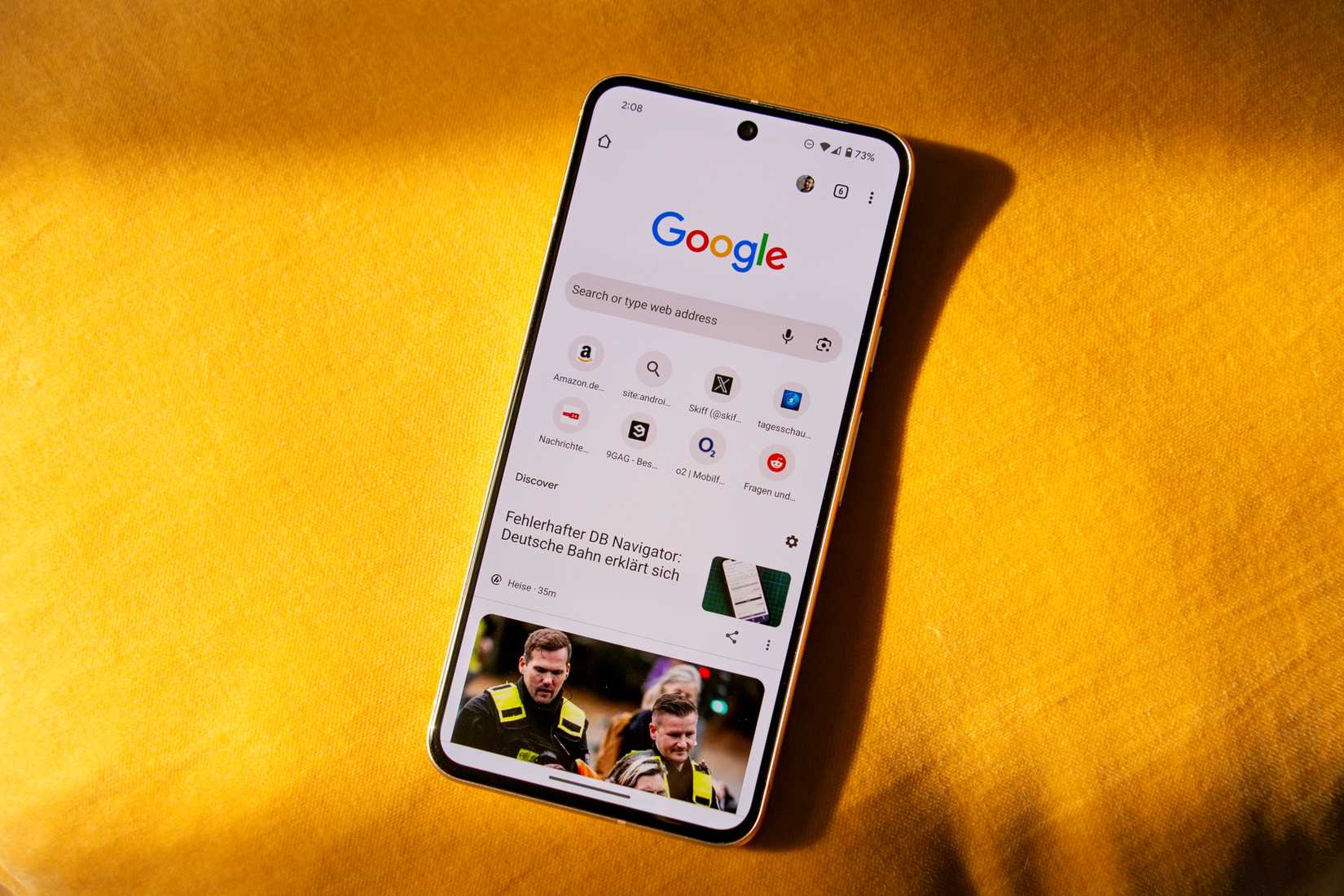
Android 17 brought about a system-level change Google calls Background Audio Hardening.
From this point forward on Android, apps must either be visible on the screen or run a proper foreground service to play audio. They also have to request audio focus or change volume; no built-in expectations for convenience.
This applies to every app, whether it was built for Android 17 or not. Without one of those two things, the audio and volume APIs fail silently instead of doing anything: no error message, no crash, just nothing happening.
Google built this feature to stop apps that freeze in the background and resume playback unexpectedly, probably because of network issues. That’s almost what kept happening to me on the news site, only with a browser tab instead of an app.
This isn’t a Chrome update; it’s an Android-wide rule
The browser didn’t fix itself; the entire OS changed below it
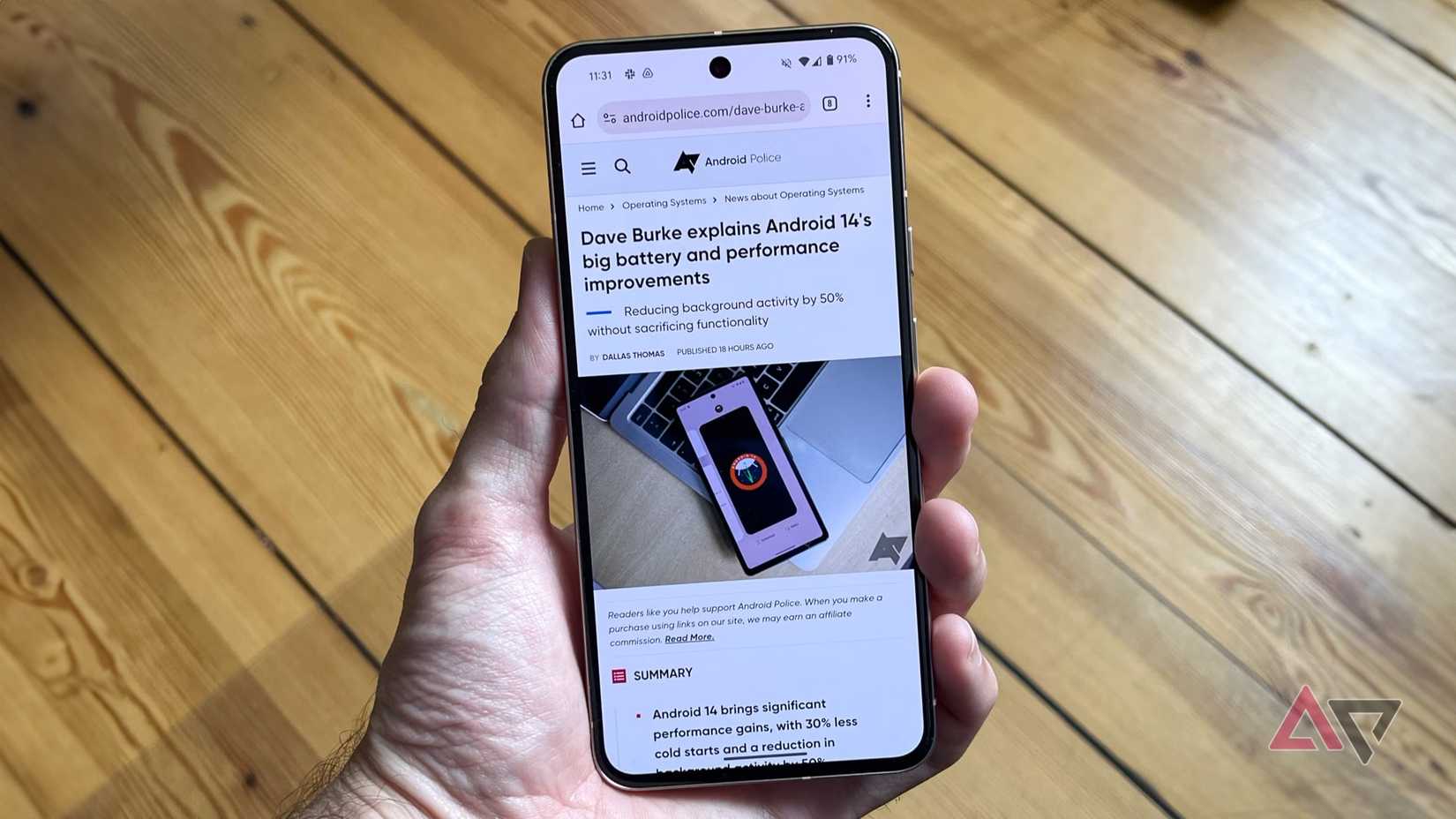
From my experience, it’s tempting to credit Chrome, but this restriction lives in the Android 17 audio framework, not the browser’s settings.
Any app behaves the same way now, browser tab or otherwise, whether it’s a media player, a game, or a background service.
Every app follows the same rule now, not only Chrome or any single browser.
That distinction matters, since the fix isn’t aimed at news sites, video players, or Chrome’s autoplay settings.
This kind of frustration often turns out to be a broader pattern, not a single app’s fault.
App developers would have to make changes to their code to follow the new restrictions, whether it’s a browser or another kind of app.
Not everyone is happy about the change
It breaks a popular background-listening trick too
Credit: Lucas Gouveia / Android Police
While the restriction is on point for the issues I was having, many platforms still offer background listening. For instance, YouTube is one such platform that people would use for background listening.
This was a common workaround for those who skipped a Premium subscription. Samsung received complaints regarding Background Audio Hardening, and it has added a toggle in One UI 9 to disable it.
So far, I haven’t seen Google embed a similar toggle in the main settings that would let users opt out of the audio hardening utility. However, you will find one option in Developer options, but most people would not dare go there.
For my problem, I’m glad Google made the feature, even though it annoyed a different set of users who relied on the old behavior.
My browser finally stopped ambushing me
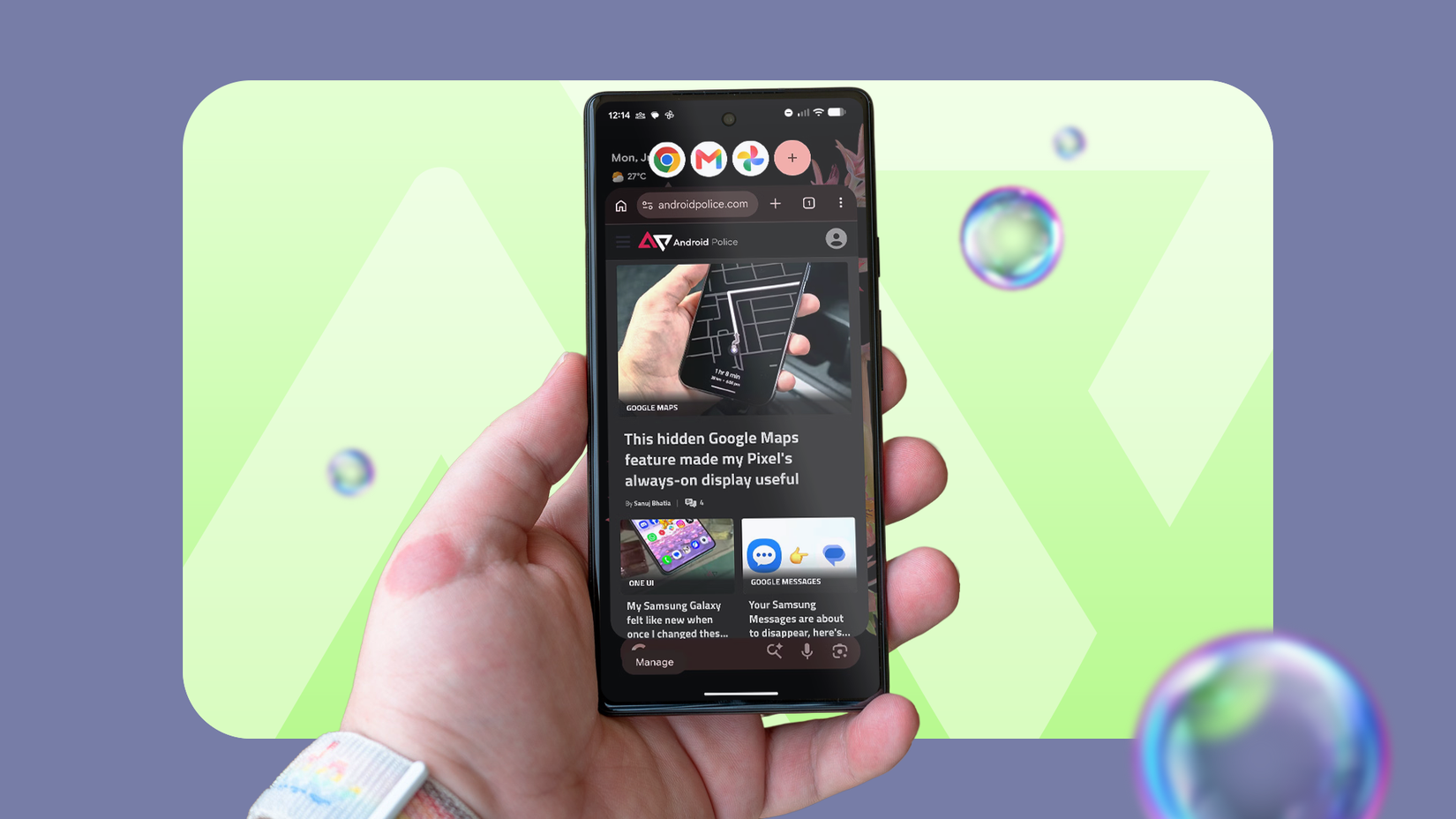
Credit: Lucas Gouveia / Justin Duino / Android Police
I still get autoplay videos with sound while a tab is open, and that hasn’t changed. What’s gone is the part where audio plays on its own after I have moved on to something else.
A lot of small browsing frustrations turn out to be fixable when you find where they actually live, and this option appears to live inside the OS rather than a dedicated app I kept blaming for years.
I was hoping for a Chrome fix, but I’m glad that Background Hardening did the trick.







