However, I regret my choice of password manager now that Google has introduced a better way to switch.
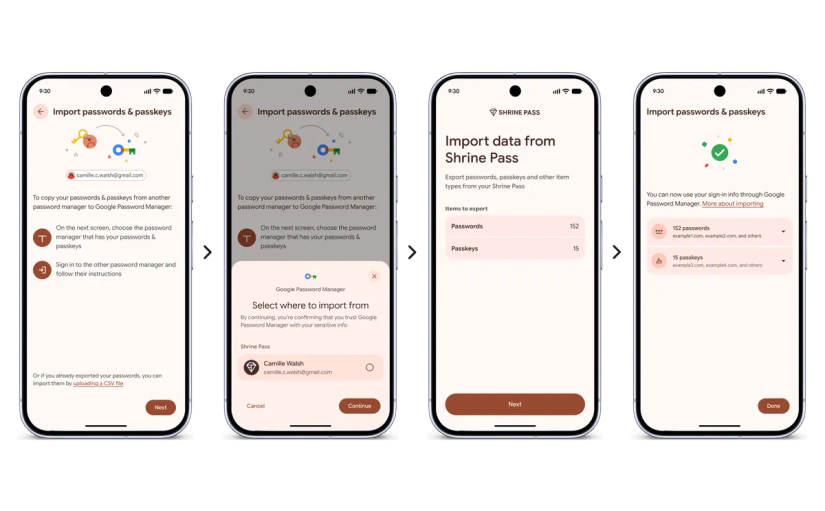
In early September 2026, Google introduced a secure way to switch password managers. Instead of downloading a password list and manually importing it, Android does the work for you.
Android now does the heavy lifting of importing passwords and passkeys
Much more secure than downloading lists of passwords
When I stopped using Google Password Manager, I never exported my passwords. While I could have copied them over, it seemed like an opportunity to audit my accounts and passwords.
So over the months, I’ve been identifying old accounts and weak passwords. It’s been a valuable (if boring) task, and one I wish I hadn’t done.
Bitwarden has plenty of useful tools for managing passwords, so I decided to use it as an experiment.
The catch is that this newfangled password-sharing feature doesn’t support Proton Pass. Fortunately, my Google Password Manager account is only a few months out of date.
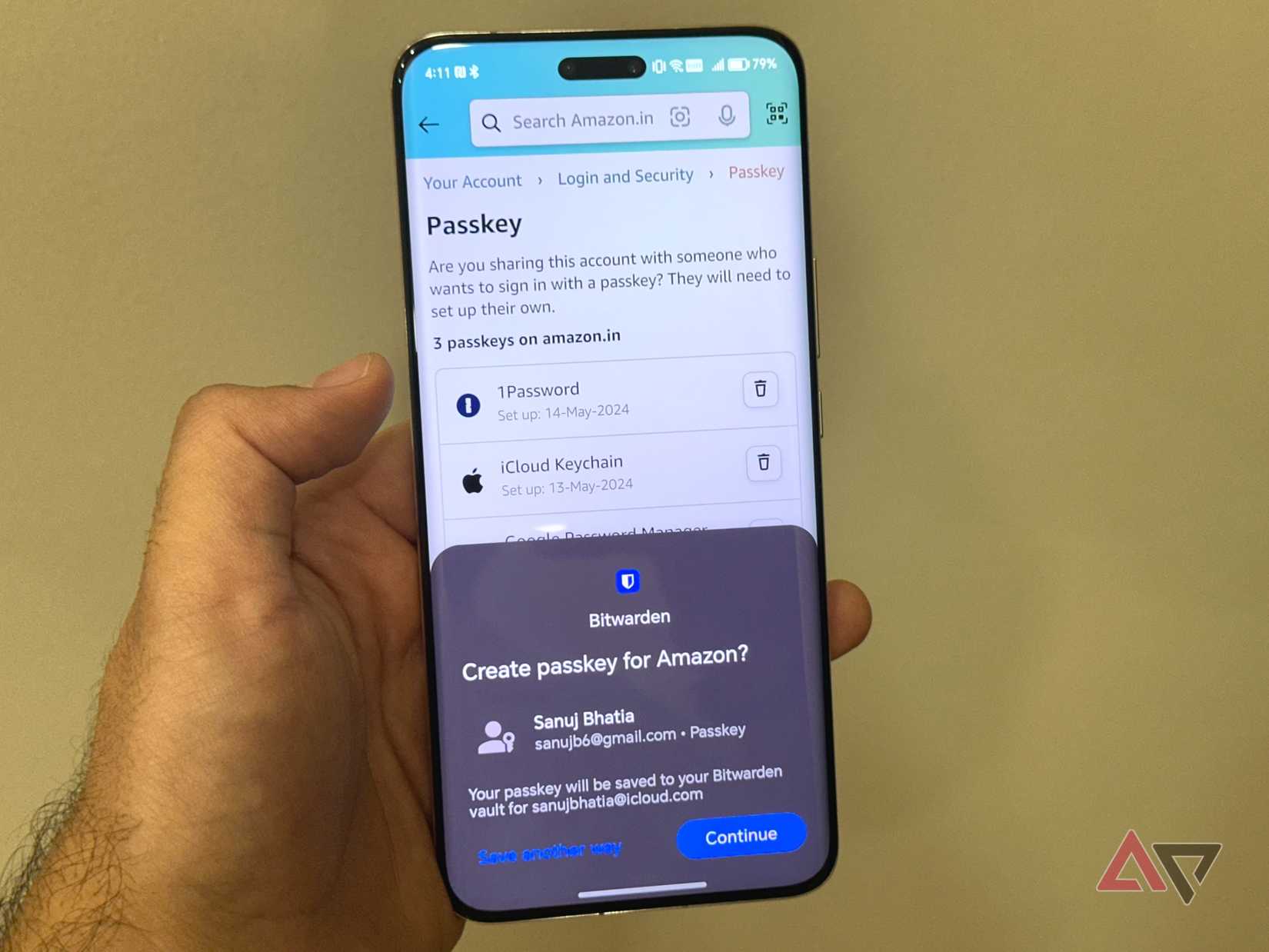
I downloaded Google Password Manager and Bitwarden and started moving my passwords and passkeys across.
This took a little longer than expected, as Bitwarden doesn’t offer a step-by-step guide for importing passwords and passkeys. Nevertheless, I found the option, selected the option to import, and watched it fail.
For some reason, Bitwarden couldn’t import passwords from my personal Google account, and no amount of troubleshooting fixed it.
However, my work Google account paired beautifully, and I discovered how brilliant this new feature is at transferring my accounts across apps.
Android now makes transferring passwords as easy as it can be
I was shocked at how simple the new procedure is
Importing my work passwords and passkeys into Bitwarden couldn’t have been easier. I selected the Google account, biometrically verified my identity, confirmed the data transfer, and it was done in a second.
It was a relatively small number of passwords, but Google’s claim of “a few seconds” is certainly true.
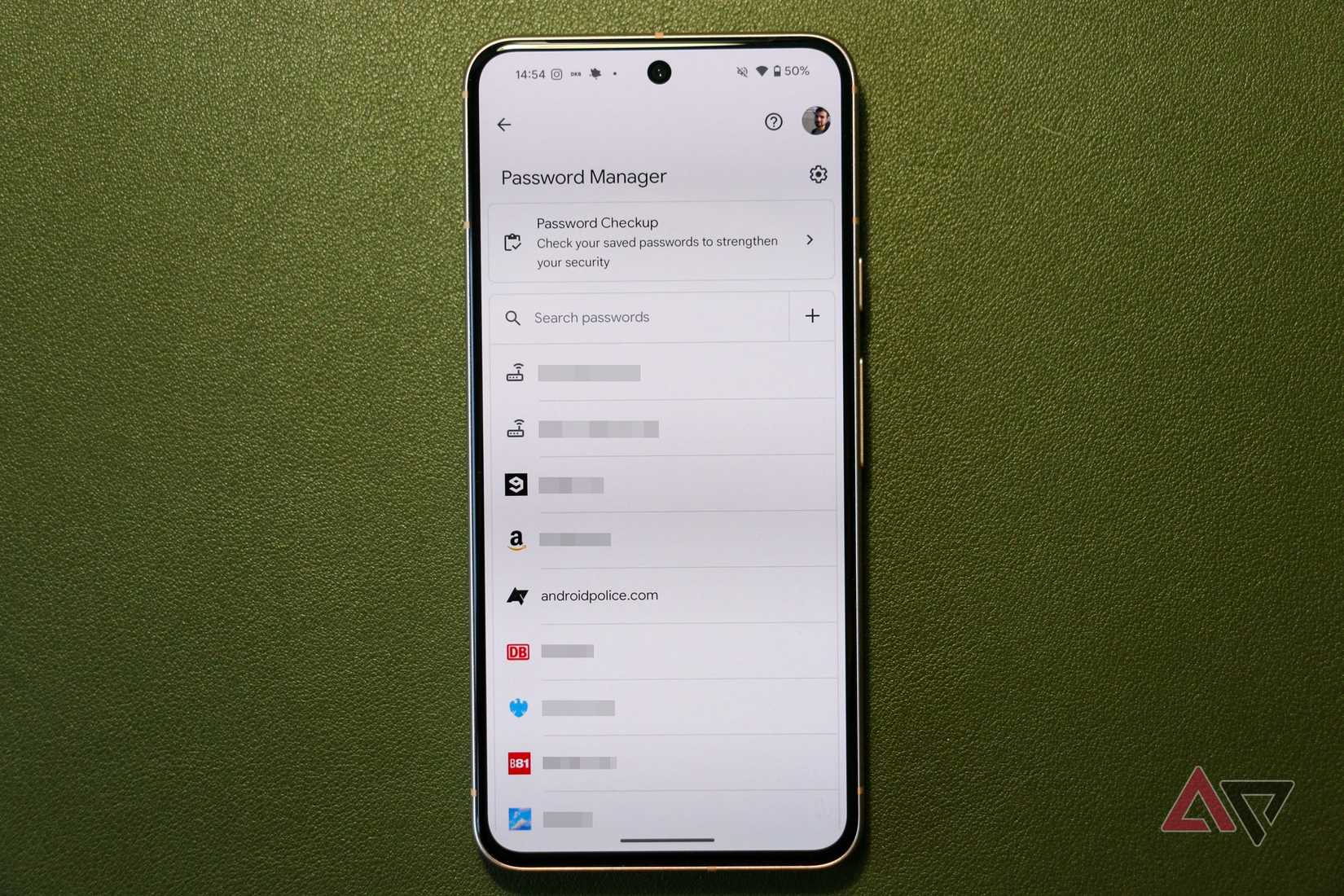
I then tried it the other way around, importing my Bitwarden passwords into Google Password Manager. It was even simpler, as Google’s import/export options are easier to find.
Importantly, all my passkeys transferred over. Password managers can be inconsistent about how they read and store passkeys, but I had no problems with Google Password Manager and Bitwarden.
Now that transferring passkeys and passwords is easier than ever, here’s why I won’t be returning to Google Password Manager.
The best password managers have essential features that Google doesn’t offer
I don’t rely on Google Password Manager anymore
I have three major problems with Google Password Manager that the app hasn’t resolved. While the app has improved, it still has a long way to go before I’ll use it again.
First, I cannot access Google Password Manager in any browser except Chrome. At a time when I’m trying to wean myself off Google’s services where appropriate, this is a dealbreaker.
Second, the app has no master password requirement. Yes, there’s biometric authentication, but a master password gives me more peace of mind.
Third, Google Password Manager only stores accounts. Bitwarden can store credit cards, IDs, and secure notes. Other apps can store more items.
If you’re happy living in Google’s ecosystem, it’s great. For the rest of us, a third-party option like Bitwarden is best.
Proton Pass is my preferred password manager, but Bitwarden is equally good. It’s better now that I can import my work passwords and passkeys. (It’ll be perfect when I can import my personal passwords.)
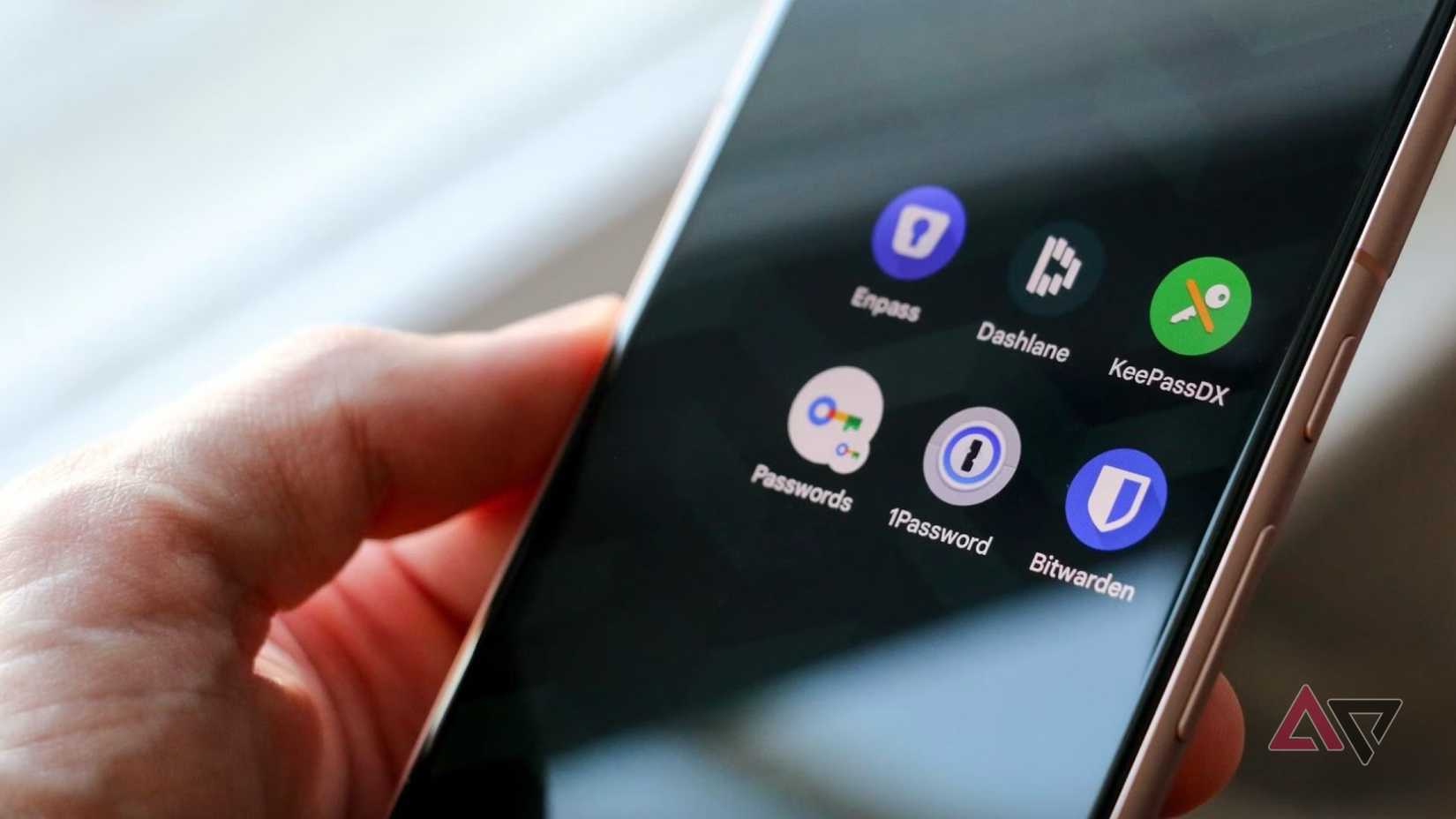
At the time of writing, Android’s new import/export process for passwords includes Google Password Manager, 1Password, Bitwarden, and Dashlane. Support for more (hopefully including Proton Pass) is on the way, according to Google.
Regardless of which password manager you choose, now is the time to switch
As long as you want to switch to a supported app
I’ve been having a strange amount of fun importing and exporting my passwords across password manager apps. I cannot stress enough how easy it is (assuming it works in the first place) to move passwords from one app to another.
Different password managers offer different features (surprise), and I still maintain that Google Password Manager is the weakest choice. But the new transfer tool works for some of the best, so choose one, import your passwords in seconds, and see if it’s a better fit.
The less I see of my passwords, the better
While I was always in control of downloading password files, and I made sure to delete them afterward, I never felt comfortable moving these sensitive files around.
Android’s new transfer tool, available on all devices running Android 8 or newer, solves this major security issue. Now it’s time to see how many more passwords I can turn into passkeys.