

Of all the streaming services and platforms out there, YouTube remains my favorite.
I don’t stress about sudden price hikes like Netflix, aside from YouTube Premium increases, and I also don’t have to worry about losing channels or content disappearing overnight, the way it happened during the recent YouTube TV-Disney breakdown.
YouTube runs on independent creators and offers plenty to watch for everyone.
The company has recently rolled out several features and updates, including introducing YouTube Recap for videos for the first time, consistently improving the experience for viewers.
However, there is one simple feature I keep wishing for. A feature that feels so obvious that it almost surprises me that it still does not exist. It’s time, YouTube, you need to let users add checkpoints to videos manually.
You still cannot manually save your own video timestamps on YouTube
A missing option that would let users mark important moments for later revisits
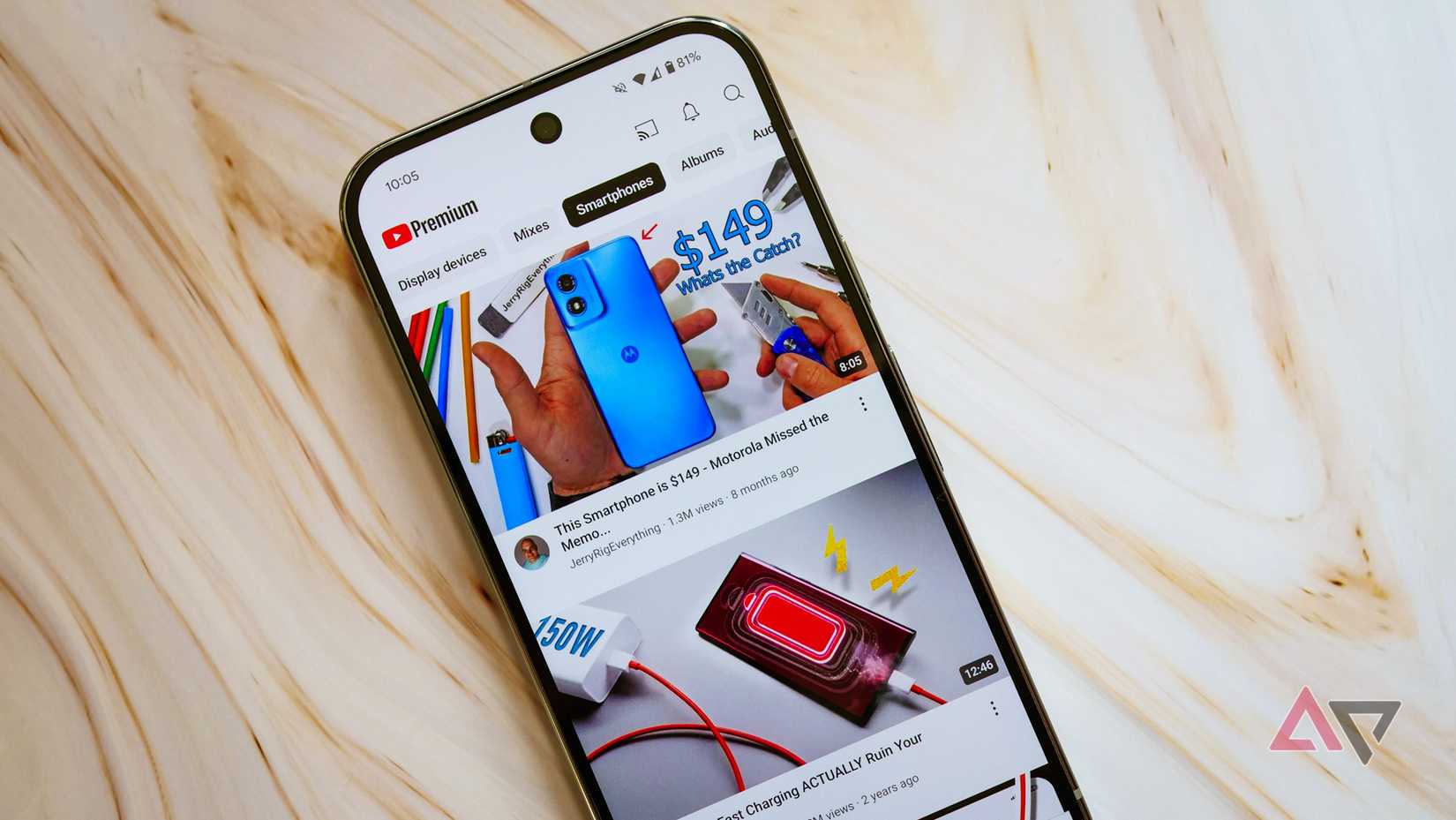
Right now, YouTube doesn’t offer any feature that lets users revisit a particular timestamp (or what I’d call a checkpoint) in a video they’re watching.
Currently, the closest workaround you have is dropping a comment with a timestamp to reference later. It works, but it’s clunky.
You have to scroll down, open the comments section, type the timestamp or tap the time button, add some context about why you’re saving it, and then post the comment.
Even then, you have to remember which video you commented on just to find that exact moment again. It’s actually a workaround and not a real solution.
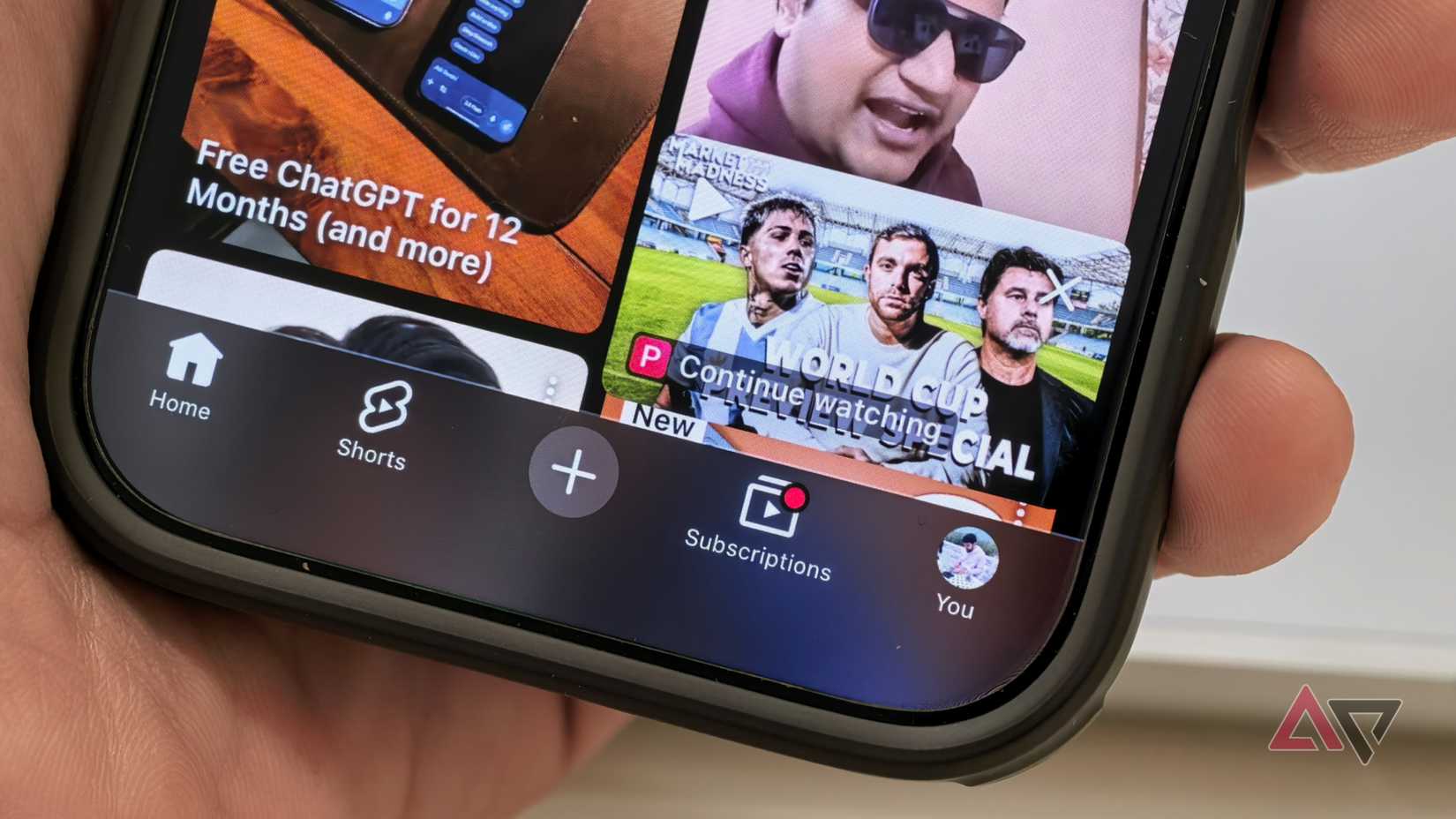
Similarly, YouTube lets you return to your last-watched position through the Watch History section or via the Continue Watching feature when you reopen the app after closing a video.
However, this only brings you back to the moment you left off in a single video. It’s not something you can save manually unless you close the video each time at the exact moment you want to revisit — and that still only works for one moment per video.
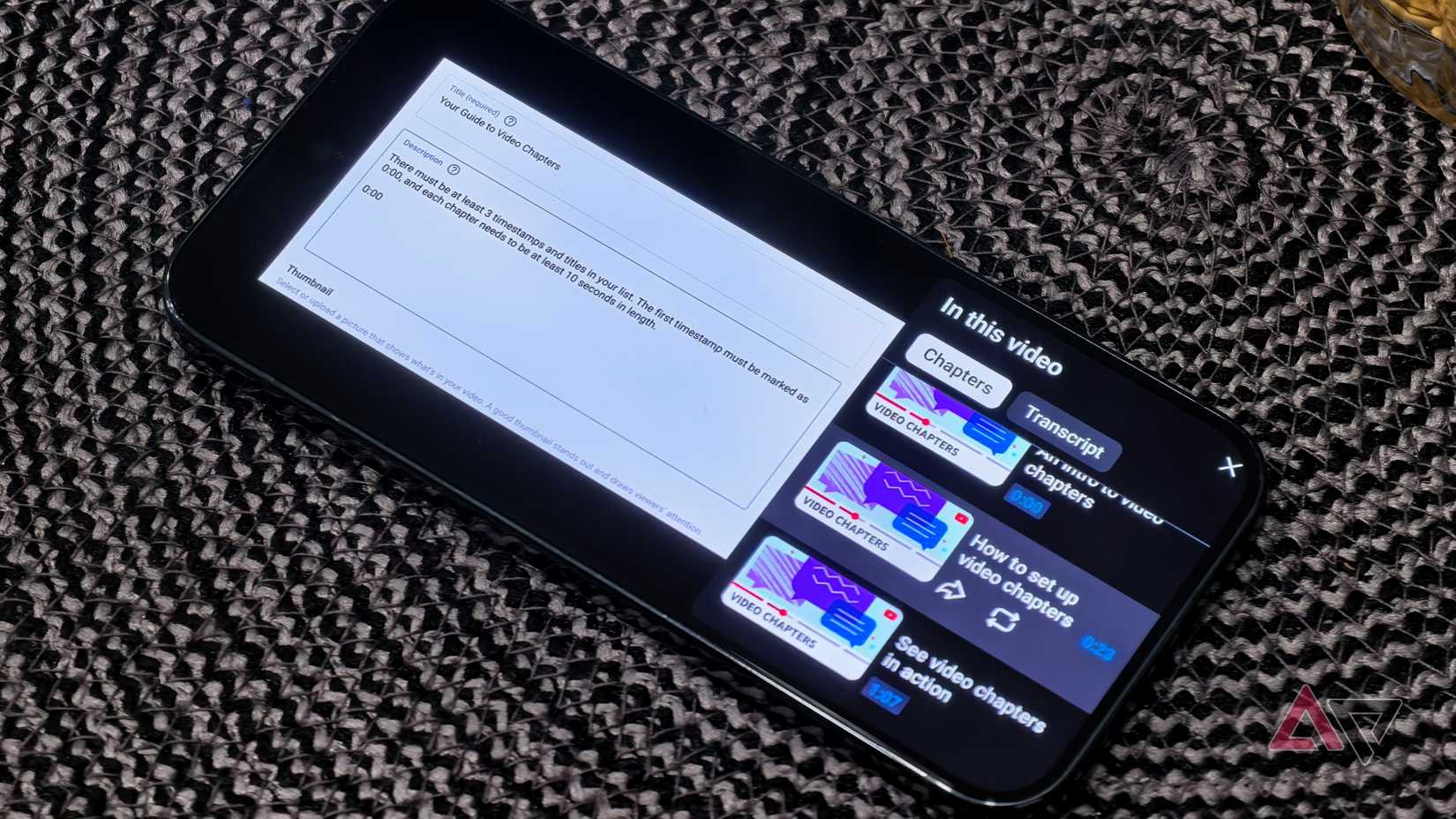
The closest feature you get is chapters while watching a video. YouTube offers a chapter system that lets creators divide their videos into sections based on timestamps, making it easy for users to jump between segments by reading the title of each chapter and tapping its timestamp.
But then again, this relies entirely on creators. Chapters only exist if the creator enables it in the YouTube Studio and sets them up when uploading the video.
There’s no way for a viewer to create their own chapter or timestamp marker from their side (unless you note down the timestamps individually for every video in a note).
The feature I imagine would solve this completely and make YouTube far easier for users like me.
Video checkpoints could fix this and make YouTube much more helpful
Quick markers would help you return to key moments
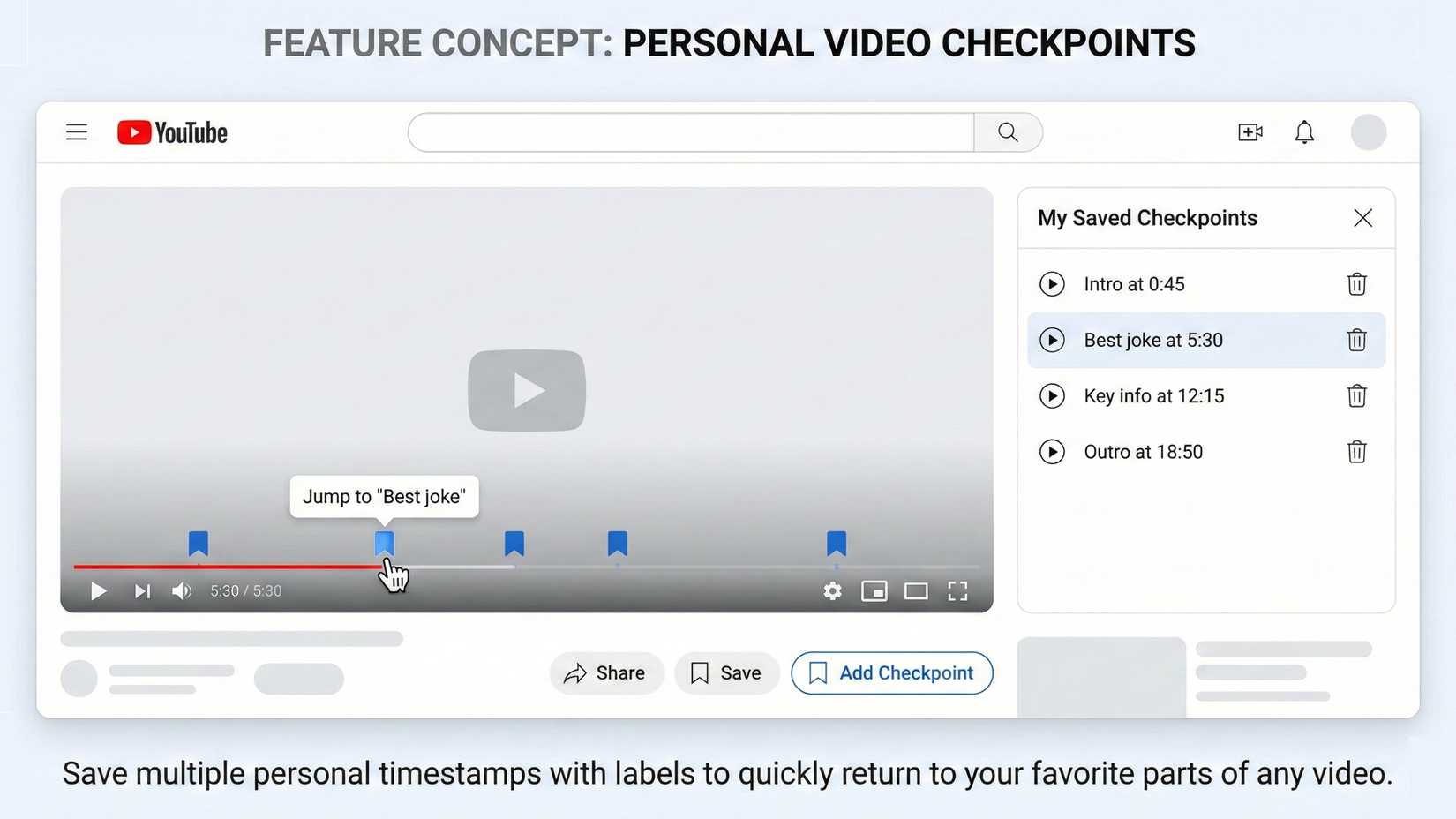
The feature I want YouTube to add is video checkpoints. Similar to how creators can create chapters for their videos in YouTube Studio, YouTube should let users create their own timestamps (and save multiple timestamps in a single video) that sync across devices.
This would let users, like me, jump back to the exact moment I want to revisit without any workarounds.
It sounds pretty simple, doesn’t it? While watching a video, you’d tap a small icon to save the current timestamp and maybe give it a short label if you want.
These checkpoints would then appear inside the seek bar or in a small overlay menu. Tap one, and you instantly jump back. You could save multiple checkpoints in a single video or across different videos you plan to revisit.
This would instantly improve the YouTube experience, in my opinion. Think about saving key points in lectures for students, marking sections in long documentaries you want to watch in parts, saving moments in live football discussions, or quickly jumping to a specific feature in a tech review.
A feature like this would be incredibly useful in my opinion.
A Chrome extension called YouTube Timestamp Saver does exactly this, but YouTube doesn’t support it natively on the web or in the app.
YouTube has improved almost everything else, but misses this one
Over the past few years, Google has added some genuinely useful features to YouTube. The new UI YouTube rolled out in 2025 is pretty lovely in my opinion, and looks great across all devices.
However, this is one of the features I’ve been waiting for a long time, and I hope YouTube integrates it soon.
While you’re here, you might also want to check out the other YouTube tips and tricks I rely on daily to make the experience even better (and they could help you too).











