


When we think about the biggest Google apps, we tend to think of everyday essentials like Gmail, Drive, and giants like YouTube and Search.
However, most of the Google apps you use on your smartphone are mobile ports of desktop apps and websites.
There are a few exclusively mobile Google apps, and the best one just celebrated its 15th birthday. That’s right, Google Play Books is now 15 years old.
Google celebrated the occasion with a mediocre blog post and a pitiful offer of 15x Play Points on any Play Books purchase.
There’s probably not enough Gemini in the app to make it worthy of an actual celebration by Google.
Nevertheless, Google Play Books has been my steadfast companion since I first got my Android phone. Here’s why.

Google Play Books is the most convenient place to store and read books and documents
Limited to PDFs and ePubs, but still invaluable
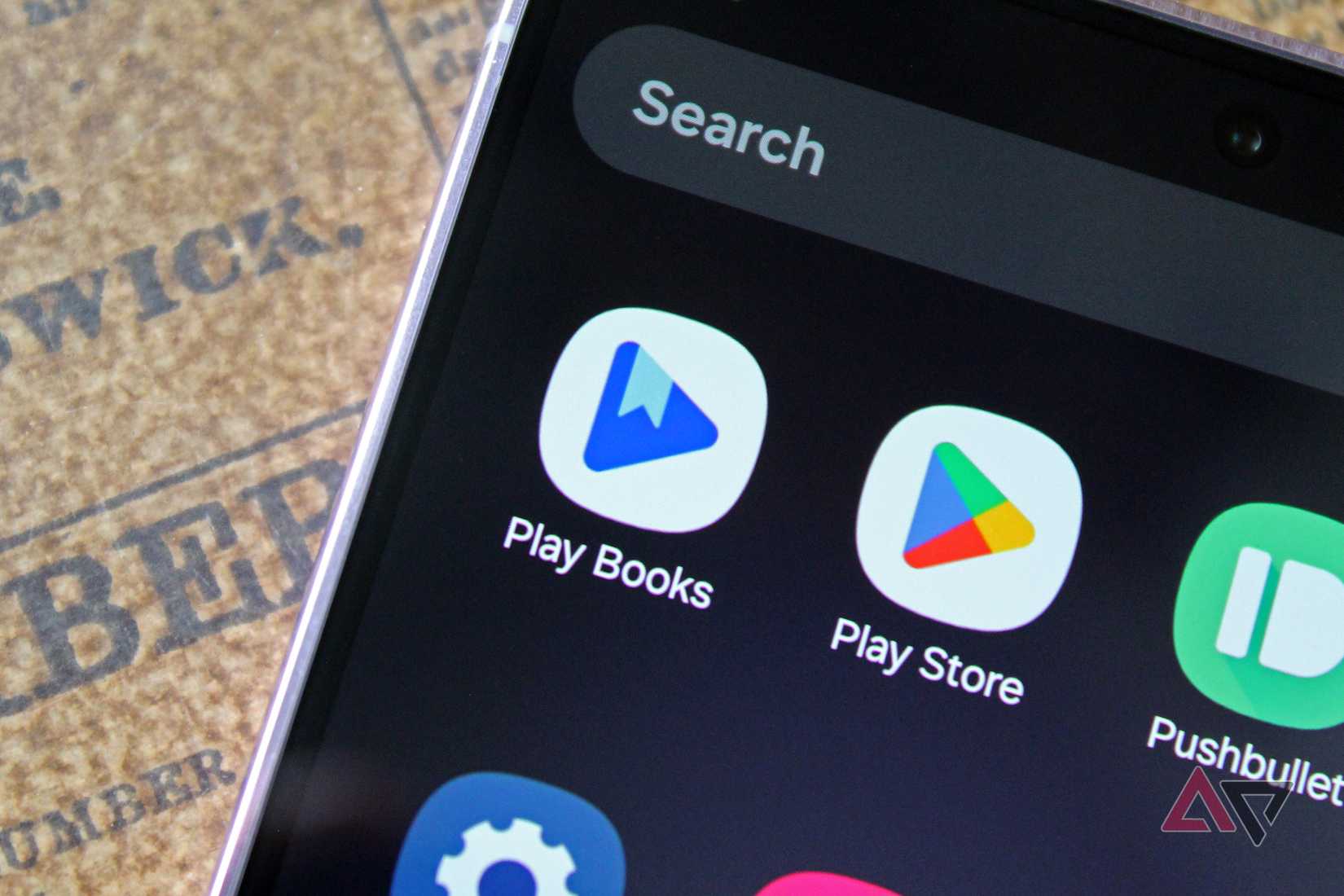
Play Books is a crucial element of my daily reading habit.
While I use other reading apps like Libby to search for and read new books, Play Books is the app that has sustained my reading over the years.
Not only have I read more books in my free time than I can remember, thanks to the app, but I have found it to be an invaluable assistant during my university and professional career.
I won’t stand up and say you must use Google Play Books or that it’s better than all other e-reader apps.
Half the app is a storefront for buying new books, so if you just want an app to read your e-books on, I recommend something like ReadEra.
Nevertheless, I don’t plan on giving up Play Books anytime soon. Still, when I look to buy a new book, Google’s digital storefront is the last place I check.
First, I’ll check Libby to see if I can read it for free. Then I check for a DRM-free copy through another storefront. Finally, I’ll return to Play Books.
Google allows you to download any book in ASCM format, so I can purchase a book and read it on all of my devices.
An e-book in ASCM format is not actually a book, but rather a set of instructions that allows you to read the book within the Adobe Digital Editions program. You cannot export the e-book as a PDF or ePub file without breaking the DRM.
Information on how to bypass the DRM exists, but you can download Adobe Digital Editions on your devices and read your books anywhere to access books legally.
The important part here is the versatility of Play Books.
Whether I’m storing DRM-free books, purchasing new titles through the Play Books store, or transferring PDFs between devices, Play Books has me covered.
Play Books stores over a decade of my reading material
I can’t remember when I didn’t rely on it for my e-books
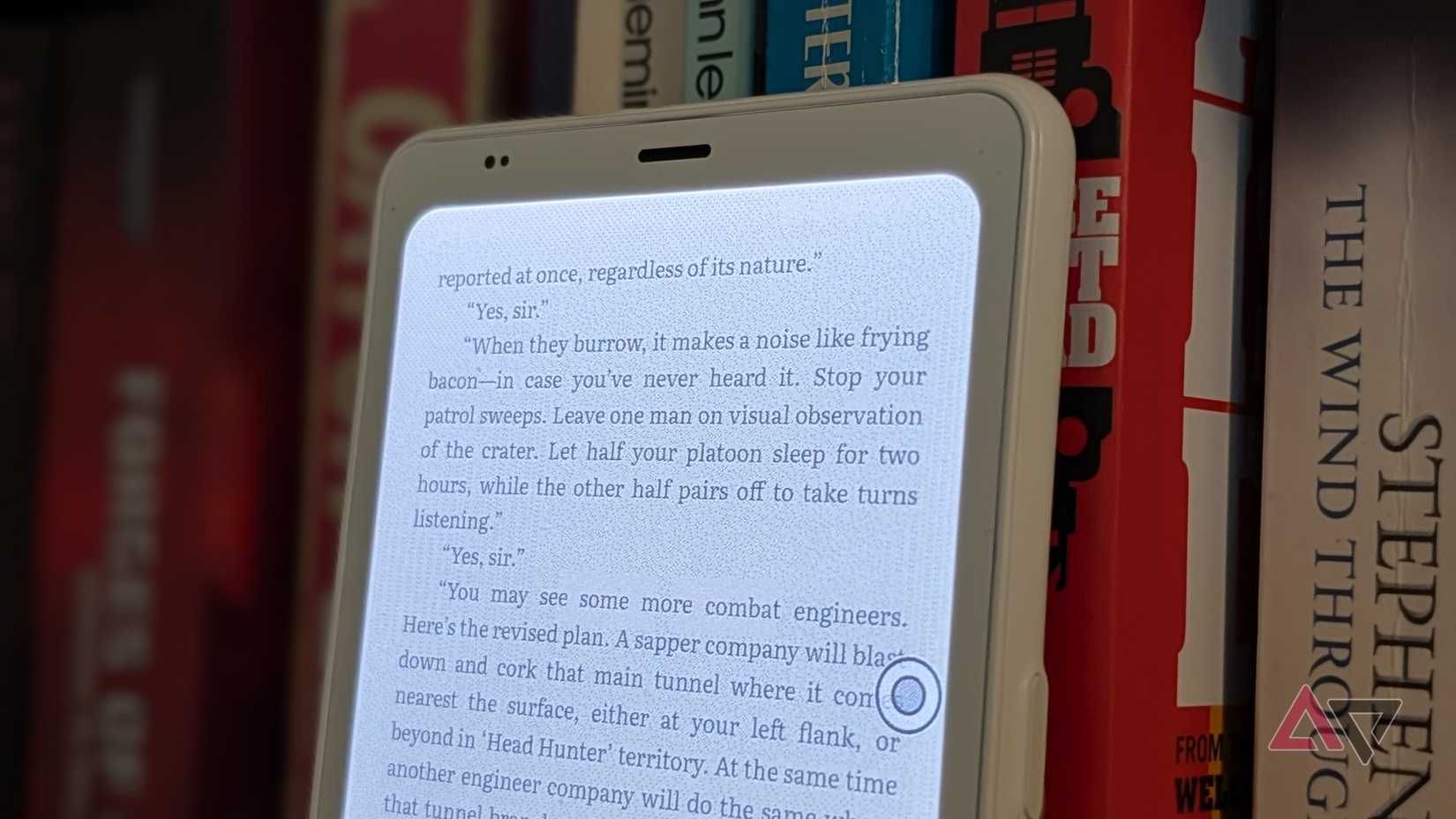
I fondly remember walking away from my first classes at university with a list of expensive textbooks I needed to buy. Worse, as a History major, I also had a massive list of non-fiction books.
There was no way I was going to pay for books I would only read once, so within an hour of careful research, I had all the PDF and ePub files on my device.
Then, I uploaded them to Play Books and cheerfully spent my university years using Play Books to organize, read, and annotate all my texts.
When you upload a file to Play Books, you can download it in the same format as your upload. Thus, Play Books simultaneously became my invaluable cloud storage app.
My Play Books library is much leaner than it used to be; I don’t have any more use for lengthy textbooks.
However, during the years when I was juggling textbooks, assignments, documents, required readings, and personal books, Play Books came to my rescue.
Part of why I love Play Books is that its organizational tools are simple and almost entirely manual. There are no silly AI tools or auto-labelling at play here.
If you don’t “shelve” your books, they live in whatever filter you’ve selected. Spreading all my various documents and books across the app’s shelves saved me from numerous headaches when I had more files than I could handle at once.
While the type of book I upload to Play Books nowadays is mostly fiction, I still consider it to be the best app for sorting my vast collection of e-books.
Play Books’ store is what the Play Store should look like
I never look for new apps using the Play Store. The endless “recommendations” and ads, mixed with irrelevant lists, mean that searching for new and exciting apps is best done through a search engine.
On the other hand, I love scrolling through the Play Books storefront. Recommendations are relevant, and it’s easy to pick up books for cheap thanks to the wishlist feature.
I rarely celebrate the anniversary of an app, but Play Books has been so invaluable to me that I would rather stop using Gmail or Drive.
So if you want to celebrate an AI-free app that gives you beautifully simple control over your ePub and PDF files, give Play Books a try. It’s one of the few remaining Google apps that prioritizes the user experience.










