


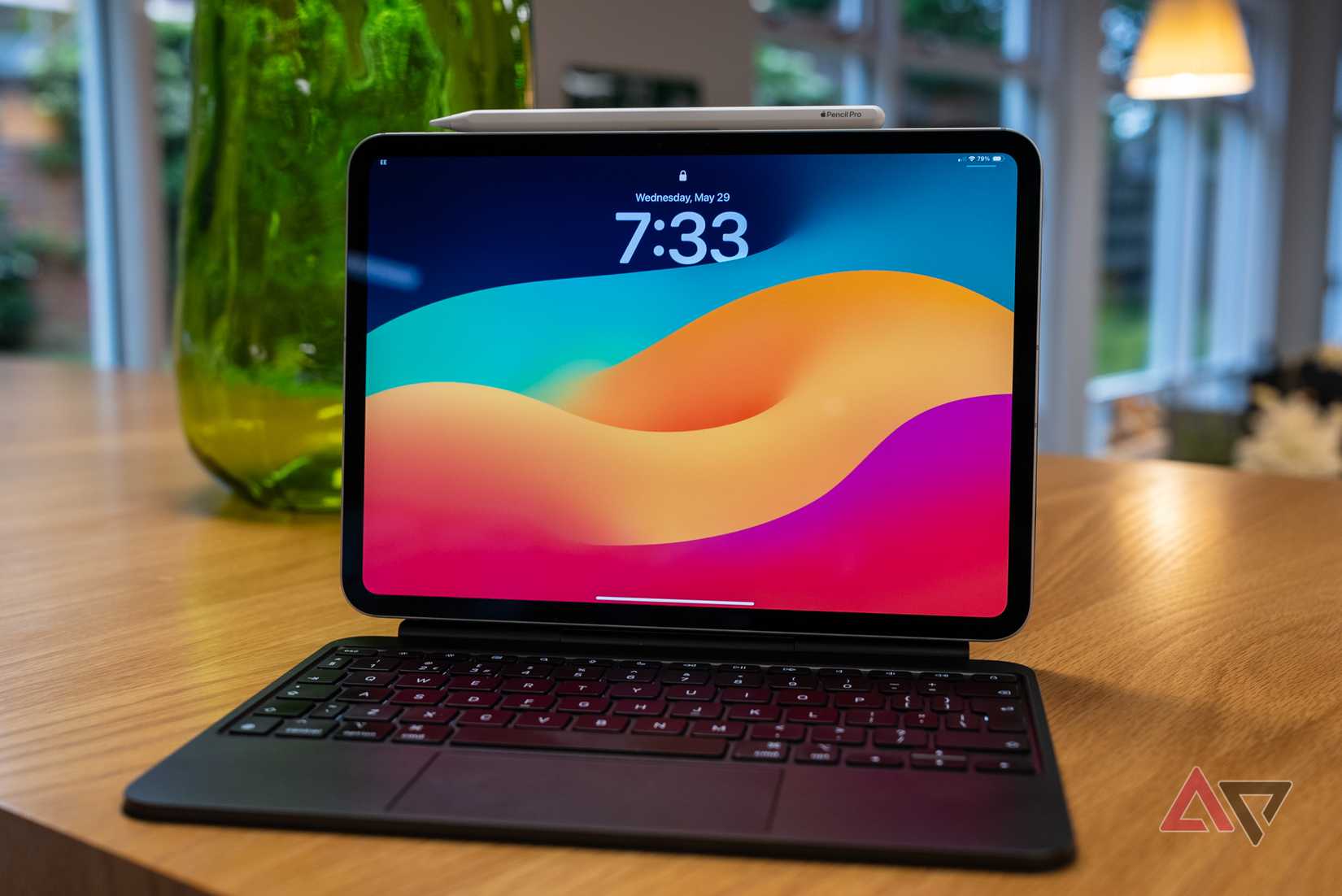
The iPad Pro is easily one of the best pieces of tablet hardware you can buy.
Apple’s M-series chips are powerful enough to beat a lot of entry-level laptops, and the design still feels ahead of everyone else. However, the problem is iPadOS.
Even with all that incredible silicon, the software still behaves like iOS scaled up.
Stage Manager was meant to fix multitasking, but Apple, being Apple, didn’t deliver the total freedom that power users really want. It pushes you into presets, which stops you from fully customizing layouts.
Enter Android 16. Google’s latest OS update seriously improves Desktop Windowing, making it feel a lot more like using a laptop.
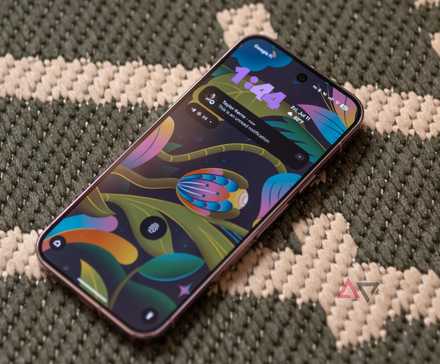
The desktop experience on Android vs. iPad
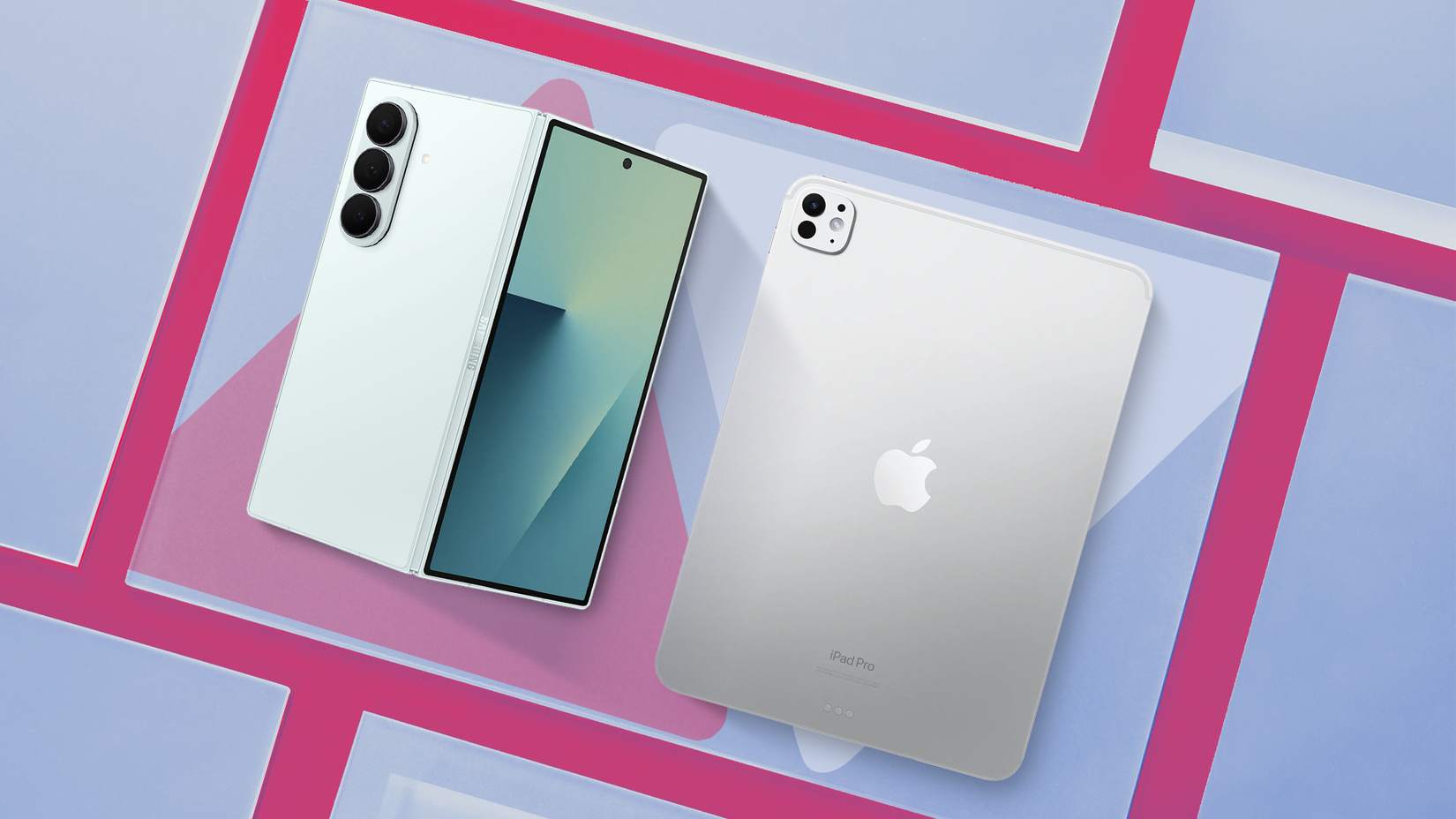
Credit: Lucas Gouveia / Android Police | Samsung
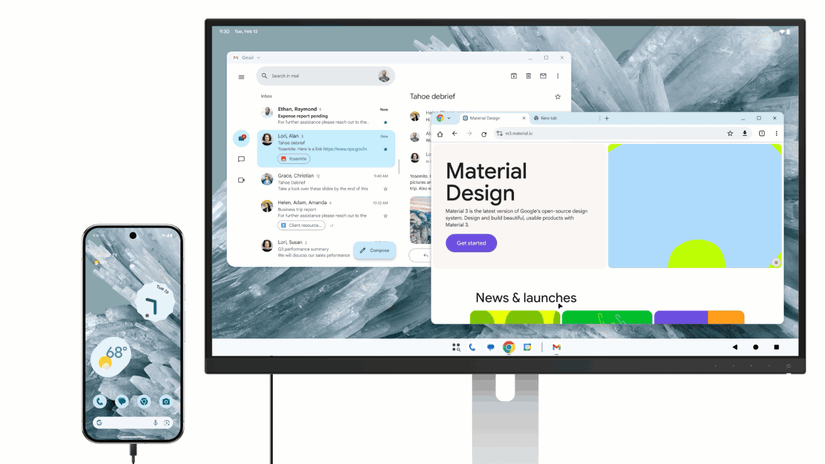
When you connect a monitor to an Android device that supports DisplayPort, Android 16 can start a desktop session.
You’ll see a familiar taskbar at the bottom showing running apps and a launcher. From there, you can pin your favorite apps and open the full app drawer.
App windows in this mode come with draggable title bars and standard controls for closing, minimizing, and maximizing. You can snap windows, too.
While iPad offers the same controls, it’s a two-step process that involves tapping or hovering the “…” before the window controls show up. Considering how often you do this, that extra step can get on your nerves.
Another thing I don’t like is the disappearing taskbar (Dock on iPadOS). On the iPad, if an app window goes full screen, the dock hides, and you can’t have the window covering the bottom part of the screen where the dock lives.
Android’s taskbar, on the other hand, is always visible unless you choose to turn it off. Then it behaves similarly to the iPad.
Android’s window management beats iPad’s Stage Manager
Credit: Google
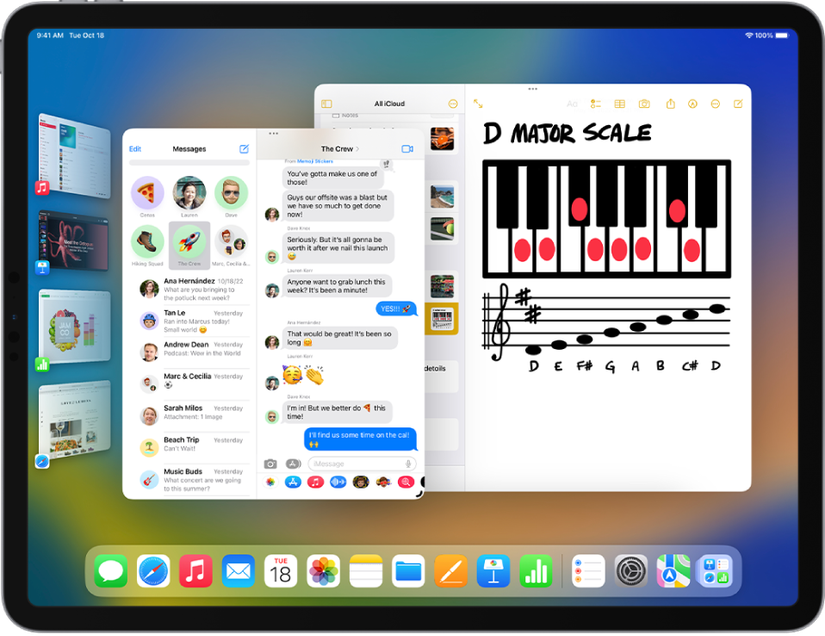
Stage Manager on iPadOS actively manages windows by monitoring when you move or resize one, then adjusting the others to keep things neat.
Though it aims to stop clutter, it can make window movements unpredictable and take time to get used to. When I’m working across multiple layers of information, this behavior interrupts my flow and takes up more space than necessary.
Credit: Apple
Android 16 uses passive window management. If you drag Window A over part of Window B, Window B stays exactly where you left it, and the OS doesn’t move it around.
You can get something similar on iPadOS if you switch to Windowed Apps instead of Stage Manager.
However, that means losing access to multiple virtual desktops, which makes organizing harder.
Android gives you the best of both worlds. You get both the full window control and access to multiple virtual desktops.
Bonus: Skip Android and run Linux instead
Credit: Jules Wang / Android Police
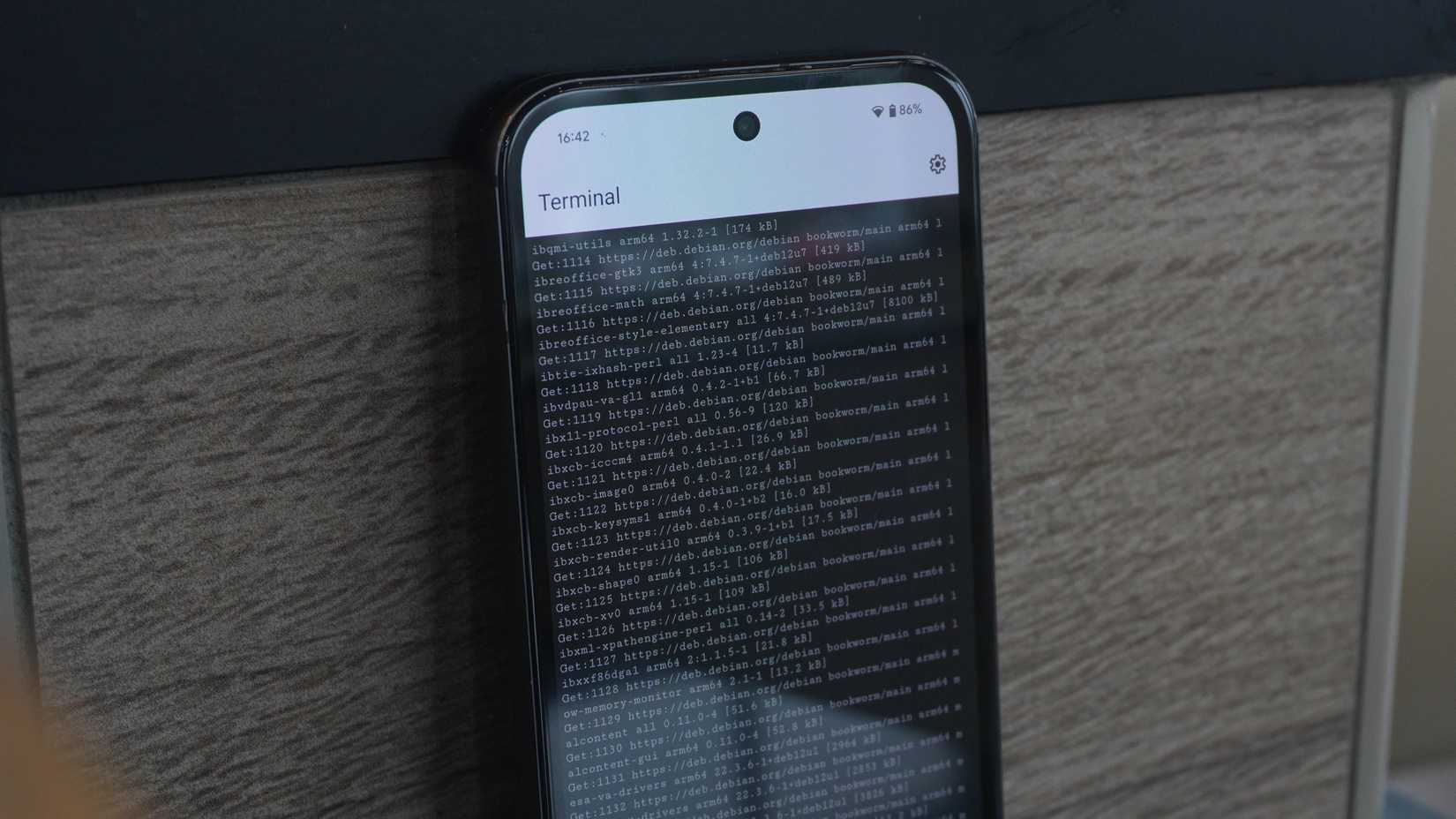
Not a fan? No worries. A major advantage Android 16 holds over iPadOS, proving its value as a workstation, is the Linux Terminal powered by the Android Virtualization Framework (AVF).
AVF, you run Debian Linux on your phone. You can run desktop Linux apps like GIMP, LibreOffice, and even play DOOM alongside your Android apps.
There’s simply nothing like this on iPadOS.
What Android needs to fix for a perfect windowing mode
While the core architecture is impressive, it isn’t without problems. One big problem is Android’s fragmentation. The biggest limit comes from hardware requirements.
To get the desktop experience on an external display, your device needs to support DisplayPort Alternate Mode (DP Alt Mode) through its USB-C port, which limits compatible devices.
Also, even though the OS supports freeform windowing, it can’t instantly update every existing Android app. A lot of legacy Android apps were made for rigid phone orientations.
Android 16 does its best to help apps adjust with compatibility tweaks, but resizing windows can still lead to issues like UI elements going off-screen or overlapping.
Moreover, some users say that using this mode on certain monitors makes text and icons appear too small. This shows that scaling still isn’t quite right yet.
These problems should get better as the platform grows, but for now, they’re causing some instability.
Android’s desktop mode changes hardware value forever
Desktop windowing makes the idea of a separate desk tablet unnecessary for many productivity users.
Devices like the Google Pixel 10 can turn from a pocket-sized phone into a workstation by simply plugging into a USB-C hub and monitor.
This changes the way we think about hardware value. While Samsung DeX has offered something similar, Android is going to make this a universal feature.
It works fully on compatible flagship phones as well as on dedicated tablets. If you mostly need a windowed setup for office work or research and already have a high-end Android phone, there’s no need for a separate device like an iPad Pro.










