


Android Auto simplifies driving, but recently, it feels like I spend half my commute battling with it.
Don’t get me wrong, I rely on it every day, and when it works, it makes my drives safer and less stressful.
It links your phone to your car, allows access to Google Maps on a larger screen, facilitates hands-free message responses, and keeps your playlists easily accessible.
However, the rough edges have become impossible to ignore.
Between inconsistent behavior across cars, random feature regressions, and a surprising number of annoyances Google still hasn’t addressed, Android Auto has become unreliable.
After depending on it nearly every day, I’ve collected a list of persistent issues that turn every drive into a tech troubleshooting session.
Here’s what Google still needs to get right.

Google Assistant isn’t always listening when you need it
Credit: Lucas Gouveia / Android Police | PixieMe / Shutterstock
For something that’s supposed to be hands-free, Google Assistant still manages to miss the moments when I need it.
I can say “Hey Google” in the same tone I’ve used a thousand times, and Android Auto will sometimes ignore me.
The worst part is its inconsistency. Some days, Assistant works fine. On other days, I can repeat the command three times, slightly louder each round, and Google Assistant still won’t respond.
When I’m trying to ask for a detour, reply to a message, or start a playlist without taking my hands off the wheel, that inconsistency makes matters worse.
There are alternatives for this, such as using the steering wheel button or long pressing the microphone icon on the screen. However, the whole point of Android Auto is not needing to poke at anything while driving.
When I can’t trust the core voice feature to respond reliably, the entire system feels less safe and less polished.
It is one issue I wish Google would stop treating as a minor annoyance and finally solve at the system level.
Wireless Android Auto isn’t reliable enough
Credit: Lucas Gouveia / Android Police
I enjoy the freedom that comes with wireless connectivity because it eliminates the hassle of dealing with cables. However, it lets me down just enough to remind me why I still carry a cable.
Some days it connects instantly. On other days, it refuses to handshake at all, forcing me to troubleshoot the issue by toggling Bluetooth or restarting the head unit.
Even when it does connect, it’s not unusual to see maps lag, music stutter, or apps freeze for a few seconds before recovering.
On longer drives, the connection sometimes drops out for no reason, leaving me staring at a blank screen while my car tries to re-pair with my phone.
I know a lot of this depends on the car’s hardware, the model year, and the local wireless environment, but that’s part of the problem.
Google has improved Android Auto’s stability over the years, but wireless performance remains unpredictable compared to plugging in a USB-C cable.
Updates feel slow and fragmented
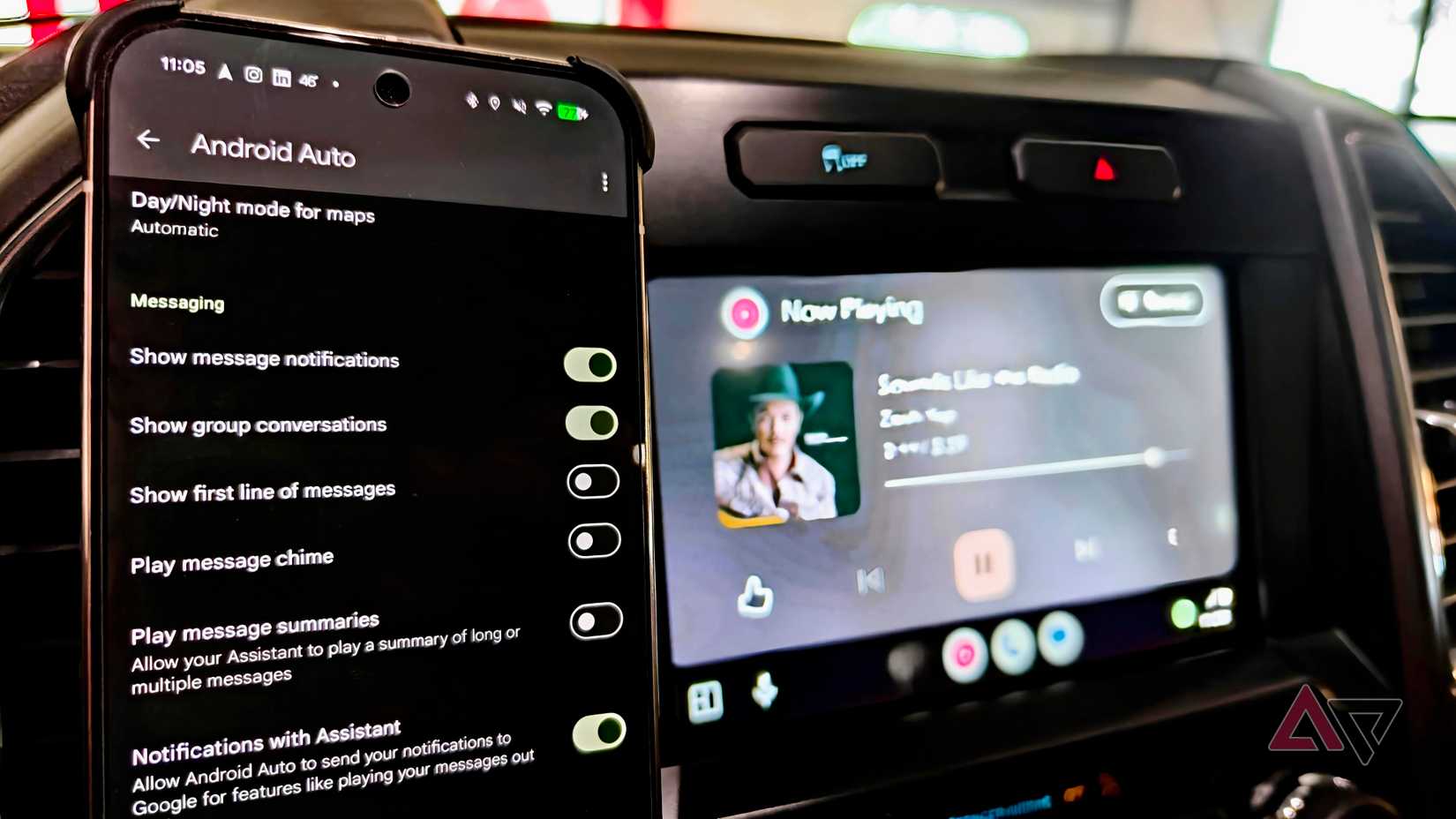
Android Auto’s update pace still feels oddly scattered.
Some cars get visual redesigns months before others. Some phones receive new Assistant or messaging improvements immediately, while others sit in limbo even though they’re running the same Android version.
Since new features roll out inconsistently across regions, it’s difficult to tell if a glitch is the car’s fault or Android Auto’s.
It’s impossible to know when (or if) a fix is coming, because so many updates are pushed quietly through Play Services.
When Google rolls out genuinely helpful improvements, like faster startup or improved notifications, there’s no clear timeline for who gets what.
I don’t need every update instantly, but I do wish the rollout process felt a little more transparent.
Customization is almost nonexistent
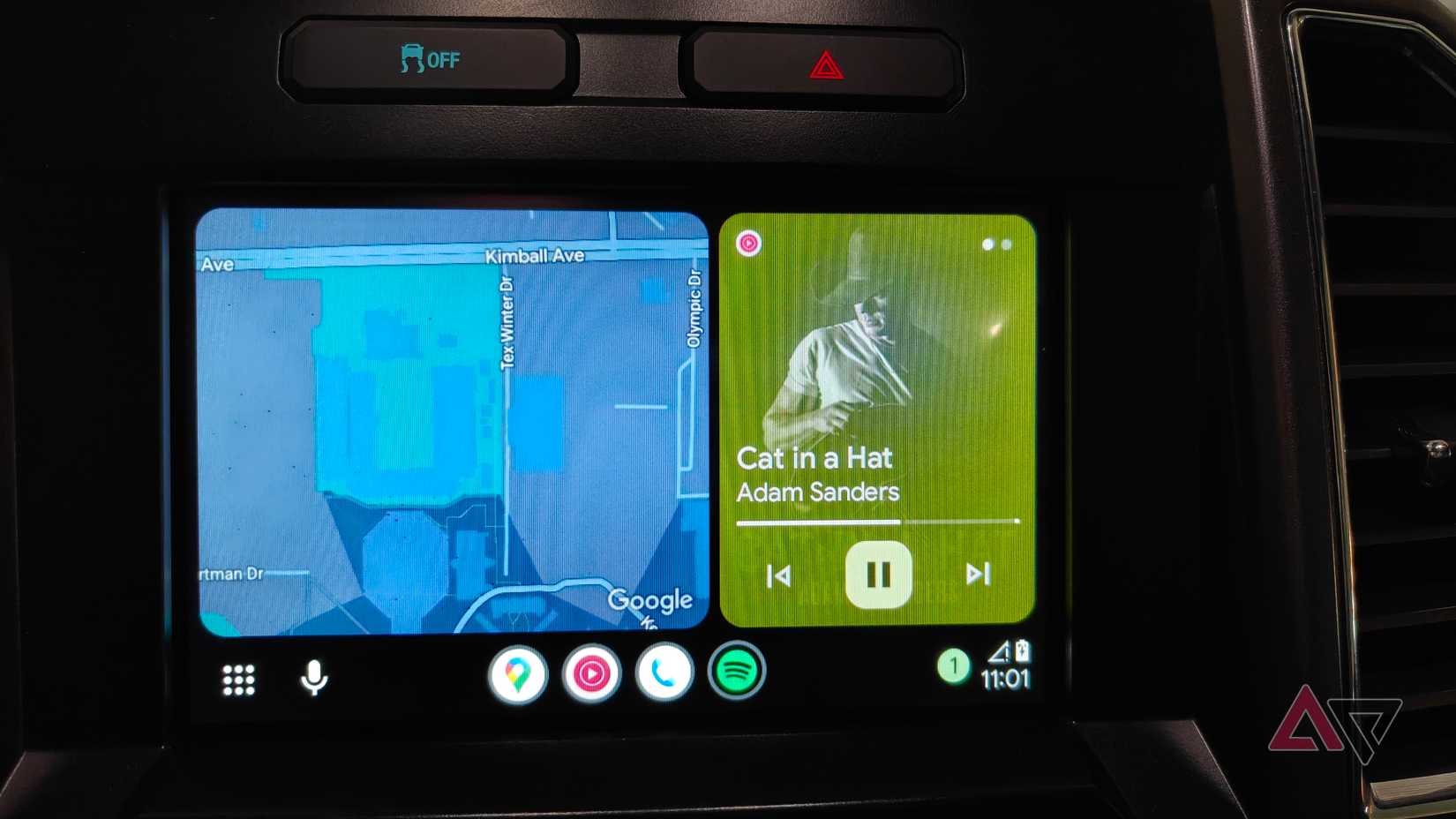
For something I use almost every single day, Android Auto gives me shockingly little control over how it looks or behaves.
I am not asking for special themes or a complete home screen redesign; just the ability to customize the interface to suit my usage.
Although I can rearrange the apps, I still cannot find a way to add my most frequently used actions to the dashboard.
Another problem I have with Android Auto is that I cannot personalize the split-screen layout in any meaningful way.
I know I can choose between two layout preferences in the mobile app settings. However, I want the ability to customize the split-screen experience.
For instance, I would like the ability to resize panes the same way I can on a phone or choose which apps pair together.
My phone lets me tweak everything from accent colors to gesture behavior, yet Android Auto insists on a one-size-fits-all experience.
Android Auto is still the best option, but it’s far from perfect
Even after all these years, Android Auto remains the most essential part of my daily commute, but also one of the most frustrating.
It already does so much right: seamless navigation, hands-free messaging, and just enough glanceable information to keep your eyes on the road.
But when it stumbles, it reminds me that Google still hasn’t fully solved the basics.
Problems like flaky wireless connections, an assistant that sometimes refuses to answer, and slow updates make Android Auto feel frustrating.
If Google smooths out the rough edges, the future of connected driving could feel less glitchy.










