


The Samsung Galaxy flagships, like the S25 Ultra, show what mobile engineering can achieve.
The hardware is flawless. The screens are top-tier, the cameras lead the industry, and the build quality feels premium. This device is why many power users stick with Samsung.
However, software can sometimes be a sticking point. One UI often undergoes sudden changes that seem more focused on style trends than on improving core usability.
One example is the Quick Panel issues that started with One UI 7.0. Samsung made a mistake in UX design. Luckily, the update wasn’t all bad. We also got some customization options.
But really, you could only rearrange the tile order. Now, One UI 8.5 promises the full customizability people have been waiting for.
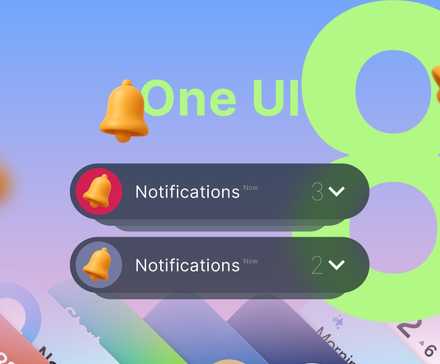
The missed opportunity for customization in One UI 7 and 8
Credit: Lucas Gouveia/Android Police | Leny Studio/Shutterstock
Before One UI 7.0, the process was simple and intuitive. Swipe down once from anywhere to see notifications and the main toggles, then swipe again or use two fingers to open the full Quick Panel, making everything easy to get to.
One UI 7.0 and later versions broke this flow by splitting the interface. Notifications were moved to the upper-left of the status bar, while Quick Settings could only be accessed from the upper-right swipe.
The main problem with this forced layout is poor ergonomics, especially on big phones like the Galaxy Ultra series. Making things worse for ergonomics, One UI forced large, always-visible SmartThings and Smart View buttons that many users rarely use.
Still, you can always switch back to the old style if you want, but there never should have been a need to make One UI feel so iOS-like in the first place.
Fast-forward to One UI 8, and there are no meaningful additions to customization. It was more of a maintenance update rather than a true upgrade.
Good Lock tried to help, but some limits are baked in
Credit: Lucas Gouveia / Android Police
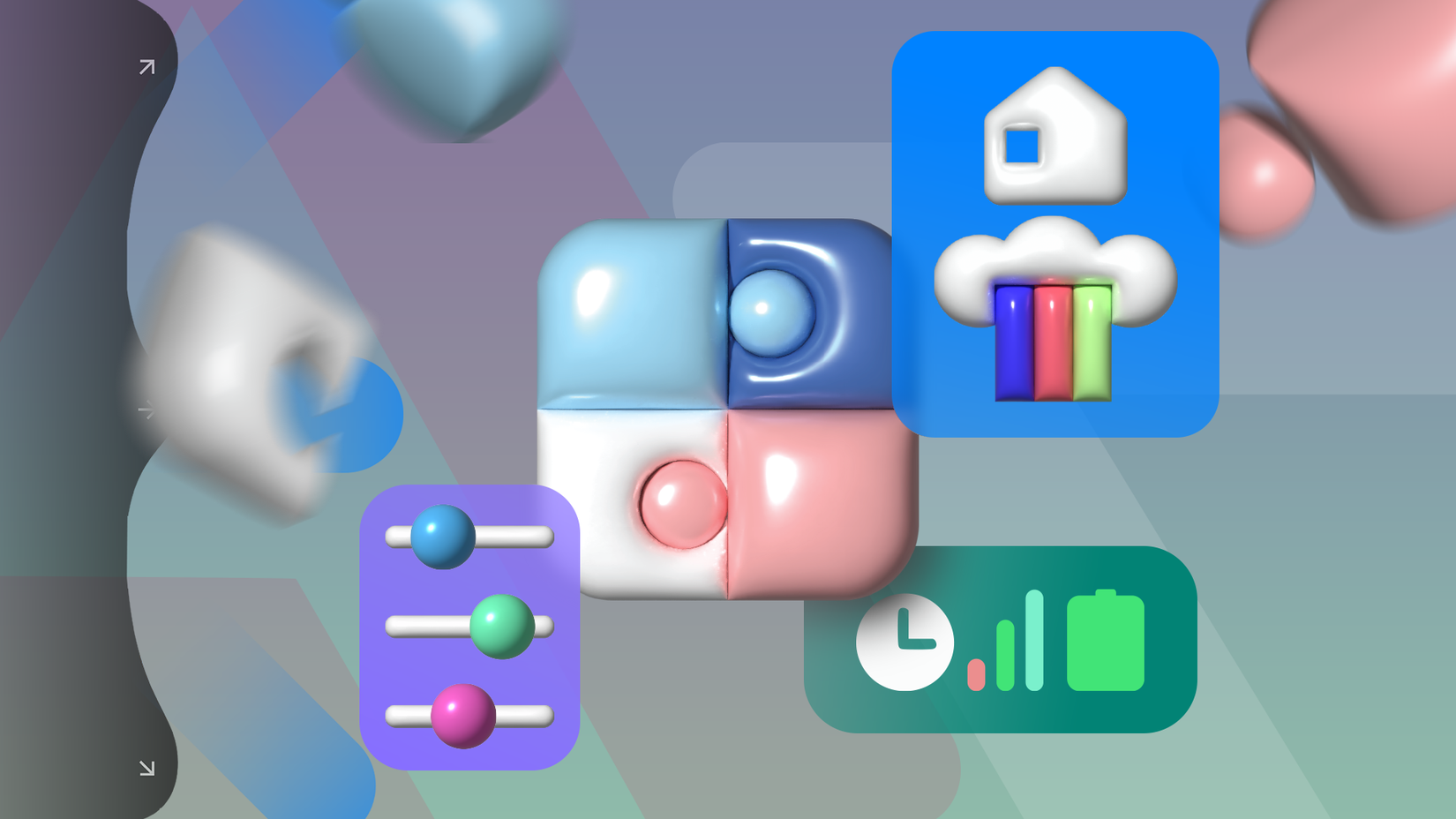
The ongoing problems with the Quick Panel pushed many power users to turn to Samsung’s customization tool, Good Lock.
After all, modules like QuickStar exist because the core One UI experience doesn’t offer enough control for users who want fine-tuned customization.
Even with these semi-official tools like Good Lock, power users still hit a wall with the rigid One UI 7.0/8.0 Quick Panel.
Good Lock could tweak visuals or change the quick settings grid layout, but can’t get around the hard limits baked into the system’s core.
One UI 8.5 feels like the Quick Panel we should have had
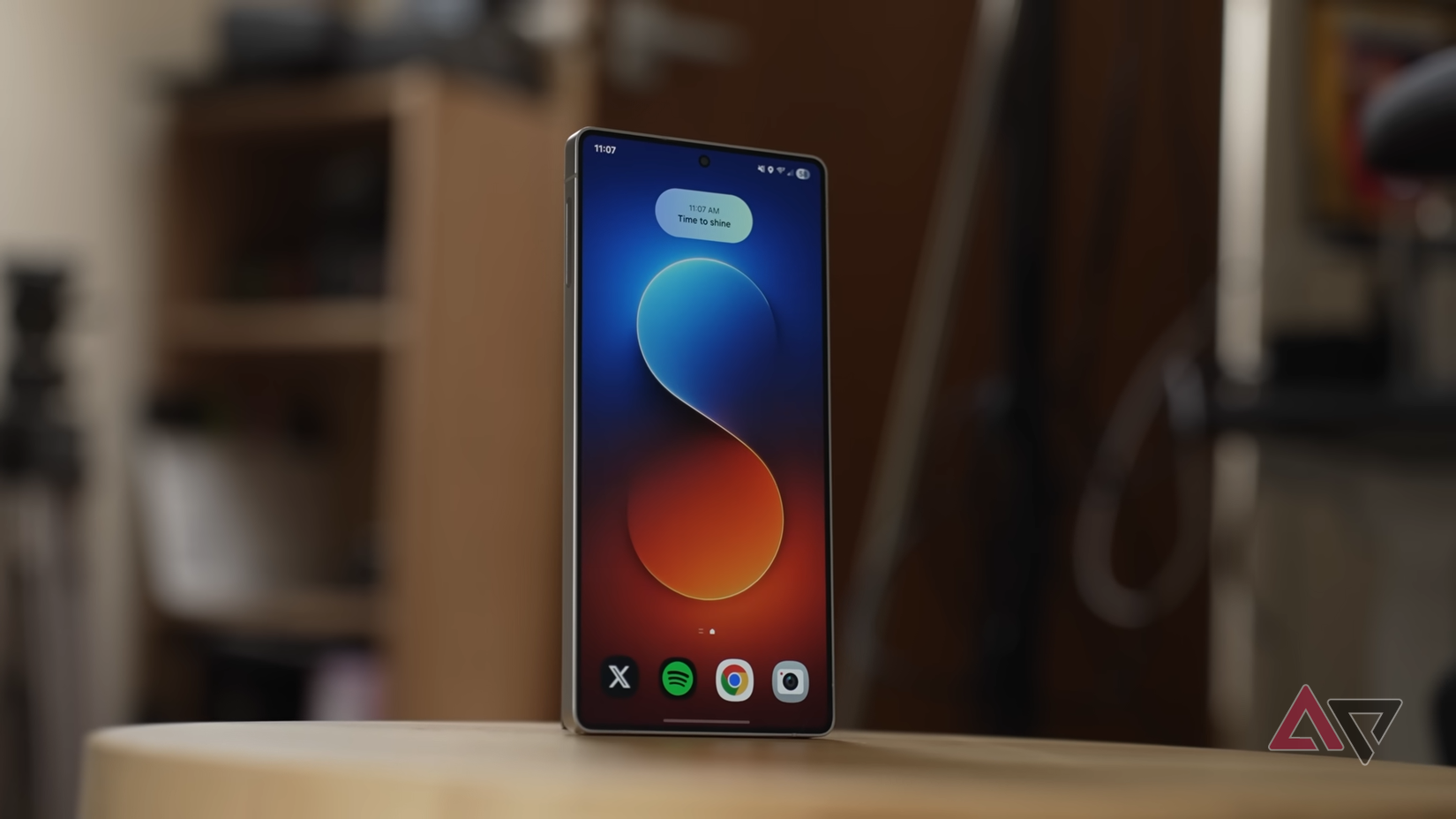
The One UI 8.5 will completely rewrite how the Quick Panel works.
The biggest change is that the update does away with the distinction between fixed system cards and quick toggles. Every element, such as the Device Control block and the brightness and volume sliders, is now a movable item.
Moreover, these sliders can now be resized and switched between horizontal and vertical orientations (not really into the vertical look since it brings iOS to mind). This makes one-handed operation comfortable again.
Just as important as the ergonomic improvements is the freedom from fixed buttons.
The Smart View and Device Control buttons no longer have to be there all the time. You can drag them off the panel and remove them completely. This opens up the panel, cuts clutter, and gives more room for the toggles you use most.
Being able to delete almost every toggle and widget from the Quick Panel is huge.
I spent a week tracking which toggles I actually use. You’ll probably find you only tap four or five regularly. I arranged those up front and deleted the rest.
Which Galaxy devices will get One UI 8.5?
This is an important win for Samsung users. It acknowledges that the recent Quick Panel design was restrictive, complex, and awkward.
By moving advanced customization into the main settings instead of keeping it in Good Lock, Samsung is putting user control front and center. This should make things a lot smoother for power users who felt boxed in by the old system.
One UI 8.5 is expected to make its debut next year alongside the launch of the Galaxy S26 series. Following that, Samsung will gradually roll out the update to a wide range of Galaxy phones and tablets from previous years.
If your device is eligible for One UI 8.0, it’s safe to assume One UI 8.5 will follow at some point, since both versions run based on Android 16.










