


While I’ve really enjoyed my experience with NordVPN so far, my only issue is that my connection slows down a bit too much at times.
Usually, I pause my VPN connection when I need to finish tasks as quickly and efficiently as possible, or when I need to browse some apps.
Getting the balance between performance and privacy hasn’t been easy until I discovered a feature that could help me get there.
That feature was split tunneling. Thanks to this feature, I encounter fewer issues when using NordVPN on my Samsung Galaxy S25+.
Here’s why I think split tunneling is underrated and why you should consider using it with your installed VPN service.

Why use split tunneling on a VPN?
It is safe, but it can also introduce some risks
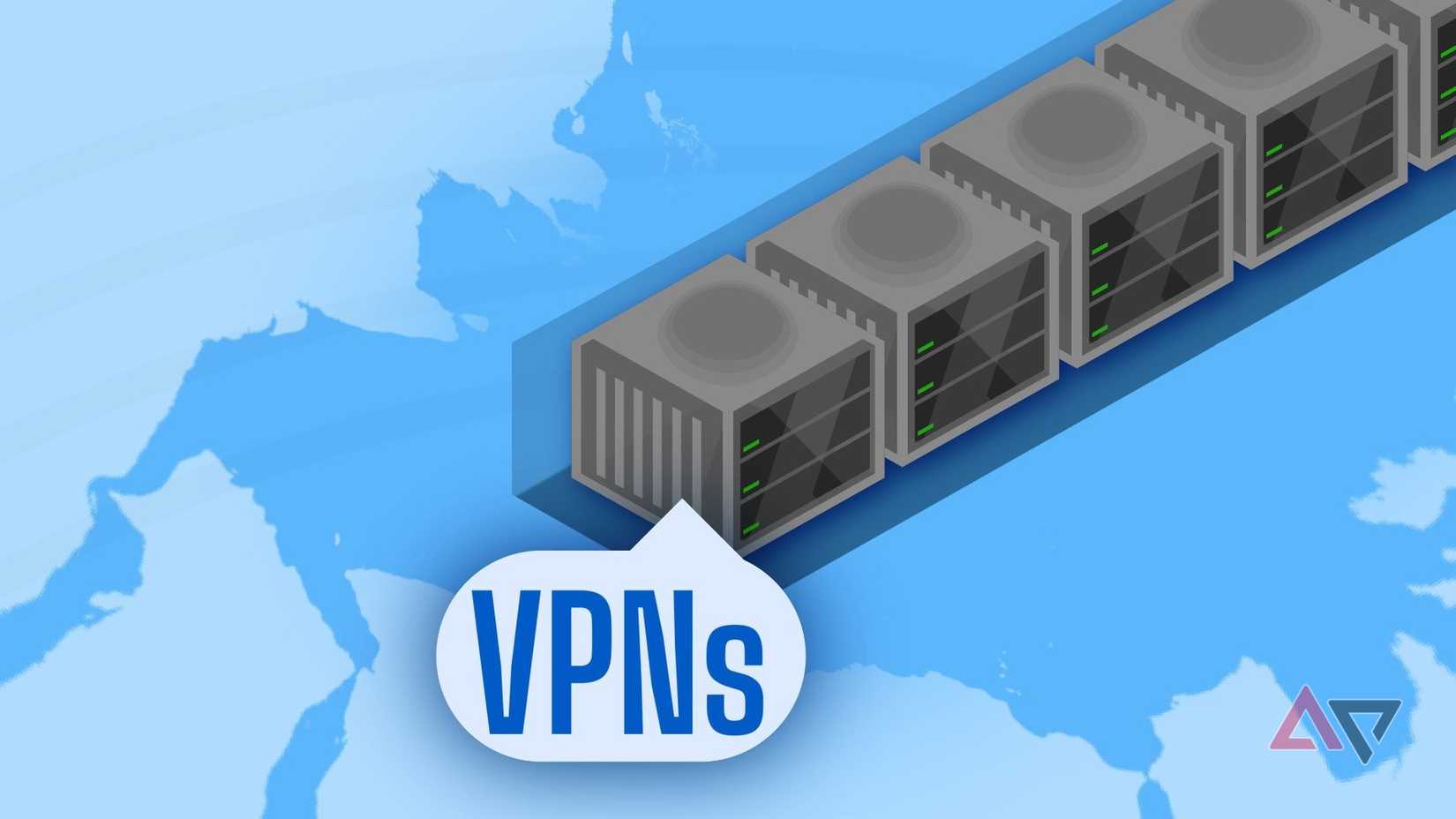
While those who want the full security benefits (more like privacy) of using a VPN sometimes don’t need it.
For example, if I am sitting at home and only casually browsing or using apps, I don’t need to worry about my privacy all the time; yes, it is nice not to have my ISP see what I am doing, but I don’t necessarily need to hide everything.
But sometimes it is slightly frustrating when I only want to check my email or log in to a website, only to be met with a slow connection as I am doing it.
What I would end up doing as a first response is pausing the VPN via the app.
When you pause the VPN connection, you can choose how long you want the VPN connection to remain active, though for me, the more I did it, the more inconsistent I became.
Sometimes I left the VPN off for hours; other times, for days.
Until I discovered that I could keep the VPN on without slowing my phone down completely, which is what I started doing when I found out NordVPN has a split tunneling option.
Split tunneling creates two paths for your traffic.
Some of your internet traffic will go through encryption via the VPN server, while the rest remains unencrypted by avoiding the VPN server altogether.
While split tunneling might sound like a bad idea because it removes the privacy and protection from some of your traffic, it works well in situations where you aren’t worried about complete protection.
For example, when you only use VPNs to bypass geo-locked content while streaming or to access websites while traveling abroad, other activities don’t necessarily require the VPN to access.
But what I liked about the split tunnel feature is that you can control it. You can add certain apps (and websites) that can bypass your VPN.
NordVPN also has a feature that lets apps bypass it automatically in case of incompatibility, such as Android Auto.
If you don’t like this, you can toggle it off by tapping Automatically exclude apps not compatible with VPN in the Split tunneling section of the NordVPN app settings.
But for me, I liked having this option on as it allows me to keep certain apps functioning as intended (the ones that require location services or access to region-specific apps that wouldn’t work elsewhere), while forcing others to use the VPN.
Split tunneling means I don’t need to pause the VPN when I need to access certain apps or websites (especially when installing the NordVPN extension).
Split tunneling is the perfect compromise for me
I can game on my phone without having to disable the VPN
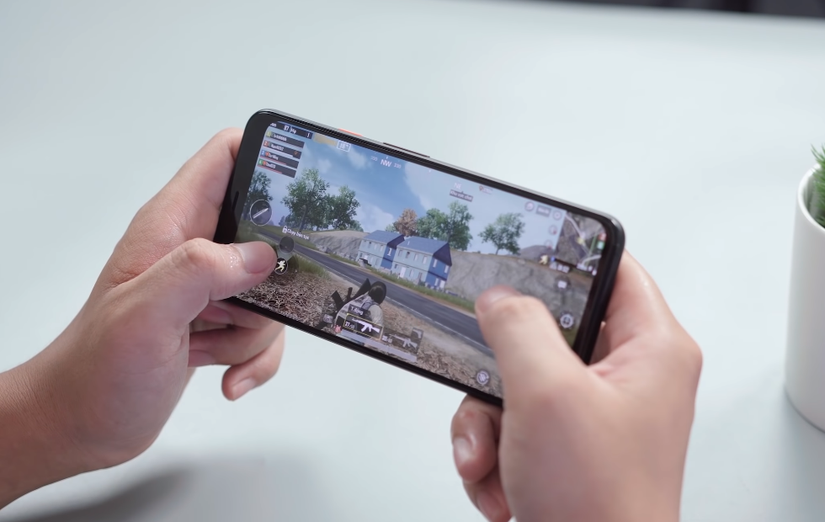
While I am enjoying the benefits of using a VPN, I realized I don’t need it all the time. VPNs can cause some battery drain and definitely slow down a device’s performance.
Battery drain on my Samsung Galaxy S25+ (the main device I use the VPN on) hasn’t been too noticeable, but when I use some apps, loading times are a bit longer than they would be with the VPN.
Split tunneling is handy because it means you don’t need all your traffic to be processed through the VPN server.
The slowdown mainly occurs because routing the traffic to the remote server adds a detour. It increases the distance and latency, and it requires additional processing power to encrypt and decrypt your connection (which is needed at both the start and the finish).
This actually became a hindrance to my gaming. I have a few HoYo titles installed on my phone.
Adding the HoYo titles to the excluded list is perfect for me. I don’t have to worry about the VPN server hindering my latency and ping while logging in to gaming servers (a change in latency and ping is very noticeable in action-oriented games).
Plus, I’d rather sacrifice performance and speed when using the VPN for more sensitive tasks where I’d like that extra privacy.
The compromise is perfect, and the feature is easy to set up between the Android app, extension, and Windows desktop app — everything stays saved across your devices.
Always consider your needs before using a VPN
The VPN experience has been great so far.
The longer I use it, the more I realize I don’t need to use it all the time, and sometimes having it off or toggling some features is completely fine.
NordVPN has a lot of extra features built into the Android app that I didn’t realize a VPN had, like ways to monitor data leaks and added threat protection to help block malicious activities and ads.
I know not everyone needs these features enabled, especially if they use extensions or antivirus programs that already have those options built in.
That’s why you should assess the offered options, see if they are worth the price, and if need be, toggle them on and off when it is required.









