


I completed my graduation years ago, so I don’t need NotebookLM as much as I would have needed it if I were a student.
Still, I spend a significant amount of time on Google’s AI-powered notebook service almost daily.
I use NotebookLM for a variety of purposes, from consuming phone reviews to using it as a personal journal.
I don’t have much to complain about all the existing features in NotebookLM, but there are several issues that Google needs to address.
I haven’t encountered any bugs to report to Google. Instead, I would love to see some changes in NotebookLM that enhance my productivity and make the notebook better overall.
I don’t have many requests for Google’s NotebookLM, apart from a few new features.
NotebookLM is already powerful with everything that it offers, but these five features would make it unstoppable. I want to see all of them in NotebookLM in 2026.

Bulk YouTube imports

Credit: Lucas Gouveia / Android Police | 88STOCKVN / Shutterstock
I don’t read or watch phone reviews anymore because NotebookLM’s YouTube integration offers a more seamless way to consume them.
While I love the ability to add YouTube videos and website URLs as sources, the integration is limited in the sense that it allows a one-click bulk import.
I miss this most when I use NotebookLM to learn educational content quickly.
NotebookLM doesn’t natively support bulk importing of YouTube videos as sources. That means you’ll need to add one at a time using the traditional copy-and-paste option.
To add multiple URLs, you need to add a space between links or use a new line.
A far better way would be a new feature in NotebookLM to bulk import YouTube videos. It may not make sense to add all the videos of a channel as sources, but it’d be helpful if I could import an entire playlist.
The only native solution that exists in NotebookLM is when you change the source from the web to Google Drive in the search bar and type a keyword.
The notebook then performs a quick search on Google Drive and brings you all the files by that name, along with the option to import them.
Some browser extensions can help you bulk import to NotebookLM, but a built-in feature that can do it more seamlessly is what I want to see this year.
Connect and sync the Google Drive folder
Credit: Lucas Gouveia / Android Police | MohammadKam / Shutterstock
The Google Drive integration in NotebookLM predates when I started using NotebookLM. It allows users to add files from Google directly into NotebookLM and add them as a source.
You can use that source to generate audio and video overviews, create mindmaps, ask questions, save as notes, create quizzes, and more.
However, what if I make some changes to the original document in Google Drive? I have to create a separate notebook, reupload the file again, and redo everything I did with the old one.
This isn’t how it should be on a platform of NotebookLM’s caliber.
Instead of manual re-uploading, I want to be able to link an entire Google Drive folder so that it can import all the files in it, and update the files automatically when I make changes.
In other words, I want NotebookLM to keep an eye on the folder and keep the notebook updated with the latest changes.
Better export options
Credit: Lucas Gouveia / Android Police | fizkes / Shutterstock
NotebookLM’s export options are limited. As a big admirer and user of NotebookLM, I want this to change this year.
If I need to export notes, the best option for me is to export to either Google Sheets or Docs.
I can’t convert them to PDF, nor do I have the option to export them to Microsoft Word, Excel, or any other similar pieces of software.
In a way, it forces you to use Docs and Sheets.
Another caveat is that we can download mind maps only as an image. In addition to the PDF format, I would love to get a PDF option in the download option.
NotebookLM is also missing the ability to export an entire notebook and a share option on the home page.
I want the three-dot menu on each notebook on the home page to include at least these two options.
I would also love to see a built-in solution to export the quizzes that I generate on NotebookLM to Google Forms. I’m not a professional teacher, but this would be a game-changer for educators.
While workarounds do exist in the form of scripts and browser extensions to address some of these issues, they aren’t easy to use.
If that isn’t bad enough, users may have to spend a significant amount of time finding the best one for them.
For NotebookLM users, a robust export mechanism across the service will make working with it a lot easier. It’d be a boon, especially for those using NotebookLM and for those new to the platform.
Trash folder
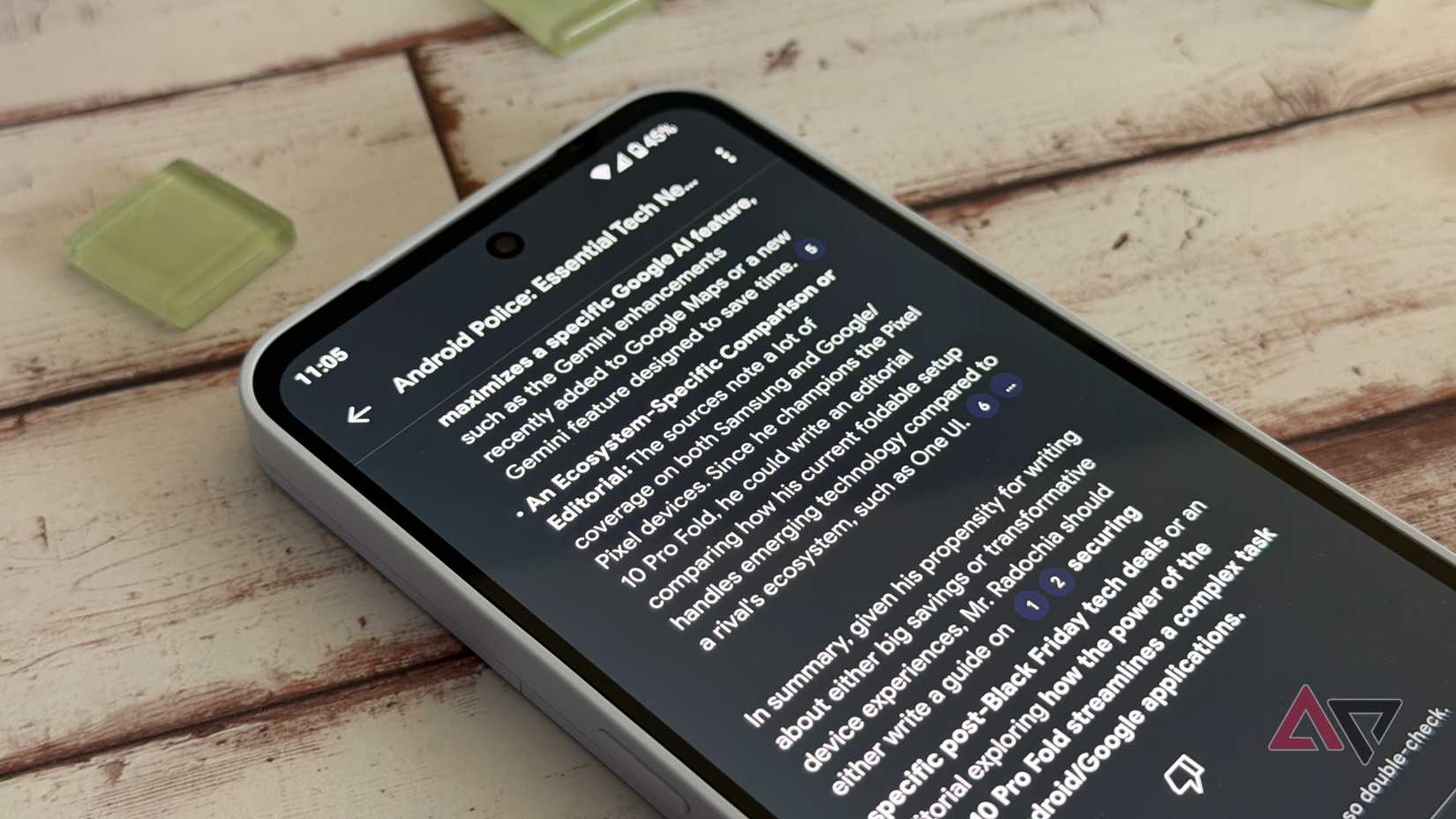
Google has long been known to be working on a Trash folder for Google Messages. I want the same NotebookLM, too.
A Trash folder in NotebookLM would mean that, instead of fully removing items, the app would store them for easy recovery later. However, I would love to see NotebookLM offering a choice.
What happens to those who want to delete for permanent removal of notebooks in NotebookLM? Instead of imposing the Trash folder on everyone, Google should make this optional.
Instead of making it a default behavior, give us the option to control whether we want to delete notebooks permanently.
This is too simple a feature to keep users waiting beyond 2026. Google may not even need an entire for this, but the real question is intent. Time will tell.
Notebook-wide instructions
The whole point of using AI tools is to save time. I don’t use many of them, but better time management is a big reason I use NotebookLM. I hate to compromise with that.
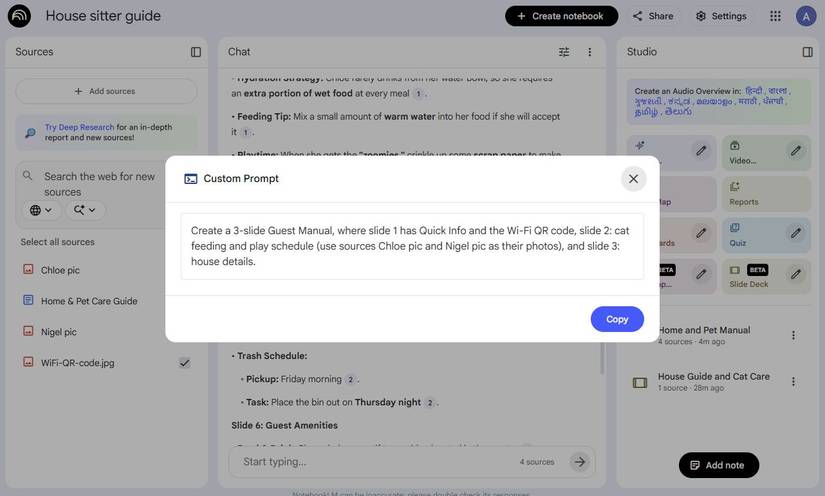
I have no choice because I need to keep repeating the same instructions in custom prompts to get what I want.
Instead, I would love to be able to have a feature where I can define rules that NotebookLM would remember and apply to every response in a notebook.
If Google makes this a reality, it would be one of the biggest changes to NotebookLM yet. I can’t wait for it.
NotebookLM can still be anyone’s productivity companion
The sun has its spots, and so does NotebookLM. It isn’t perfect, and probably, I can’t become one for everyone.
Even with everything it currently offers, NotebookLM is a genius AI tool that can help everyone learn faster.
While NotebookLM has a “Plus” plan with more advanced features, you can use the free tier to get most things done.
You might get even better results if you pair it with another supported service. I often use the Google Drive and YouTube integration in NotebookLM.
It also works well with browser extensions, so you might be able to overcome some of its limitations using them on your browser.
The key to making NotebookLM your productivity companion is knowing how to use it smartly. It isn’t complicated, so anyone can make it their productivity companion, just like I did.










