


My frustrations and troubles with the Google Pixel 7a are well-documented.
I’ve gone back and forth on which Pixel is my least favorite, and while I’ll never forgive the Pixel 6 for the numerous frustrations I had with the device at launch, the Pixel 7a takes the prize.
It’s not that I didn’t have as many problems with my Pixel 6, but my expectations were higher for the Pixel 7a.
The Pixel 6a was a fantastic phone and offered incredible value for as low as $300 new at one point. You couldn’t beat a first-generation Tensor and Google’s camera prowess for that price.
I expected more of the same from the Pixel 7a, despite the slight price increase. Unfortunately, that didn’t happen. But all wasn’t lost.
Material 3 Expressive transformed my experience on every Pixel I used, so I wanted to see if it could redeem my least favorite — here’s what happened.
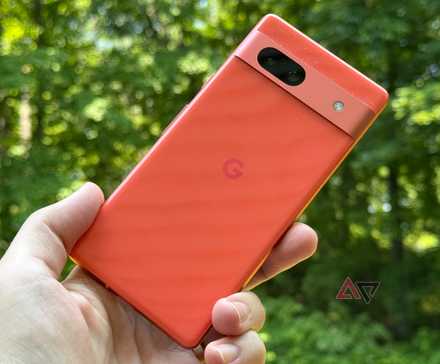
Updating the Pixel 7a reminded me of an old problem
The Tensor G2 got a little warm
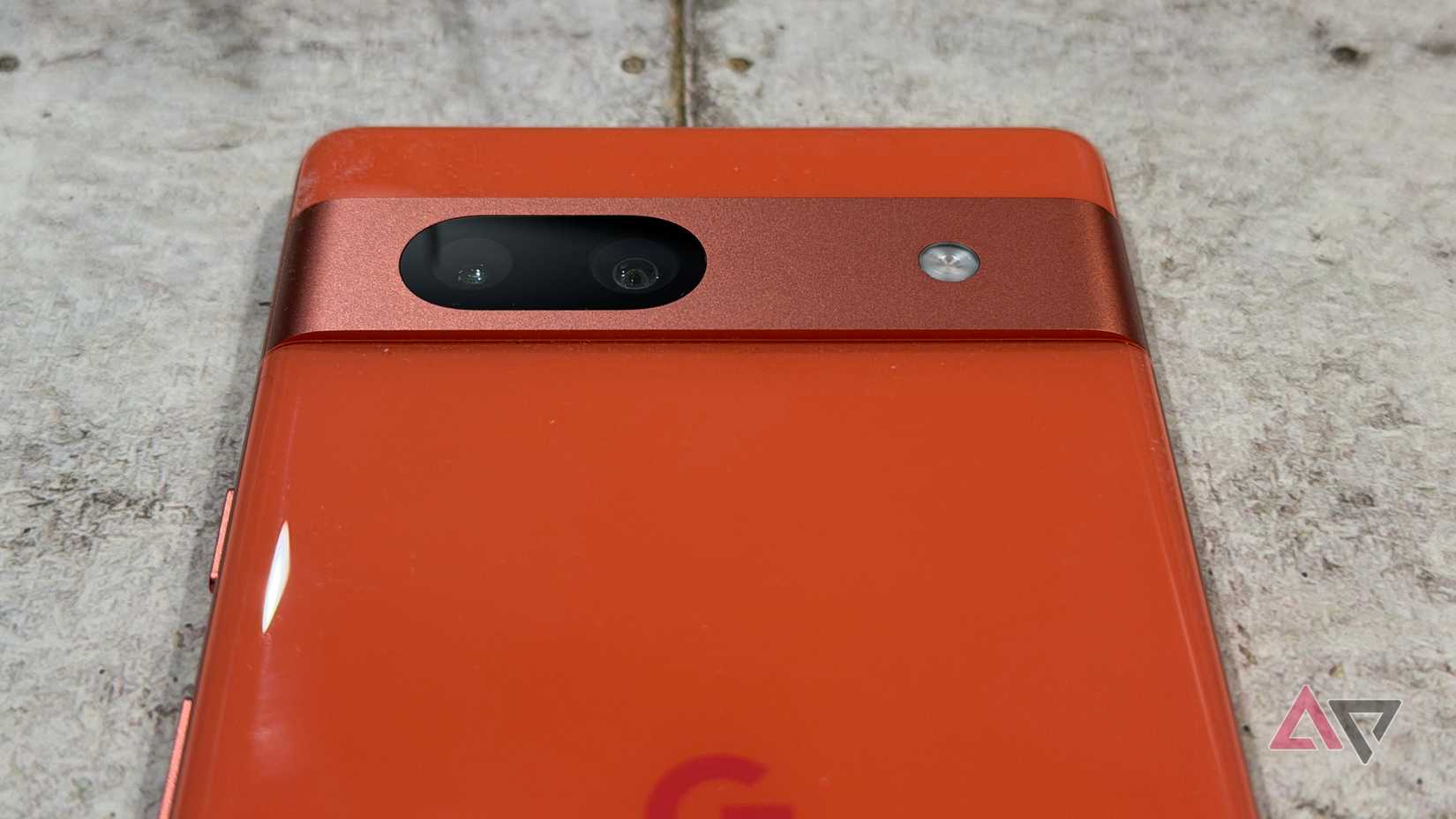
When I powered up my Pixel 7a for the Material 3 Expressive update, I remember it getting warm.
Plenty of devices, even powered by Snapdragons, heat up during updates, but it reminded me of previous woes.
The Tensor G2 chipset does run hot. It’s a definite limitation, and despite numerous updates, it’s never been fully addressed. Google did a good job dialing in the first-gen Tensor, but the Tensor G2 never really found its stride.
Still, it’s not a useless phone, and it’s plenty snappy for daily tasks and light gaming.
Sure, the Pixel 7a will get warm and battery life suffers, but it’s not going to burn up in your hand while sending WhatsApp messages.
After the update was installed, I got to enjoy Material 3 Expressive on my Pixel 7a, and it did wonders to turn my impression around.
Google’s best software in years strikes again
Material 3 Expressive doesn’t seem to miss
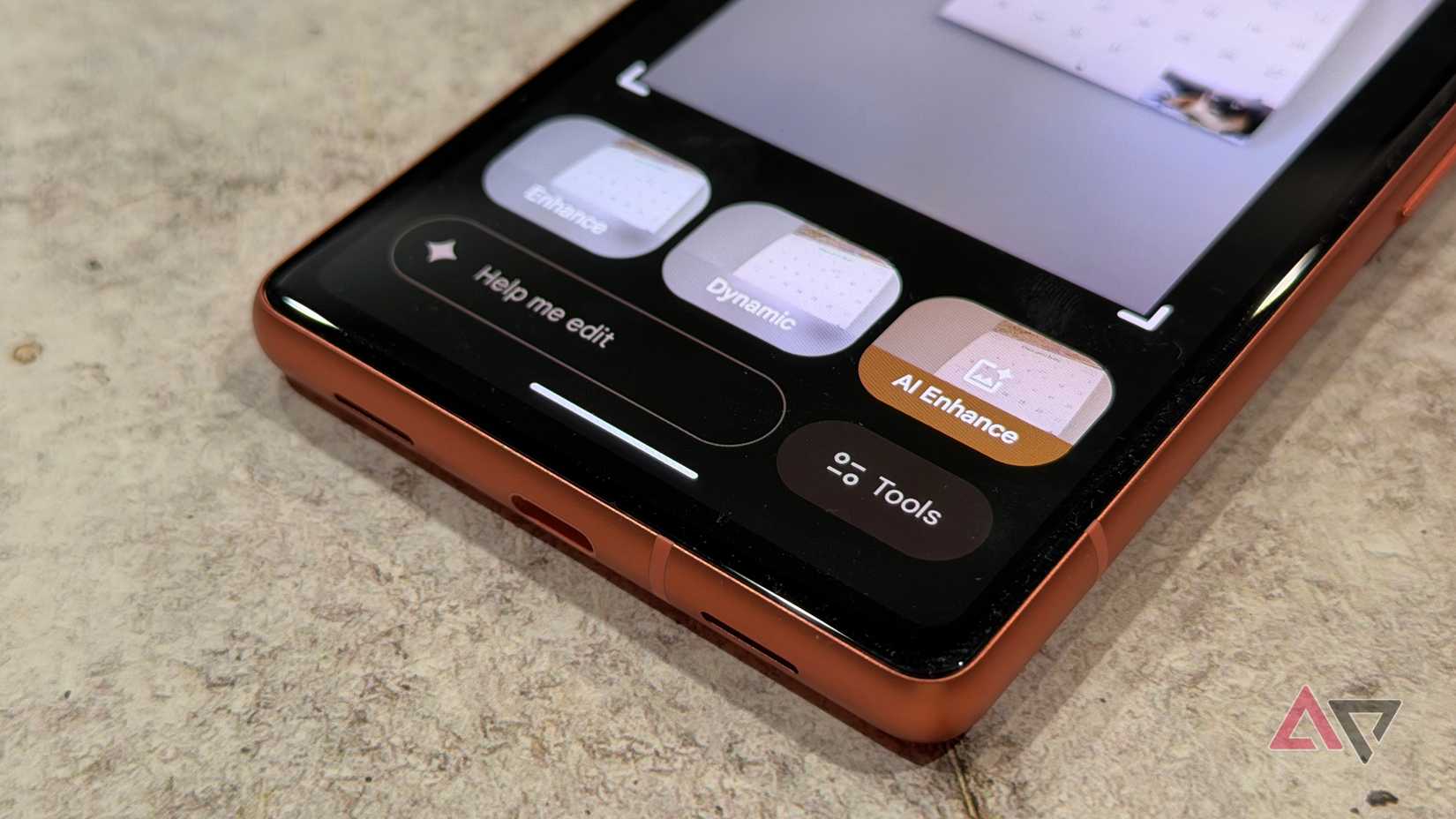
Google’s Material 3 Expressive design for Android 16 is fantastic and the best Android software I’ve used in a while. It’s intuitively designed, fun, and most importantly, it performs well.
Google software has been hit-or-miss over the last several years, but that’s not the case in 2025. I appreciate the visual overhaul, but other features on the Pixel 7a are more functional.
Even though Google’s trying to make me look bad by complimenting the Pixel 7a’s software, it’s running well overall.
I don’t expect a full suite of Google Gemini features on older hardware, but I like that the company included photo editing via voice.
I can say or type the changes I want to an image, and Google Gemini does the rest. The output isn’t always perfect, but it’s a feature from the Pixel 10 series that has trickled down to older phones.
In the latest November Pixel feature drop, the Pixel 7a picked up power-saving mode in Google Maps and scam warnings for messages.
The Pixel 7a will still get security patches until 2028, but its current last OS update is slated for next year. Google has extended that for other devices in the past, so it doesn’t mean your Pixel 7a will be out of date just yet.
I’m glad the Pixel 7a can be redeemed
There’s still plenty to like about the phone
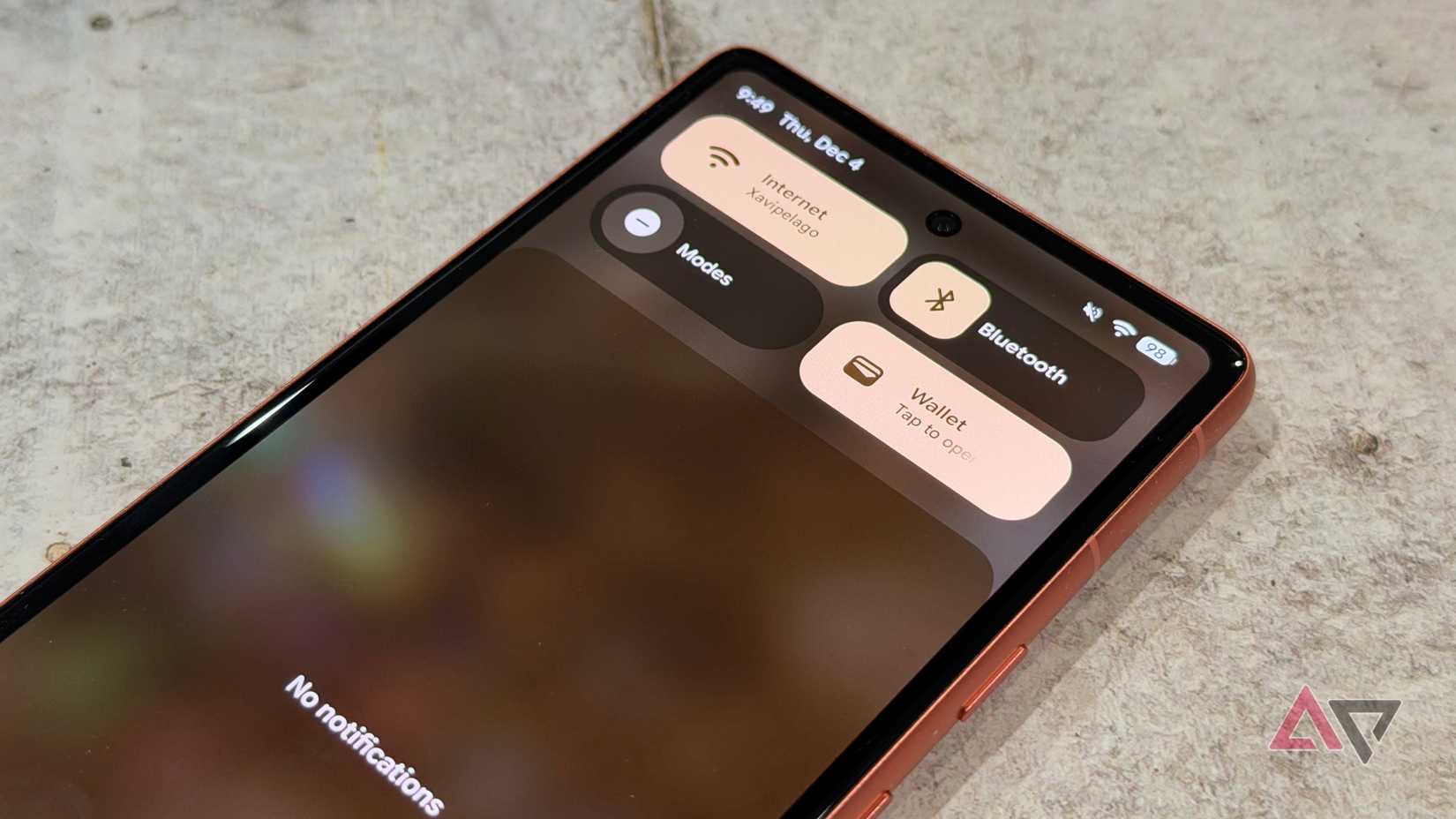
With a new software experience, I’m able to focus on many of the features I was excited about with the Pixel 7a to begin with.
I like the Pixel 7a’s compact build, thanks to its 6.1-inch display. It’s not an Actua panel — something featured on the Pixel 8a — but it gets the job done, even though it doesn’t get as bright.
The Pixel 7a camera holds up well. It has solid low-light performance with Night Sight, and if you can pick one up for a reasonable price, it’s worth taking a look.
I love the coral color on mine, and I’m glad more phones are featuring stronger pigments again. It’s a pleasant phone to hold and use, and with Material 3 Expressive, it’s been given new life.
Worth keeping for a while longer
I wouldn’t recommend running out and buying a Pixel 7a today, unless you got a fantastic deal, especially since there are some excellent midrange options available that won’t cost you a ton.
Still, if you already own a Pixel 7a, it’s worth hanging onto a bit longer. Google’s had several missteps over the years, but I’ve been loving the company’s software support on older devices, and Material 3 Expressive is the best yet.
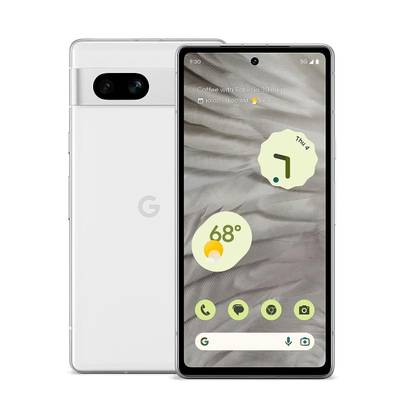

If you are looking for a new device at a midrange price, the Google Pixel 7a checks off all the boxes. It has a fantastic camera system, strong power, great software support, and good battery life. It may be midrange in price but feels closer to its flagship siblings overall.











