


Qi2 was one of the most anticipated charging features for years after Apple debuted MagSafe with the iPhone 12.
While it took some time for the Wireless Power Consortium (WPC) to catch up to Apple, we finally saw the first widely available Qi2-compatible Android device with the Google Pixel 10.
For many of us, this felt like too long a wait, especially after Samsung dropped the ball with its ‘Qi2 ready’ Galaxy S25 series.
I’ve sporadically used magnetic chargers since the Pixel 8, thanks to compatible phone cases. Nevertheless, I was excited to use the first Qi2-compatible Pixel device.
However, mere months after I booted it up for the first time, I have to concede that Qi2 isn’t all it’s cracked up to be.
I’m so underwhelmed that I’ve created a bizarre setup where I place my phone on a magnetic charging stand but charge it with a cable.
My Pixel 10 Pro charges too slowly to be practical
I regularly got caught out thanks to its wireless charging speed
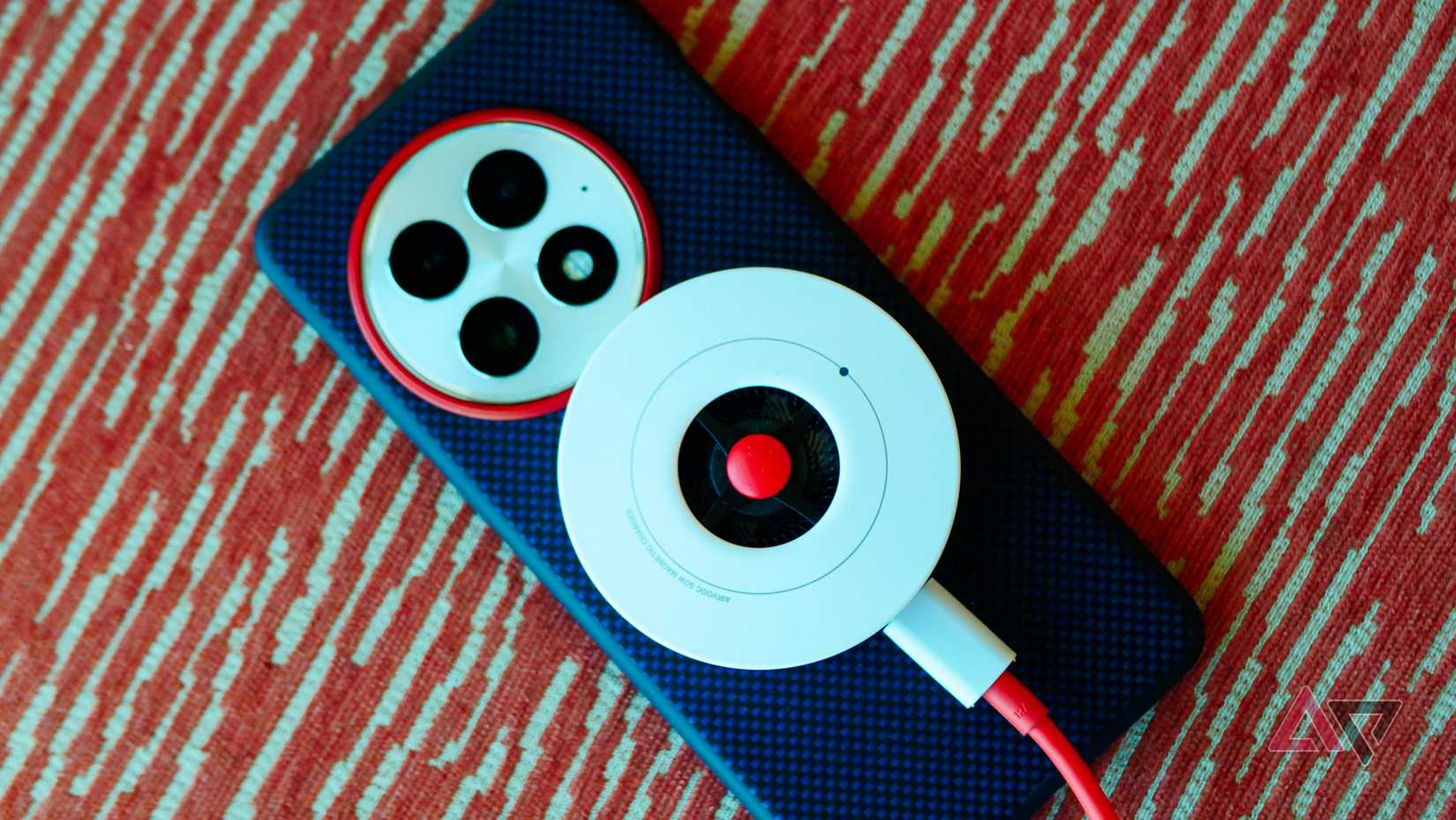
Google didn’t try to trick us into thinking that Qi2 charging over the Pixel 10 or Pixel 10 Pro would be as fast as a wired connection.
Indeed, the company explained in detail why the Pixel 10 Pro’s wireless charging speed tops out at 15W while the Pixel 10 Pro XL can reach 25W.
This sounded fine to me. I moved my wireless charging stand to my desk and placed my phone on it to charge while I worked.
Even at a relatively slow 10-15W, I could expect that my phone would be charged to a reasonable level whenever I needed to leave the house.
I don’t like leaving my phone on charge overnight unless I have plans for an early start, so charging it in the morning is the best solution.
However, since I started relying on my wireless charging stand, I noticed that my phone was rarely at capacity when I had to leave the house.
70% is not enough for me to feel comfortable when I’m leaving at 3 pm to meet with friends, then go out for the night.
I’ve relied on Battery Saver mode more than I would like recently. The problem is the wireless charging speed.
15W would be great, and even 10W would be adequate for my needs. But maxing out at 3W is far too slow to be useful.
Wired charging is far more reliable than wireless charging
Sometimes the basics are better
Over the past few weeks, I’ve been watching my Pixel 10 Pro’s wireless charging speeds like a hawk.
Occasionally, it’ll jump to 4W, but it regularly sits around the 2.5W mark. I’ve tried alternative chargers, but with no luck. 4W seems to be the highest it can go, regardless of the starting battery level.
Thus, I’ve created the following setup on my desk. The wireless charger holds up my phone, while the cable charges it at a significantly faster rate.
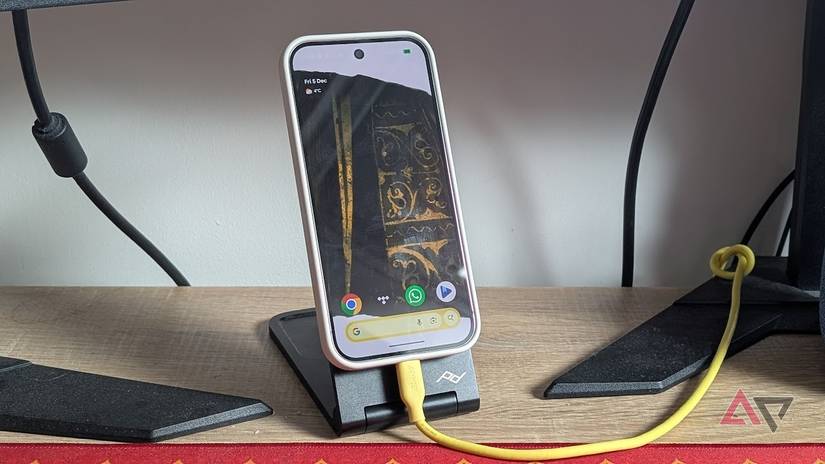
Since I’ve established my new setup this week (or perhaps, reestablished my old one), I’ve never left home with my Pixel 10 Pro below 95%. I’ve reluctantly admitted that Qi2 isn’t all it’s cracked up to be.
Qi2 doesn’t solve my problems
Magnetic wireless charging is nice, but not essential
Wireless charging stands are a useful asset.
Knowing you can put your phone down and it’ll start charging is convenient, and they work great as stands for watching videos without draining your battery. However, thanks to magnetic cases, this is nothing new for me.
Wireless charging is nothing new, so many phone case manufacturers are well-versed in producing cases with magnetic attachments for charging stands. This is exactly the setup I had with my Pixel 8.
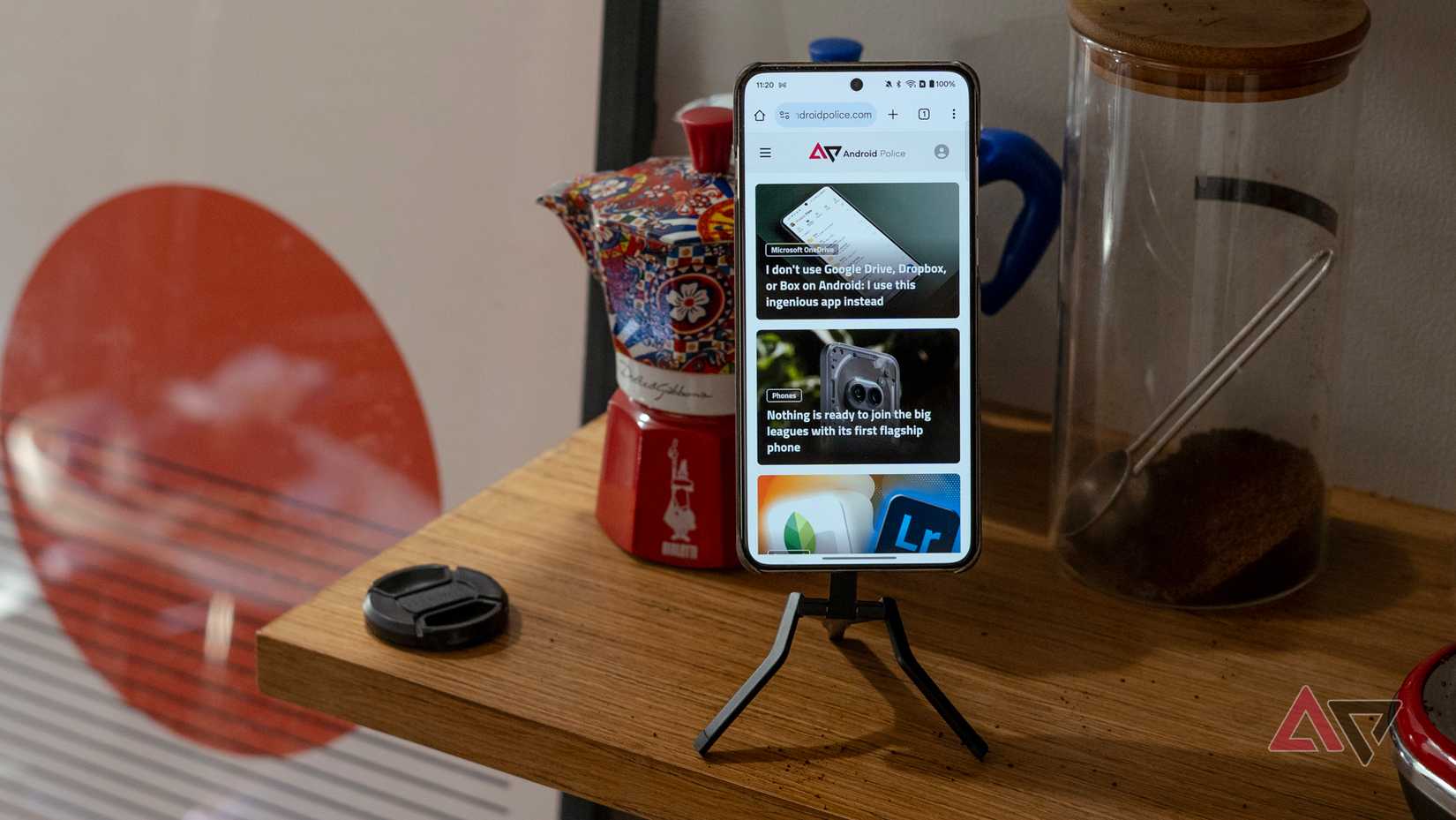
I hoped that Qi2 would bring faster charging speeds. I never relied on wireless charging for my Pixel 8 due to the speed, but I believed Qi2 would change this. Unfortunately, this didn’t turn out to be the case.
I’m sure it’s possible to reach the 15W charging speed over a Qi2-compatible charging stand with the Pixel 10 Pro. However, I’ve tried multiple combinations of charging cables and stands, and I haven’t come close.
To reach that number, you have to have the perfect combination of accessories; something that is far more challenging to acquire than it should be.
We need more clarity around the capabilities of our phones’ charging speeds
Knowing that your phone won’t reach its maximum charging speed is common sense. However, understanding why is nearly impossible.
The power supply, charging brick, cable, charging stand, battery status, and device can all affect charging speeds. Without changing each element one by one, it’s hard to establish exactly what is restricting your phone’s charging speed.
Advertising the maximum charging speed is all well and good, but manufacturers of charging accessories should make it clear what other elements are needed to reach that speed (or close to it).
For example, my Peak Design charging stand can “support multiple charging profiles – 15W, 10W, 7.5W, and 5” but there is no information about what might cause it to select one.
So don’t get fooled by maximum wireless charging speeds and Qi2-compatible devices. Instead, pick up a reliable charging brick and cable to avoid disappointment.










