


For the longest time, my daily planning lived across too many apps.
Google Calendar held my meetings, a to-do app tracked my tasks, reminders handled recurring chores, and notes apps stored loose plans.
Each tool worked fine on its own, but managing them together turned into a system that required constant checking, switching, and mental juggling to stay on track.
Eventually, I started pulling everything back into Google Calendar. What began as an experiment to reduce app hopping slowly transformed how I organize my day.
Google Calendar isn’t just where I store appointments anymore.
It has become a control center that helps me plan realistically, avoid overbooking myself, and keep both work and personal routines visible without switching between multiple productivity apps.

I stopped using Calendar as just a meeting tracker
Credit: Lucas Gouveia / Android Police | Google
I used to treat Google Calendar as a place to park meetings and appointments so that I wouldn’t forget them.
However, I realized my calendar only showed part of my actual workload.
If I had three meetings scheduled, my day looked wide open, even though I still had writing deadlines, emails to catch up on, errands to run, and personal routines I wanted to maintain.
I kept overcommitting because my calendar wasn’t reflecting the work that filled my time.
I began adding tasks directly into Google Calendar as time blocks rather than treating them as items on a separate checklist.
I included writing assignments, research time, and editing sessions as scheduled blocks.
Seeing them placed between meetings forced me to plan more realistically. If my calendar looked full, it usually meant my day actually was.
I also started incorporating smaller responsibilities that used to slip through the cracks. Things like calling customer support, scheduling bill payments, grocery runs, or planning article outlines now live in my calendar as dedicated slots.
These aren’t rigid appointments, but placing them on the timeline makes them harder to ignore.
More importantly, it helps me estimate how much free time I have rather than assuming I can squeeze everything in.
This change also helped me stop relying on multiple productivity apps that were competing for attention.
Instead of constantly checking a task manager to see what I needed to do next, I now rely on my calendar view to guide my day.
Time blocking replaced my to-do lists
Credit: Lucas Gouveia / Android Police
Switching Google Calendar from a meeting tracker to a daily planner naturally pushed me toward time blocking.
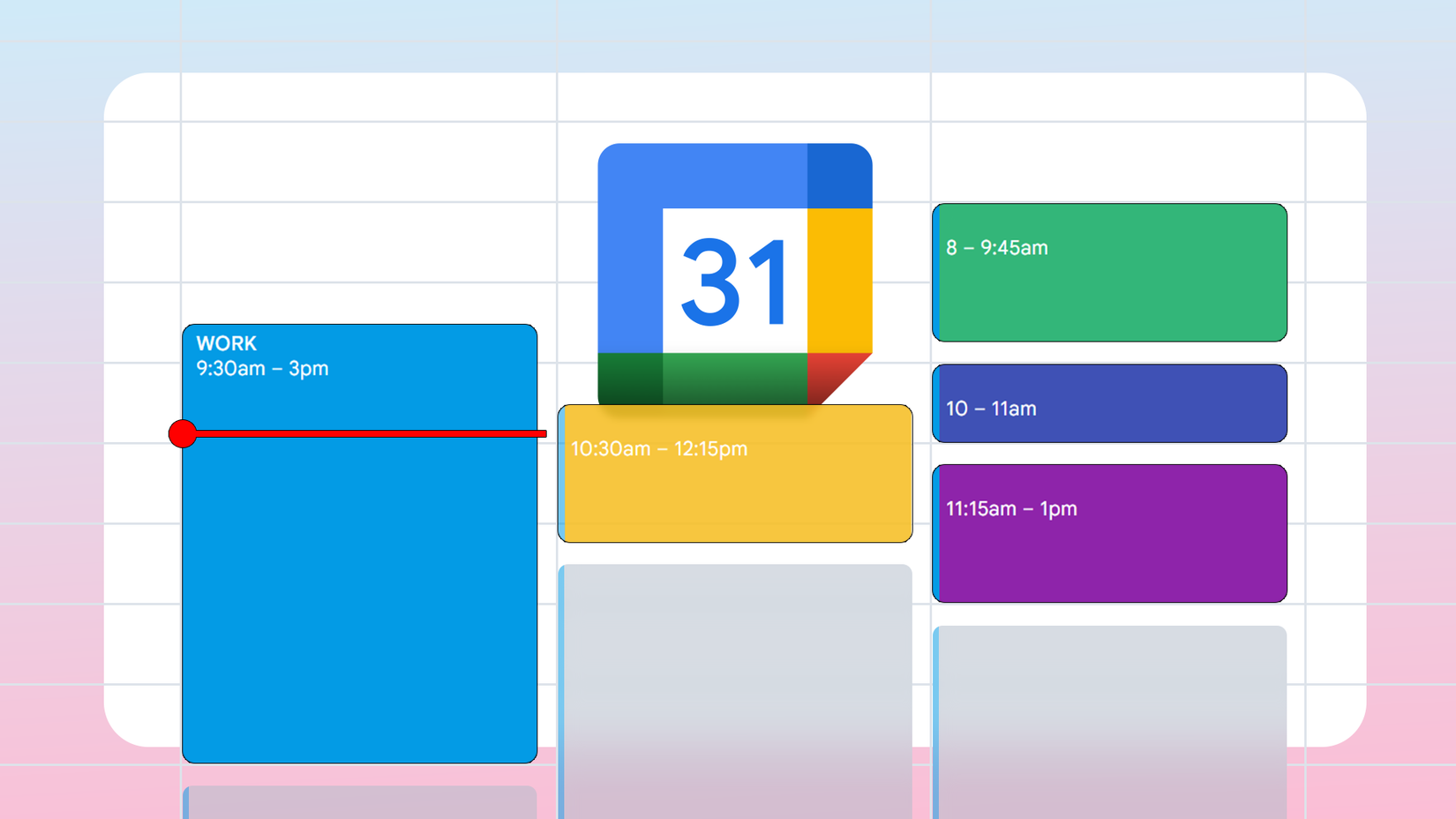
Instead of maintaining lengthy task lists in a separate app, I now allocate specific time slots on my calendar for each task.
For example, if I need to write a draft, I block out two hours for it. Similarly, tasks like clearing emails or handling administrative work each get their own designated time slot.
Seeing tasks placed between meetings helps me understand how full my day actually is and prevents me from stacking unrealistic workloads.
One aspect that makes time blocking effective is its flexibility.
On the desktop, I can drag and drop a calendar block to a different time or even another day. That flexibility makes the system far easier to maintain.
Another small thing that helped time blocking stick was making my calendar easier to read at a glance. I use different colors for different kinds of blocks. That visual separation makes a packed day feel far less chaotic.
Multiple calendars helped me separate work and life
Credit: Lucas Gouveia / Android Police | insta_photos / Shutterstock
After I added my daily schedule to Google Calendar, it still looked cluttered. Work deadlines, personal errands, routines, and appointments were all mixed into one timeline, making it tough to read at a glance.
That’s when I decided to start using multiple calendars instead of keeping everything in a single view.
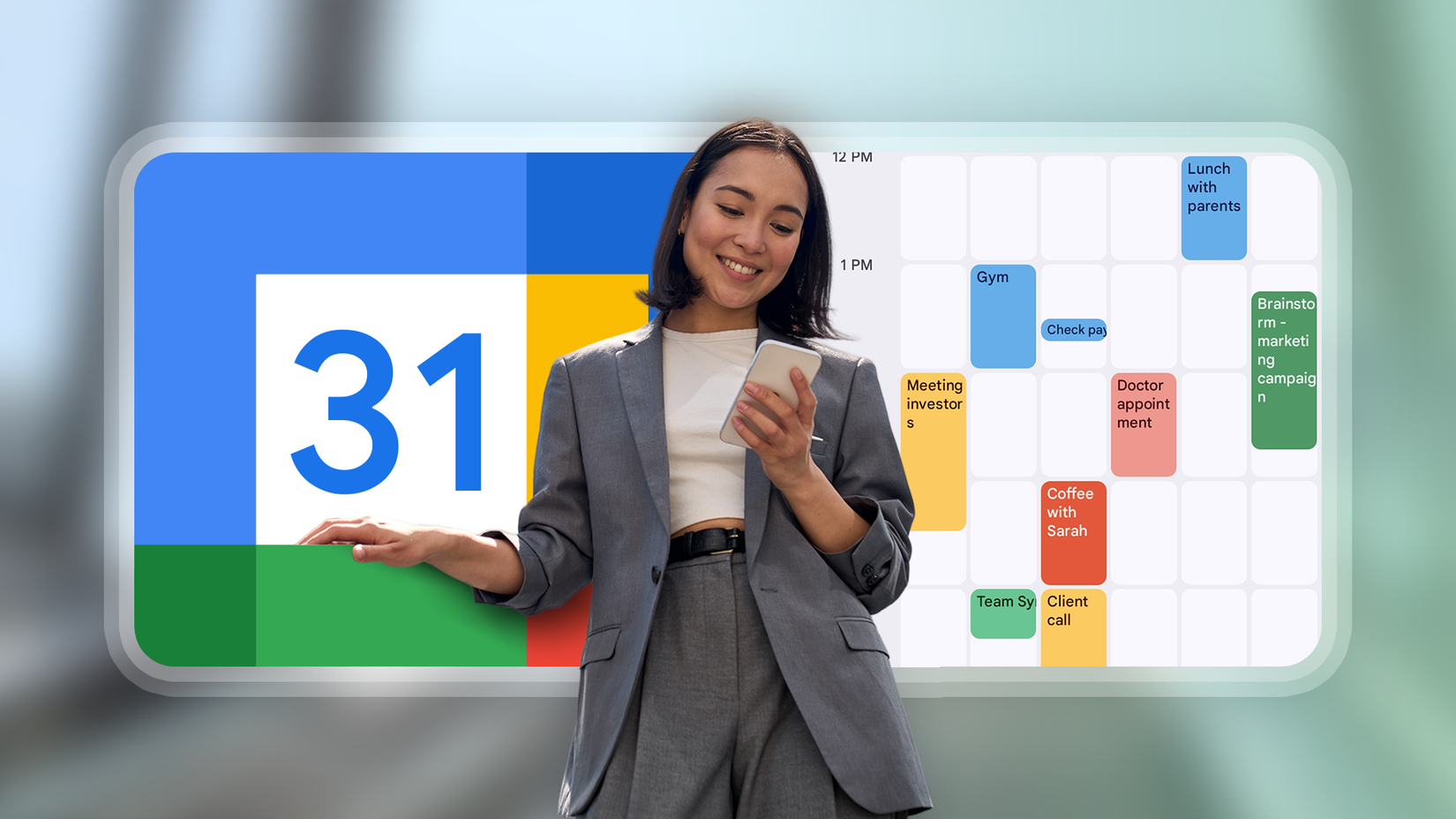
Now, I maintain at least two main calendars: one for work and another for personal matters.
If I want to review my work schedule without distractions, I can easily hide my personal calendar by unchecking it in the sidebar.
Conversely, when I’m planning my evening or weekend, I can focus solely on my personal commitments.
That flexibility makes planning feel simpler because I’m not constantly staring at everything at once.
Turning email and tasks into calendar events
One of the main reasons Google Calendar has replaced other productivity apps for me is how seamlessly it connects with emails and tasks.
Instead of allowing important messages to linger in my inbox or remain indefinitely on a task list, I’ve developed the habit of turning them into scheduled time on my calendar.
On the desktop, Gmail makes this process surprisingly smooth. When an email requires follow-up, I open the Tasks panel in Gmail’s right sidebar and drag the email there.
For emails that need dedicated time rather than just a simple reminder, I create events. While viewing the email, I click on the three-dot menu at the top and select the Create event option.
Google Calendar automatically pulls in the subject line and relevant context, which saves me from having to rewrite details later.
It has helped keep my inbox from becoming a second to-do list.
Recurring events became my routine manager
Credit: Lucas Gouveia / Android Police | voronaman / Shutterstock
After tasks and one-off work were living comfortably in Google Calendar, routines were the next thing to fall into place.
I used to rely on reminders or habit apps for recurring tasks, but they always felt disconnected from the rest of my day. Recurring events changed that.
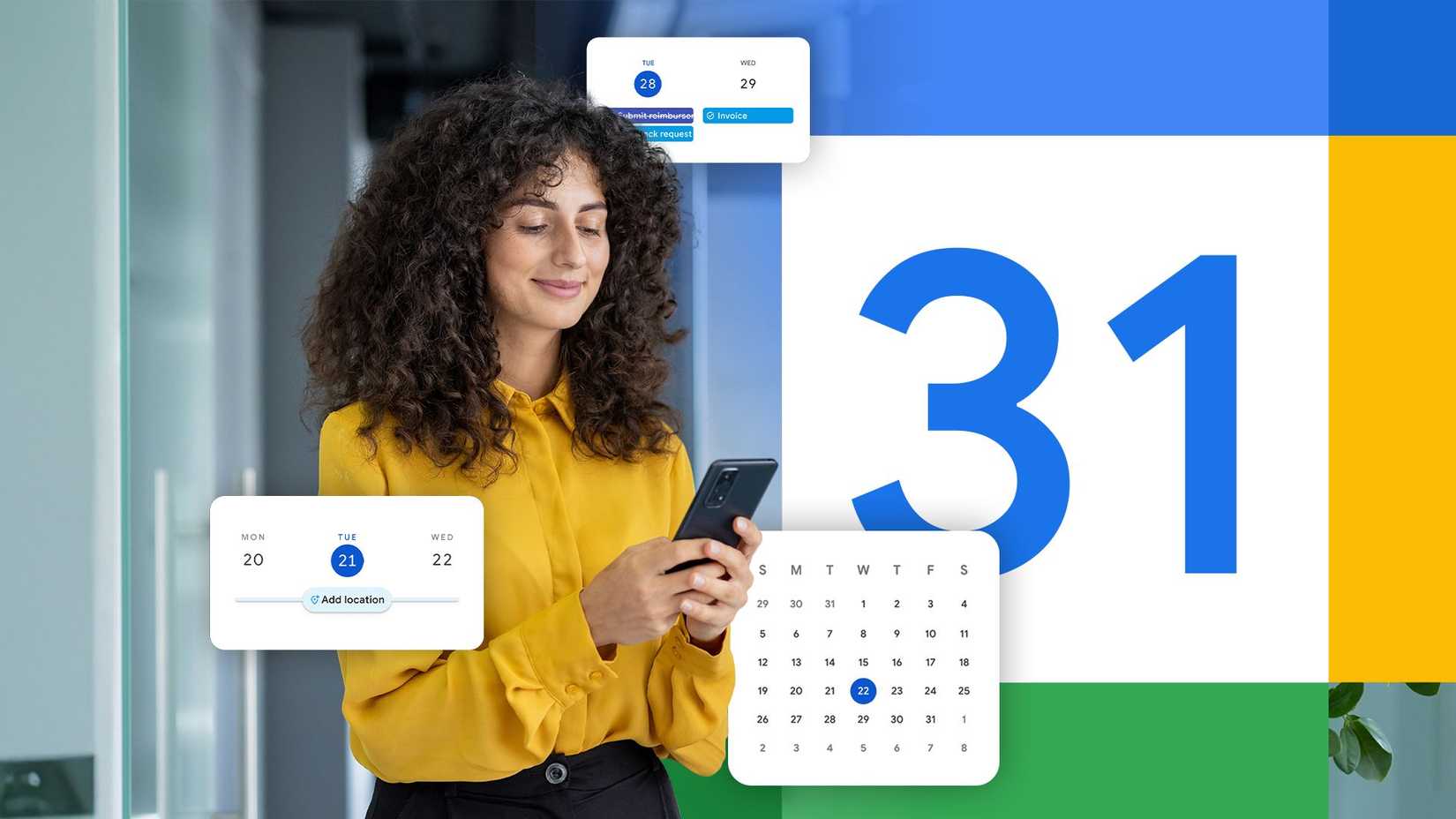
Instead of setting reminders for things like workouts, meal prep, backups, or weekly planning, I added them as recurring calendar events.
Now, a weekly planning session has a fixed slot. The same goes for chores, admin work, and personal routines I want to stick to without constantly thinking about them.
Google Calendar became my default planning system
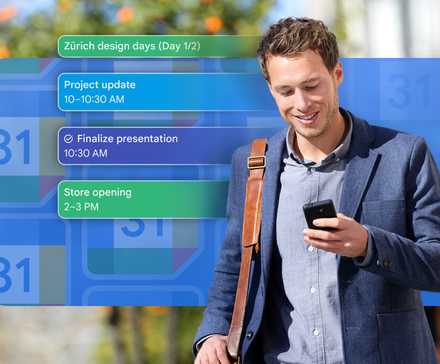
When meetings, tasks, emails, and routines were on the same timeline, I didn’t need to check multiple apps or mentally juggle priorities.
A glance at the calendar was enough to understand what my day actually looked like.
This approach also made me more realistic about how much I can take on.
I could see when my day was actually full, when I was overcommitting, and when something needed to move instead of piling up.
That simple constraint did more for my productivity than any to-do list ever did.











