


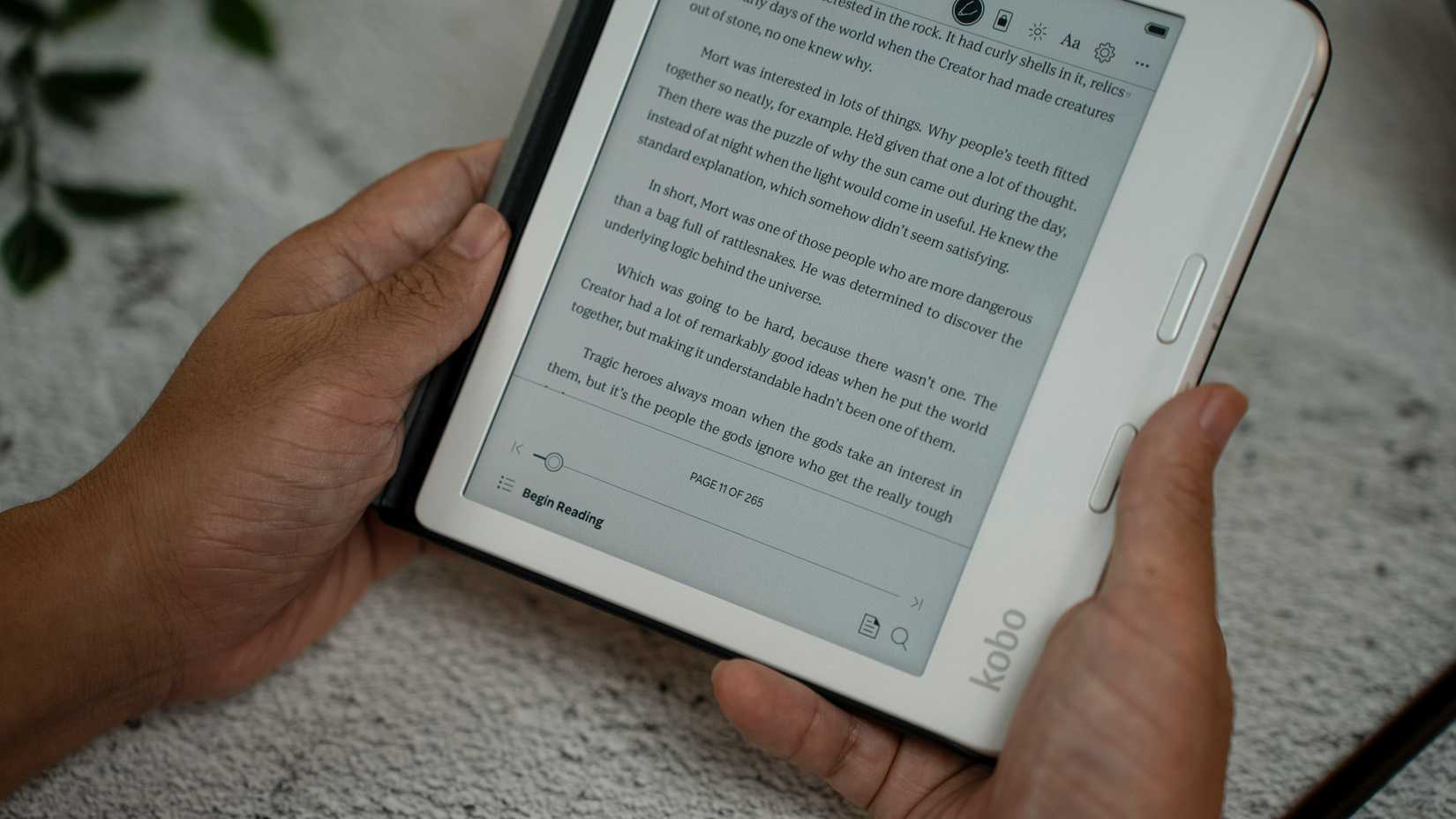
I love reading, but I really dislike reading on my phone. It hurts my eyes, the screen is too small, and I’m just not into it, especially since E Ink spoiled me when I got my first Kobo in 2022.
My dad sends me great articles about my favorite musicians all the time, and I never end up reading them for this reason.
My partner suggested I just use Pocket to read them on my Kobo. I’d never heard of Pocket, so I looked it up only to learn that it was shut down last summer.
Its replacement, Instapaper, however, looked just as promising. I’ve only been using it for a few days so far, and I’m obsessed.
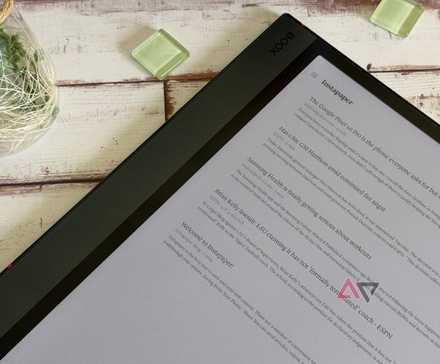
Kobo turns the page on Pocket
And enters a new chapter with Instapaper
Credit: Amanz / Unsplash
Instapaper is a read-later bookmarking service that allows web content to be saved to another device like a tablet or e-reader.
Kobo officially partnered with Instapaper following Pocket’s shutdown, so it’s integrated into the device with almost the full set of premium features for free.
Instapaper seems to have an edge on Pocket with some cool, exclusive features like Speed Reading and more visual themes to choose from.
Comparisons don’t matter much now, since Pocket is no longer supported, but it’s always nice to know you’re not losing out on anything with the change.
Here’s how I’ve been using Instapaper (so far)
Putting my Kobo to work

Credit: Patrick Tomasso / Unsplash
Thanks to Instapaper being fully Kobo-integrated, I’m finally catching up on my frankly hefty backlog of articles from my dad.
Setting everything up took less than five minutes, including signing up and connecting the mobile app to my Kobo.
I’m excited about getting back into Substack, too. I had signed up and subscribed to a few great blogs, but because I couldn’t bring myself to read for leisure on an LED or OLED screen, I didn’t really get around to them.
With the option to read them in E Ink with my Kobo, we are so back.
I don’t typically read more news than is absolutely necessary for the sake of my sanity, but if I did, this would be the ideal way to do it.
The interface is so simple and plain, with no ads and not a lot of white space, meaning less strain on my eyes, and better information retention.
The feature I’m surprisingly loving the most
Sometimes, you just gotta go fast
Credit: Liana S / Unsplash
Instapaper’s Speed Reading feature is awesome. However, it’s not supported directly on Kobo, so I have to use it on the mobile app or my PC, but I’m still enjoying it!
It works by using rapid serial visual presentation (RSVP) to show you one word at a time, at speeds from 200 to 650 words per minute.
The idea is that this will prevent subvocalization, which is the process of silently producing words in your mind.
Public opinion seems to be divided on whether subvocalization really slows down your reading, or whether it’s just a natural habit that can’t be avoided, and research seems to be limited.
Whatever the case may be, RSVP is a fun way to read.
I’m not very fast yet. My limit is currently around 340 words per minute, so I’d like to keep practicing and see how fast I can get, just for fun.
Reading on my phone or computer sucks way less
Thanks to these other Instapaper features
Credit: Amanz / Unsplash
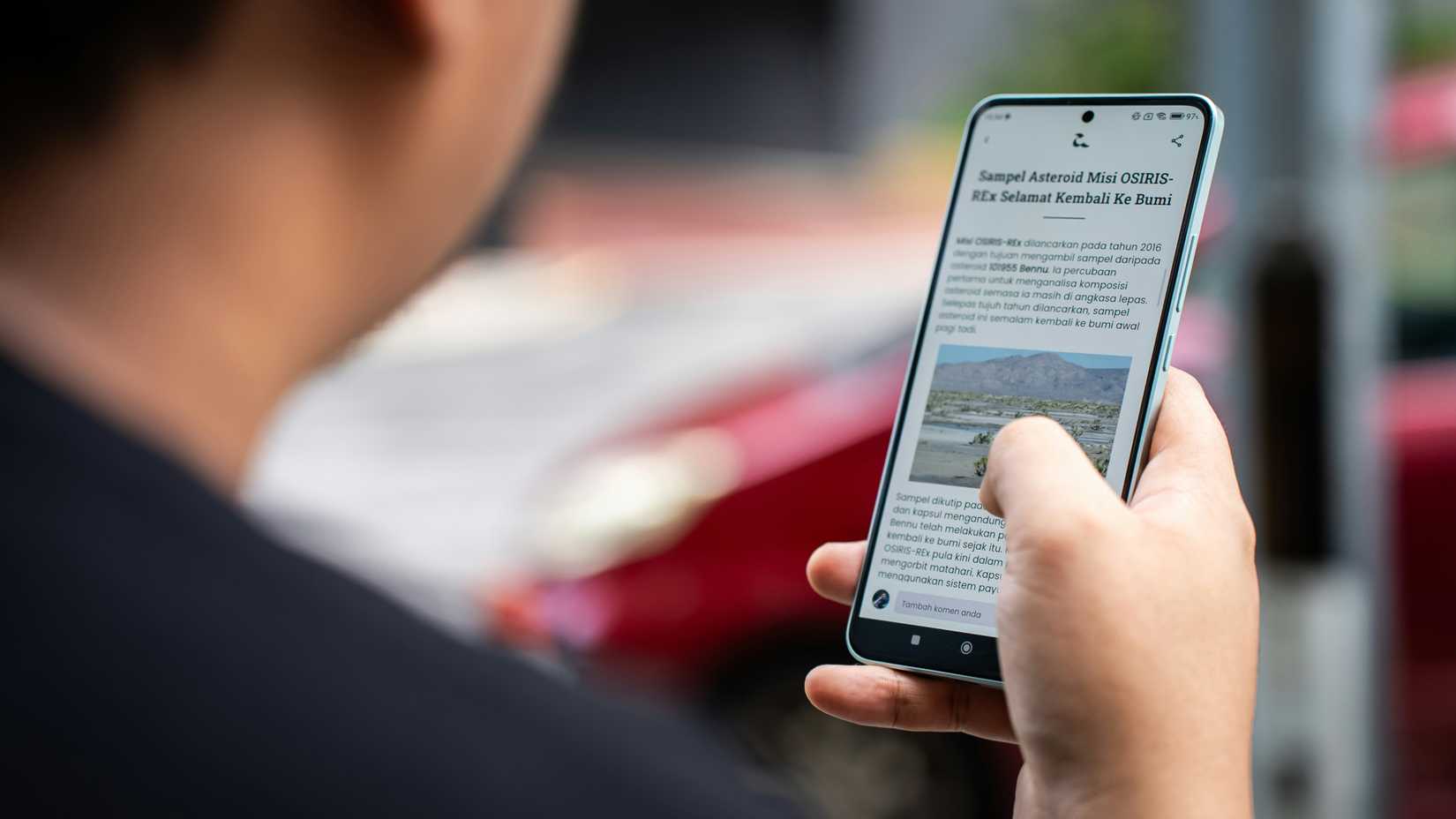
If I absolutely have to read on my phone, Instapaper’s range of visual themes I mentioned before make it much less unpleasant.
There are eight fonts to choose from on mobile, and four on PC. I’m not picky about fonts, but colors are important.
On both mobile and PC, you can choose between white, sepia, gray, and black themes. I tend to oscillate between sepia and gray, depending on the lighting of the room.
If my Kobo isn’t available for some catastrophic reason, it’s great to have these options as a last resort.
Could you just use Reader Mode in your browser on PC? Sure! But will your browser also sync all your saved articles to your Kobo? No, it will not.
The PC version of Instapaper also has a handy Summarize function, which is exactly what it sounds like.
Summarize squashes entire articles down to the TLDR (too long, didn’t read) for you, if you’re really pressed for time.
While I don’t see myself using Summarize for any leisure reading, I imagine it would be useful for research purposes, or highly technical content.
Any excuse to read more is a good one
Any tool that helps me to read more is good, in my books. And a tool that allows me to use my beloved Kobo more is an absolute home run, grand prize winner.
I didn’t hop on the read-later bandwagon in time to enjoy Pocket before its demise.
However, as a longtime Kobo lover and a newcomer to read-later services, I can confidently recommend it to any Kobo user as a way to get more out of your e-reader and expand your TBR.







