


Google Drive is the default setting for Android users. It comes with generous free storage, works seamlessly with other company apps and services, and does the job just fine.
However, as my workflow and needs evolved, I started finding Google Drive limiting.
After a decade of clicking Save to Drive, I have finally reached the breaking point. Here is why I’m pressing the Delete key and moving on.
Sharing options are limited
It’s 2026, and yet, for some reason, Google Drive’s sharing settings still feel like they are frozen in 2015.
I finally reached my limit when I needed to send a sensitive document to a client. I looked for the most basic, industry-standard features: a password-protected link and an expiry date.
Every major cloud player in the space — Dropbox, OneDrive, Box, even the privacy-focused newcomers like Proton Drive — has offered these for years. It’s common sense.
I want someone to see a file today, but I don’t want that link floating around in any inbox (or a Slack and Teams channel).
I either grant access to a specific email or send a direct link to someone. There is no middle ground. There is no This link self-destructs in 24 hours feature.
The web app is average
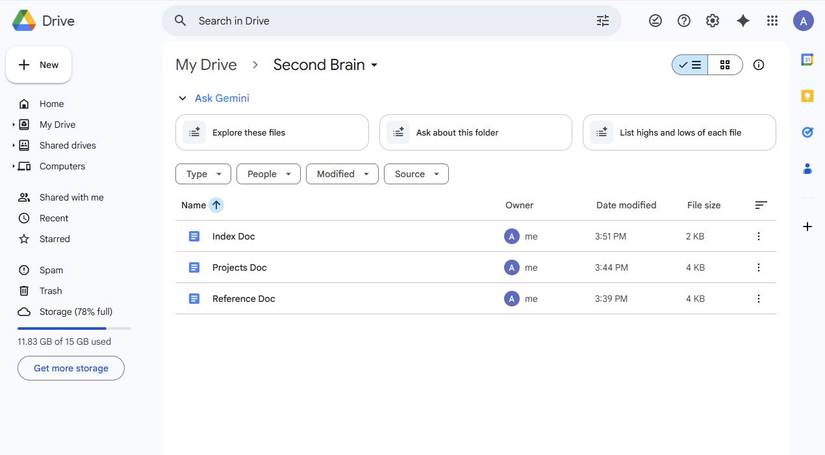
If you look at a screenshot of Google Drive, it looks great. It’s got those giant, friendly buttons, plenty of white space, and a clean Material You aesthetic we have all come to expect.
Still, the user experience is far from perfect.
The first thing that greets you is the Home menu, which is quite possibly the most useless screen in modern software.
The Home menu is essentially an AI-generated junk drawer of files that Google thinks I want to see.
Half the time, it’s a random PDF I opened once three years ago or a Shared with me document from a stranger that I never asked for.
Instead of letting me get straight to my actual work, Google forces me to navigate away from the landing page just to find my folders.
And then there are heavy animations that make the entire web app heavy.
Lacks security features
Google’s lack of basic protection for its Drive app is disappointing. In 2026, we shouldn’t have to beg for features that have been standard elsewhere for half a decade.
The most glaring omission is the lack of a biometric lock on Android.
I can lock my banking app, my OneNote notes, and even WhatsApp chat with fingerprint, but the app that holds my tax returns, property deeds, and most sensitive work documents stays wide open.
If I hand my unlocked phone to someone to show them a photo, they are exactly one tap away from my entire digital life.
Then, there is the Personal Vault problem.
Competitors like OneDrive and pCloud have figured this out: a dedicated, extra-secure folder inside your storage that requires a second layer of authentication.
The storage options don’t make sense
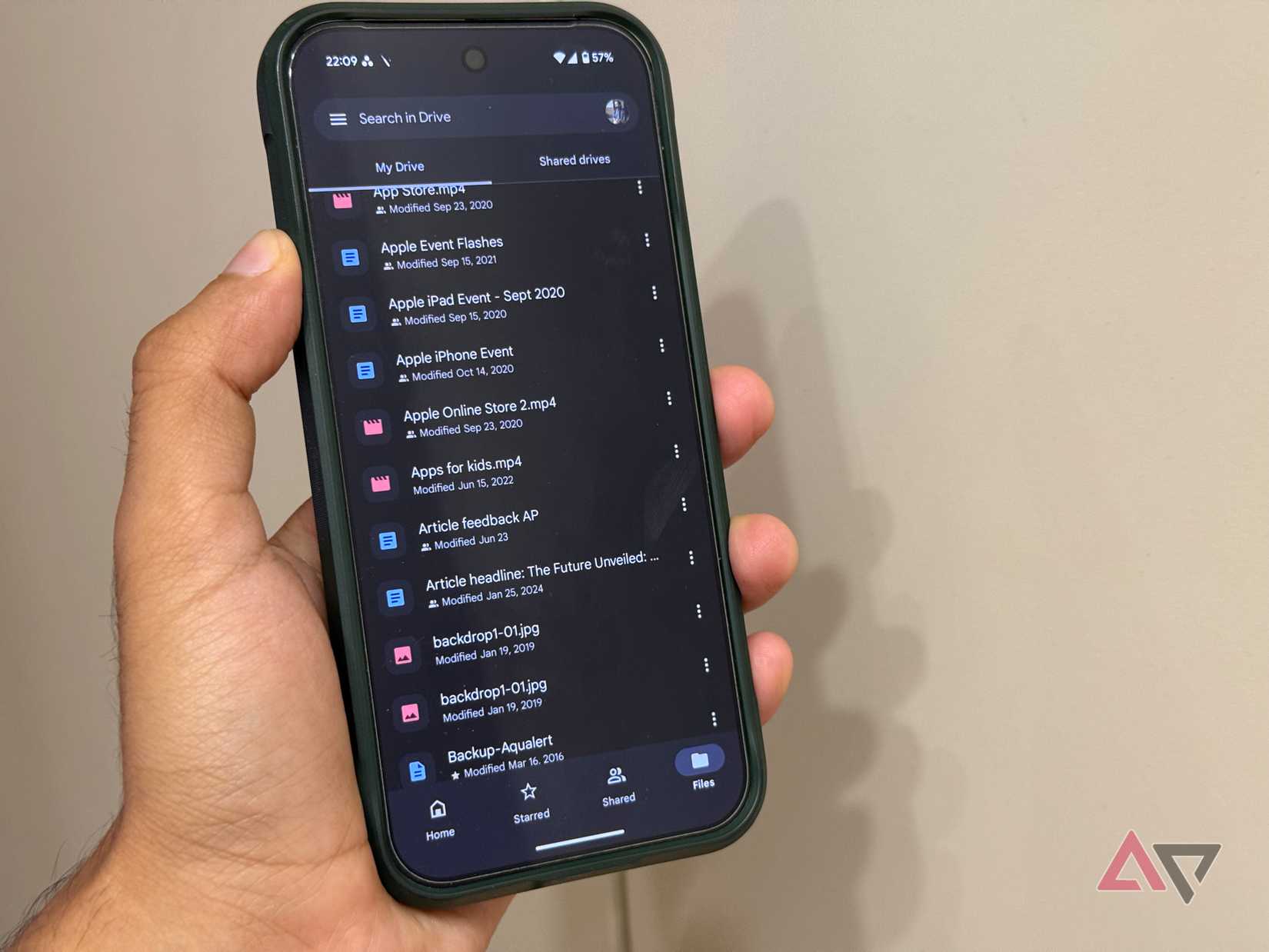
When I looked at my storage options, I realized Google’s pricing strategy in 2026 isn’t designed to be helpful; it’s designed to be a trap.
Right now, if you outgrow the tiny 15GB free tier, you will likely jump to the 100GB or 200GB plan.
But the moment you reach that 201GB mark, Google’s solution isn’t a reasonable mid-tier option like 500GB or 1TB. It wants you to go straight to the 2TB premium plan.
It is a massive, expensive leap that most people simply don’t need.
Other providers have figured this out. I can find 500GB plans or 1TB annual subscriptions elsewhere that don’t feel like I’m being taxed for having a high-resolution camera.
The rivals are catching up
Credit: Justin Ward / Android Police
The cloud storage market is booming. Take OneDrive, for example. I used to dismiss it as a clunky corporate tool, but their recent Android redesign is amazing.
It’s actually media-friendly now and shows all your uploaded pictures and videos upfront in a gallery view.
Plus, it gives me exactly what I have been asking Google for: Personal Vault protected by biometrics.
On top of that, the integration with Windows has become so tight that I don’t even feel like I’m using the cloud.
Then there is Proton Drive, which has completely reset my expectations for privacy.
While Google is busy scanning my files to improve its AI, Proton is using end-to-end encryption so that only I hold the keys.
Like Google and Microsoft, Proton doesn’t just offer storage; it offers a whole ecosystem.
I can access Proton VPN, Docs, Pass, Wallet, Calendar, Mail, and other secure Proton tools with an active subscription.
Stop settling for Google Drive
Giving up on Google Drive wasn’t an easy decision.
However, now that the dust has settled, my files are more organized, the sharing experience is private, and I have more control over uploading sensitive files.
If you have been feeling that same friction every time you open your browser, this is your sign that there is life after Drive.
You don’t need to pick OneDrive as an alternative. As I mentioned, there is no shortage of capable Google Drive rivals.
If data privacy is your priority, I highly recommend checking out Proton Drive.











