


The versatility of the Android platform lets you download a multitude of third-party apps to make up for the lack of native features. App locking is one such feature. Although Google introduced Private Space with Android 15, it’s designed as a segregated space for your data and apps, and not specifically as an app locker. Thankfully, it looks like Google’s finally coming around to the idea of building a native app lock solution for Android.
Looking through the latest Android Canary 2512 release, Android Authority’s Mishaal Rahman found evidence of a new App Lock feature in its early stages of development. Prominent among the revelations is the snippet below, which names both the new App Lock API and the LOCK_APPS permission.
<permission android:featureFlag="android.security.app_lock_apis" android:name="android.permission.LOCK_APPS" android:protectionLevel="internal|role"/>Additionally, some strings reveal the dialogs that will greet users when using App Lock.
<string name="enable_app_lock_dialog_enable_button_text">Lock</string>
<string name="enable_app_lock_dialog_title">Lock %1$s?</string>
<string name="enable_app_lock_failure_toast_message">"Can't lock %1$s"</string>
<string name="enable_app_lock_success_toast_message">%1$s is locked</string>
<string name="disable_app_lock_dialog_disable_button_text">Remove lock</string>
<string name="disable_app_lock_dialog_title">Remove App Lock from %1$s?</string>
<string name="disable_app_lock_success_toast_message">App Lock is removed from %1$s</string>
Unfortunately, we don’t yet know how this feature will be activated, as that decision will be left to the developers of launcher apps. The most likely (and simplest) solution, as Rahman notes, would be to let users long-press individual apps and lock them using a dedicated option in the context menu.
You may have to wait a while to see App Lock in action
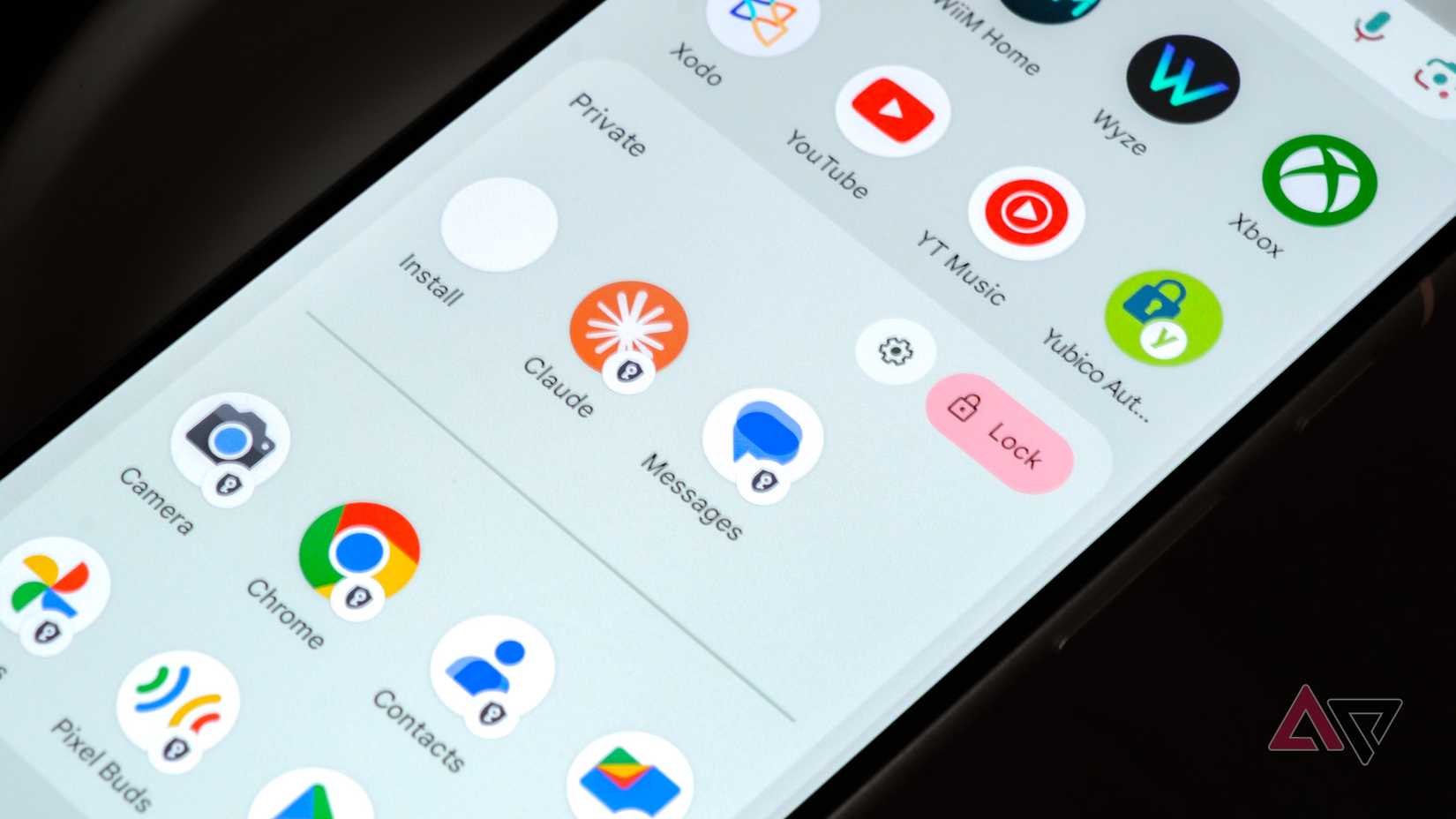
Android’s Private Space
Now for the bad news. While App Lock isn’t yet live in the Canary 2512 release, Rahman also rules out its launch with Android 16 QPR3. This points to Android 17 as the likeliest option for the feature’s rollout, provided there are no additional delays during development.
A feature like this built into Android would certainly make some third-party app lockers obsolete. Until then, however, these app lockers are here to stay.
While there are some decent third-party app lockers available right now, nothing beats a native solution built into the software. Some of these third-party app lockers can be easily uninstalled, which defeats their purpose. As Rahman points out, while some apps can circumvent this limitation, often by requesting Device Administrator privileges, they leave users susceptible to a range of other concerns.
While Pixel smartphone owners would be elated by this news, a native app lock solution would also be great news for Samsung Galaxy smartphone owners, as they also rely on third-party solutions to lock apps. However, users may have to wait until the next major software update (One UI 9), assuming Google flips the switch with Android 17 next year (and Samsung decides to implement it).












