


Over the past few months, Google has added many new features to Android.
Be it the new Material 3 Expressive design that brings a bolder look to Android or iOS-like Live Updates for notifications, there’s a lot Google has rolled out recently.
However, of all the new features Google has introduced, anti-theft tools are the ones I feel are the most important.
These features promise to add another layer of protection to your device while keeping your data safe in case of loss or theft.
Similarly, Google has also introduced tools that prevent Android users from being lured into scams during calls.
Building on this, Google has added new security tools to Android with the features introduced in December 2025 alongside the Android 16 QPR2 rollout for Pixel devices.
Your Android phone can now use Circle to Search to detect fraud, and here’s how.

Circle to Search now helps you identify scams instantly
Use it to check suspicious messages or offers with a quick gesture
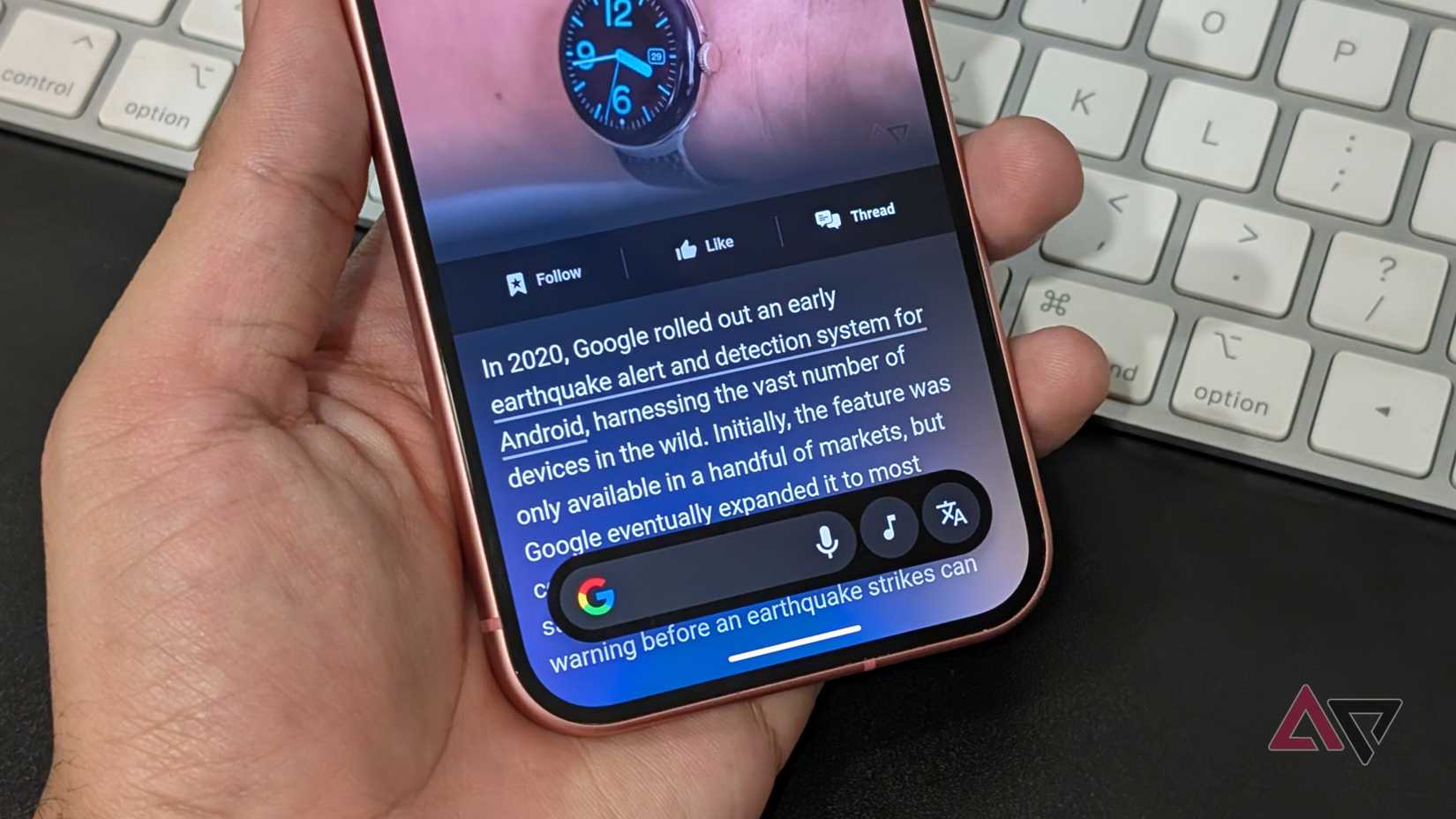
Android already offers several on-device protection features.
The OS offers on-device fraud detection to spot scams within the apps, and Google’s Phone app can block scam and fraud calls. However, a few still slip through, which is why Google’s new feature is even more important.
Circle to Search has been a core part of Android for a while now.
The feature lets me instantly look for things to buy, and Google has improved it further with on-screen text translation as well as the ability to ask follow-up questions in Google Search’s AI mode about whatever you’ve highlighted.
While these features are great for most users, I feel the new addition Google introduced to Circle to Search is even more important.
With the new feature added in December 2025 as part of the Android update, if you’re unsure whether something is a scam or fraud, you can circle or highlight the message you’ve received, and Circle to Search will tell you if it’s genuine.
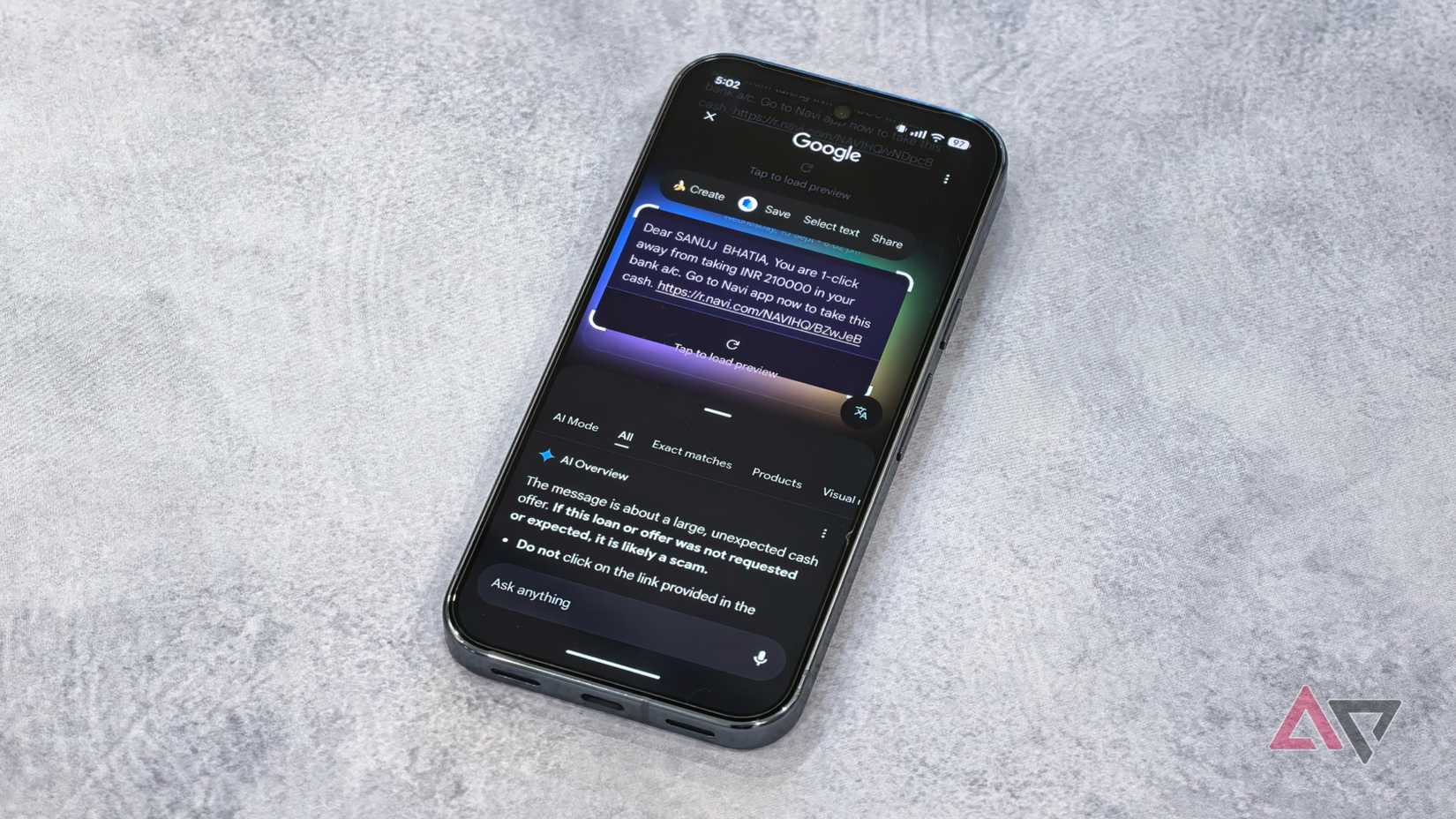
Google says a common tactic among fraudsters is sending users messages through Google Messages or social media that solicit or demand money or include links to scam websites.
Thanks to the new Circle to Search feature, you can now protect yourself from getting involved just by asking Google.
To use this feature, enter Circle to Search by tapping and holding the navigation bar, then highlight the message you received.
Google will use AI and information from the web to assess whether it’s a scam. It will even show what steps you can take depending on the result, such as avoiding the link or blocking the sender.
I tested this feature in real-world use with a few messages I received on my Google Pixel 10 Pro, and Circle to Search was accurately able to call out spam messages from genuine ones.
You can follow up when you are still unsure about something
Get extra context and confirm with Google AI if something feels risky or fake

In some cases, where the AI isn’t able to directly tell you whether a message is a scam or fraud, you can manually ask Google by using the “Ask anything” bar in Circle to Search.
For example, when Circle to Search wasn’t able to identify one of the messages I received, I followed up with Google AI mode, which clarified that the message was likely a loan scam or a phishing attempt impersonating a genuine company.
With this, you’ll also be able to distinguish whether the texts you’re receiving are genuine or not, whether they’re about gambling, loans, buy now pay later offers, and more.
You can also ask how to block these messages on your Android phone or report them online.
You can use this feature on Android devices that don’t support Circle to Search by using Google Lens in the Google app on both Android and iOS.
Just upload the screenshot, and Google AI will tell you whether the message is a scam or not.
Other new Android features you should try this fall
In addition to this protective feature, Google is also rolling out other helpful features for Pixel smartphones and other Android devices as a part of the December 2025 update.
One feature I’ve personally found useful is the notification summary feature for Pixel phones. With this, your Pixel can now condense longer messages and group chats from different apps so you get a quick glance at what’s happening.
Other features, such as an expanded dark mode that forces apps to apply a dark theme even when they don’t support it natively, as well as automatic themed icons, are also rolling out with the new update.
That said, the ability to assess messages for scam and fraud with Circle to Search is arguably one of the most underrated and lesser-known features of this Feature Drop. Not many people will talk about it, but it’s a (far more) useful Android feature than it sounds for a lot of us.











