


I’ve been relying on a wireless Android Auto adapter for some time now. It’s a handy way to ditch unnecessary cabin clutter without hunting down a spare USB cable every time I get in the driver’s seat.
Plus, it spares me from tethering my phone to the dashboard or dangling it from an air vent mount.
Yet convenience comes with baggage, and untethered connectivity doesn’t always stay reliable, especially with older wireless Android Auto adapters.
I started to experience dropouts or connection woes between my phone and head.
After tweaking a handful of system and network toggles, I smoothed out my connection headaches and restored peace of mind to my daily dashboard commute.
My wireless Android Auto adapter worked flawlessly at first
But it failed me later
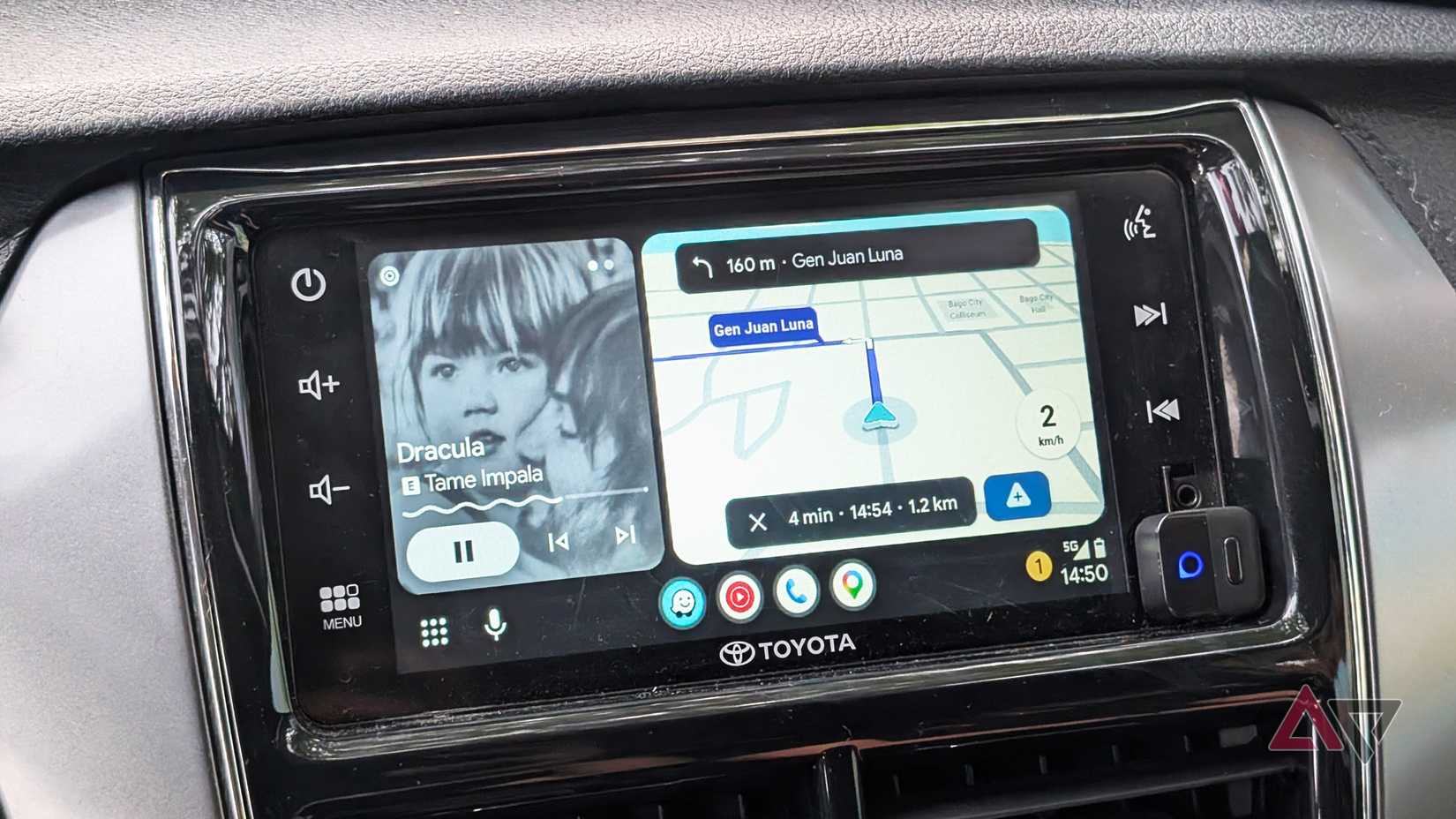
Adopting wireless Android Auto felt like one of the most substantial day-to-day upgrades I’ve made. It felt like picking up an entirely new piece of tech.
I went with the Ottocast Mini Pico, one of the lightest and most unobtrusive dongles supporting Android and iOS.
It cost around $30 when I bought it, though you might get it cheaper during promotional sales.
Plugging it into the vehicle’s console made a night-and-day difference in how seamlessly my phone integrates with the cabin.
With an untethered connection, I ditched the need to check for a USB cable before hopping into the car.
My Google Pixel phone also stays safely buried in my pocket or travel bag, reducing the temptation to glance at a secondary screen while navigating traffic.
The early performance seemed rock-solid. However, prolonged use uncovered lingering stability quirks, mostly isolated to wireless connection issues that affect my streaming.
I faced connection bottlenecks
Media playback became laggy
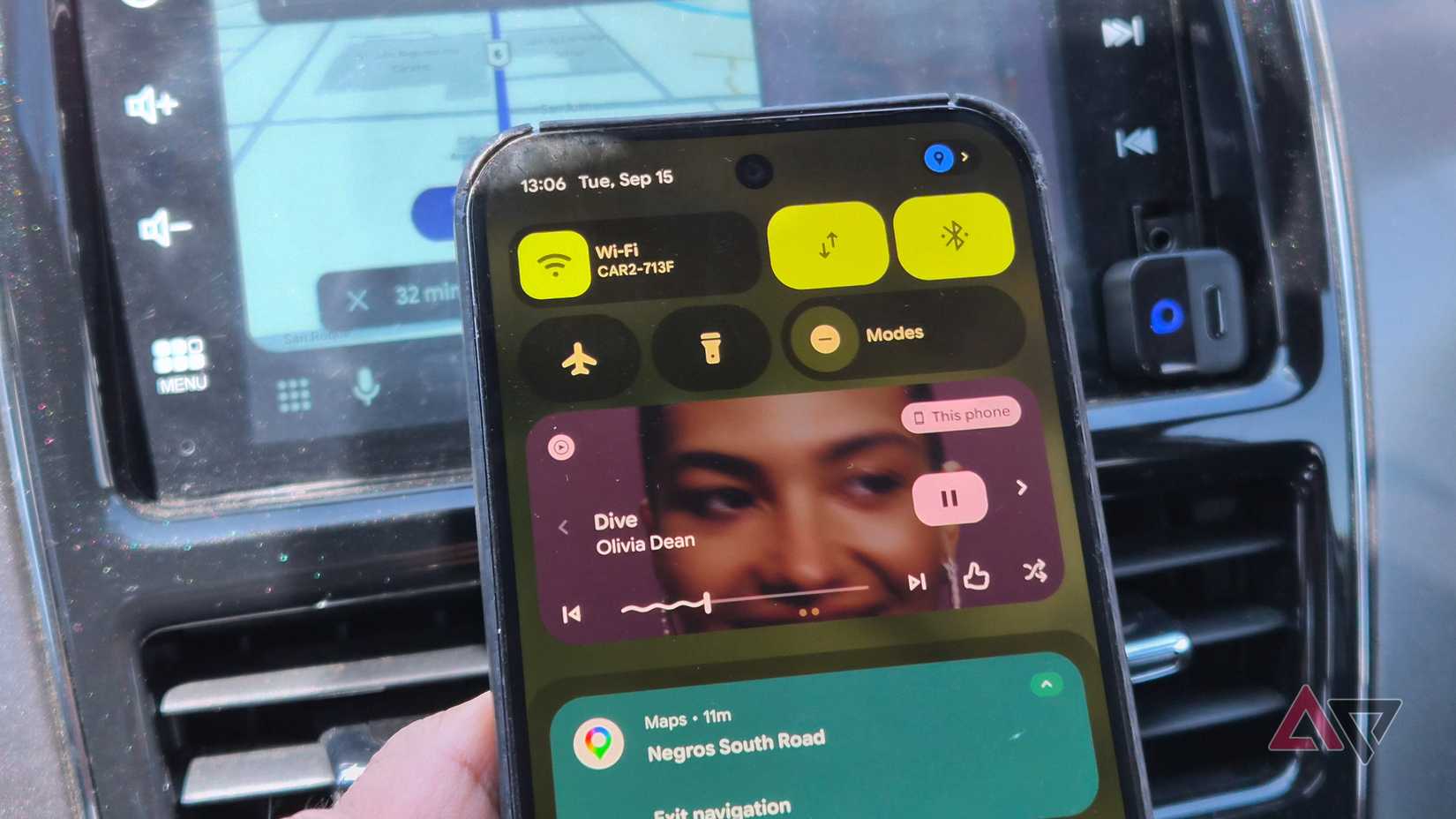
The bulk of my connection headaches surfaced during media streaming.
For instance, playback on YouTube Music or Spotify on my Google Pixel or Samsung Galaxy phones is often performed erratically. The audio started hitching in short, repetitive stutters in the middle of the track.
I wrote it off as a one-time hiccup from a spotty area, but the stuttering became a daily grievance. Even for short drives, the streaming became unstable.
More often than not, I gave up, paused the audio, and left Android Auto running for navigation use with Maps or Waze.
At first, I assumed it was isolated to media playback, but I was wrong. I started to run into connection problems, primarily when auto-connecting to the display.
When this occurs, I reconnect several times by toggling my Bluetooth and Wi-Fi off and on. Sometimes one or two tries can reconnect me, while other times it’s like playing whack-a-mole.
I thought it was because of lag in the vehicle’s display unit, but after digging deeper, I found a faulty connection between my phone and the Ottocast adapter.
Fixing the pairing woes using a Bluetooth refresh
I stopped getting handshake errors
After testing, I narrowed the culprit down to connectivity, which suggested the fix lay in the connection.
For the first fix, I went with the classic method. I started by clearing the Bluetooth profile.
Deleting the Bluetooth profile of the Ottocast adapter is straightforward:
- Open Settings.
- Tap Connected devices.
- If you don’t see the adapter, tap See all.
- Tap the gear icon beside your adapter.
- Choose Forget and confirm.
As for Wi-Fi, it’s a bit tricky because Android hides the adapter’s Wi-Fi SSID on most devices. So in most cases, you can’t manage the Wi-Fi connection directly or delete it.
However, refreshing the Bluetooth profile is often enough to resolve initial pairing issues.
After that, I paired the adapter with my phone again, which fixed the handshake hiccups with my vehicle’s display.
Plug the adapter into the right USB data port. Some vehicles have multiple USB ports, and some interfaces are only for charging.
Fixing the audio lag in wireless Android Auto
Multiple workarounds to try
A Bluetooth reset was a band-aid solution for the glitching audio playback, which relies on a Wi-Fi link.
There’s no magical fix, but a few simple tweaks might help.
One is to check whether your phone uses a 5GHz wireless connection instead of 2.4GHz. Having a higher frequency offers faster throughput, especially when you’re streaming video or audio.
Some wireless Android Adapter brands offer companion apps that can help you manually select the 5GHz band over 2.4GHz if needed.
On my Pixel and most modern devices, this defaults to 5GHz.
If that doesn’t work, clear the cache of Android Auto and pair the device with your phone again:
- Open Settings.
- Go to Apps > See all apps.
- Look for Android Auto.
- Choose Storage and cache.
- Tap Clear cache.
Alternatively, ensure that Android Auto runs in the background at all times by allowing unrestricted battery usage. You can find the toggle in the same app settings menu.
I also tried offline playback as a workaround for the audio lag.
It proved effective, since having YouTube Music or Spotify play downloaded playlists eliminates the need to stream over cellular data at the same time.
Wireless Android Auto shouldn’t be a hassle
The convenience tax remains worth paying
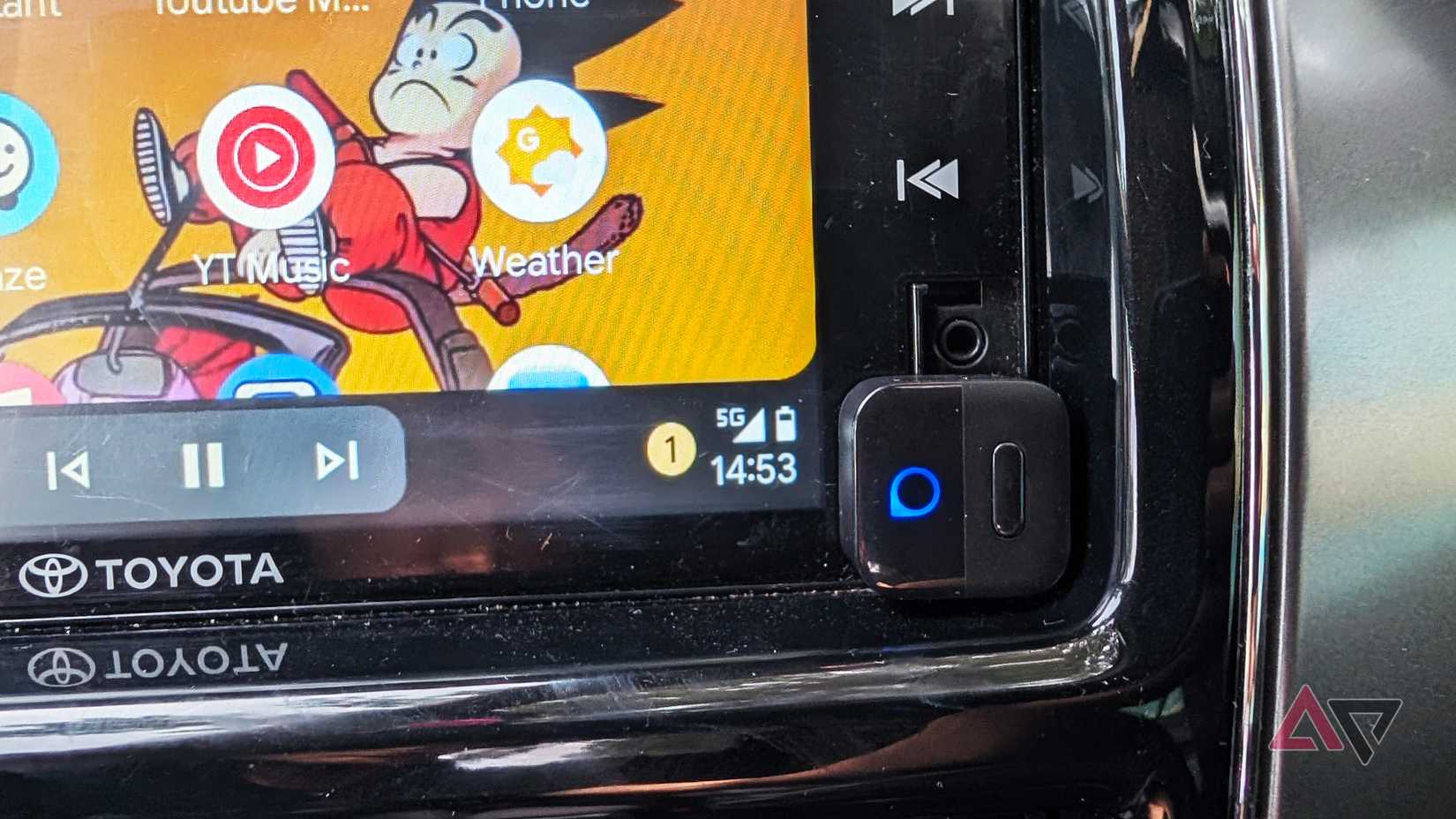
I don’t blame Android Auto as much as the cheap adapter hardware running the show.
Throwing more money at high-end dongles might fix these connection and audio woes out of the box.
If not, these Android Auto workarounds do the trick, and none of them require an engineering degree to pull off.
Even with the occasional connection tantrum, it’s a compromise I’ll gladly take over wrestling with a tangled USB cable every time I get behind the wheel.











