


I’ve tried hundreds of note-taking apps over the years in my quest to find the “perfect” one. Eventually, I realized the apps were never the problem.
The real issue was that I rarely put in the time to organize my notes or build on the half-formed ideas I captured.
I wasn’t bad at taking notes; I was just bad at turning chaos into something usable. That’s where Gemini quietly changed the equation.

Capturing ideas was easy. Doing something with them wasn’t
The problem always appeared later
Taking notes was never the hard part. I keep switching between various note-taking apps, but all of them are good enough to get the job done.
They provide me with a blank slate where I can immediately start jotting down my thoughts. Some apps even offered templates that helped me capture ideas in a more structured manner.
However, whenever I revisited these notes later, I often felt confused. The half-formed ideas were difficult to decipher, and the meeting notes I hurriedly wrote down barely made sense without proper context.
Similarly, I stared blankly at links I shared hurriedly a few days earlier. Without explanation or relevant information, they had lost their purpose.
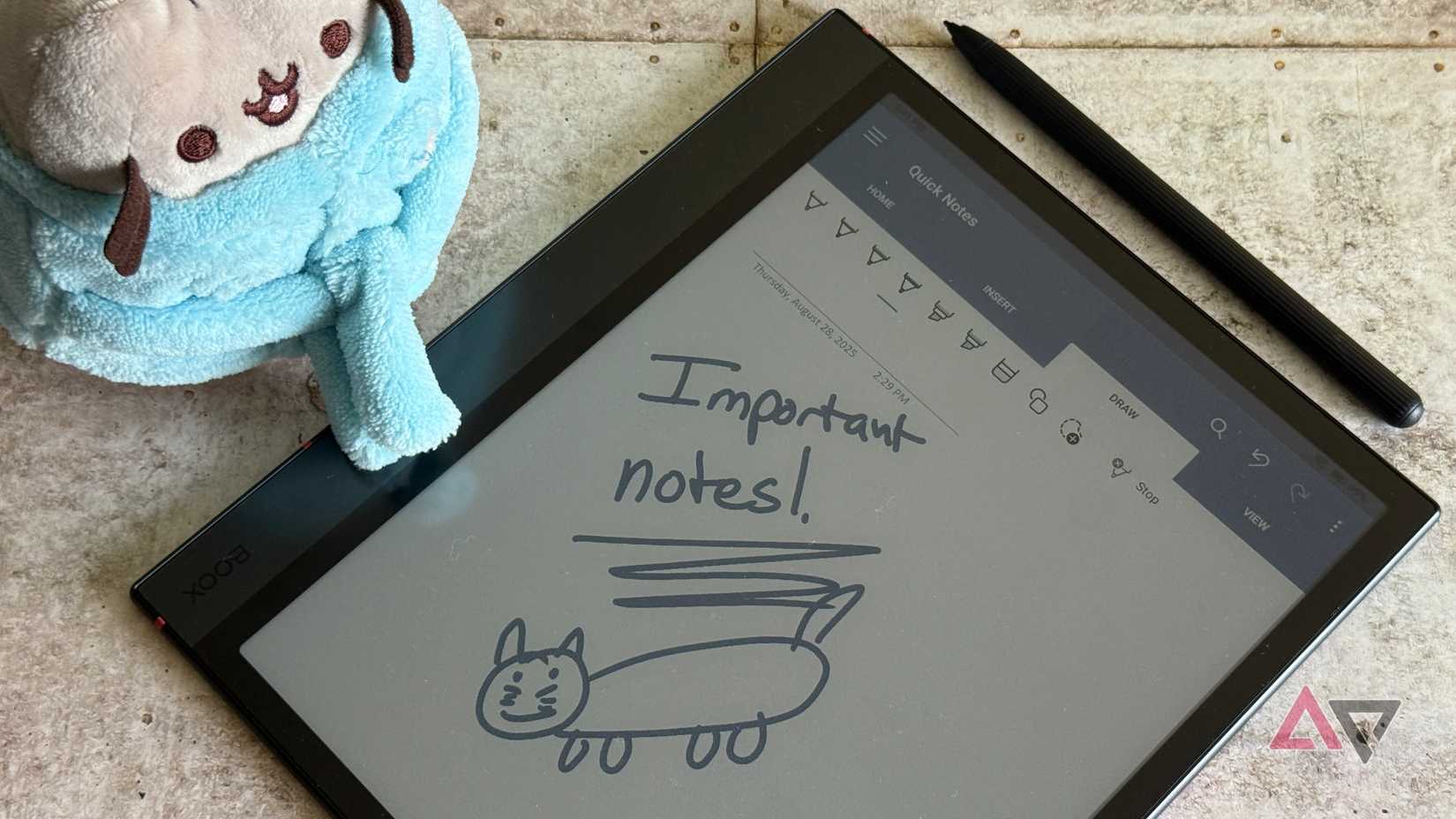
To make sense of it all, I had to sit down, take my time, and recall why I wrote down certain points for a meeting. Or why I added this link to my Keep.
That process required mental energy and focus, something which I rarely had whenever I sat down to review my notes.
I even started using folders, tags, and databases to add structure and context to my notes. But that felt like an additional task, one which added friction.
When an idea strikes, I want to write it down immediately rather than spend time organizing it.
Because of this, most of the notes I took eventually lost their purpose and became meaningless. Instead of serving as useful reference points, they became a mental backlog.
Over time, I stopped relying on my notes altogether. I kept blaming note-taking apps for this and kept juggling between them, hoping one would magically fix this problem.
This is the same problem I faced with to-do apps until Todoist Ramble arrived to keep up with my brain.
That made me realize that I didn’t need a better note-taking app. I needed something that could take my chaotic notes and make sense of them.
Gemini might just help make sense of my chaotic notes
Letting Gemini deal with my messy notes
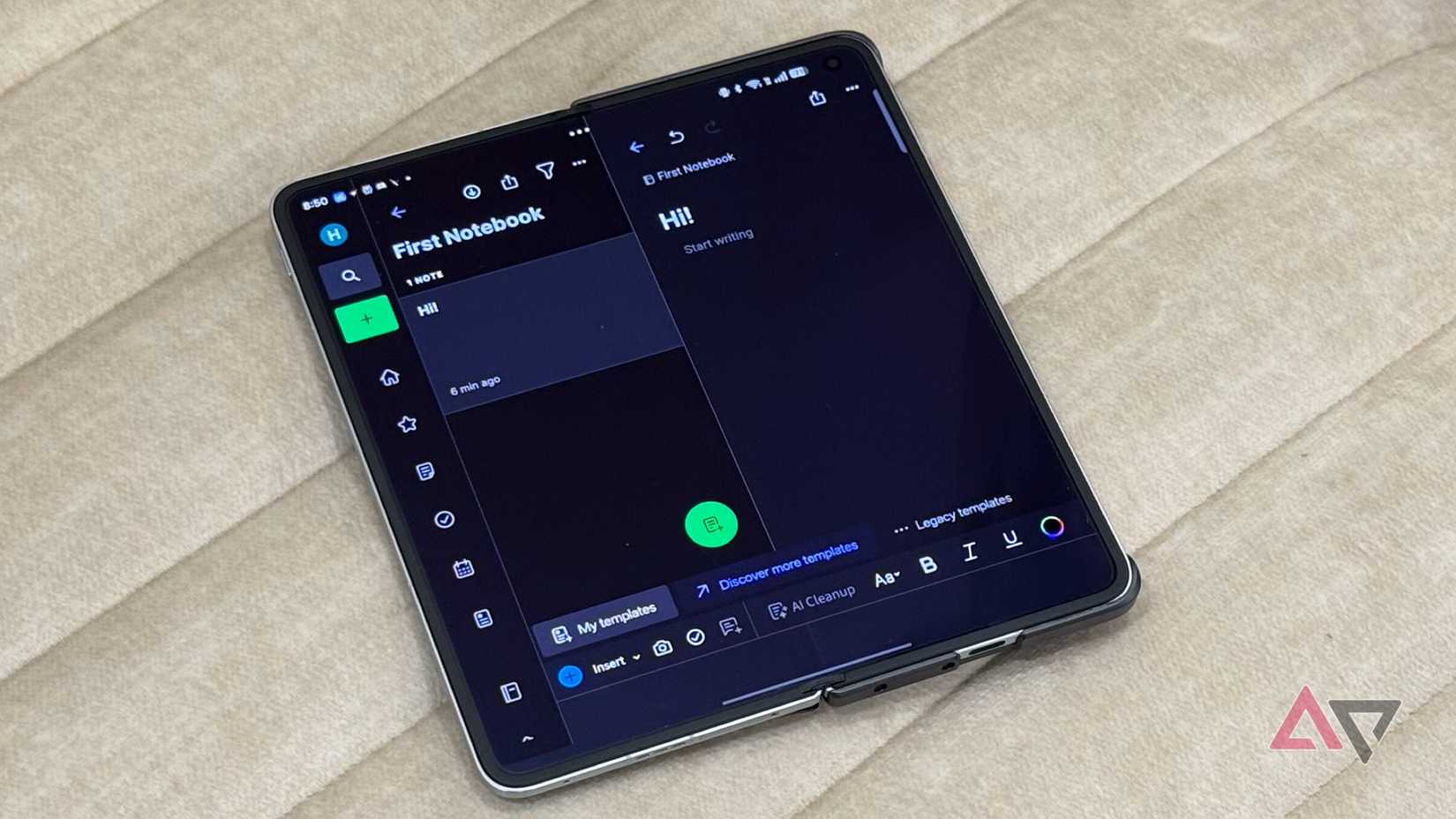
I still have not changed how I jot down my notes. They are still half-baked ideas, meeting notes lacking context, and X or LinkedIn links without any relevant information.
And I don’t even sit down later to manually organize them.
What changed is that I let Gemini clean up my notes later.
When I revisit a messy note later, I first paste it into Gemini and ask it to make sense of it.
If I am pasting meeting notes, I ask Google’s AI assistant to give me a list of actionable items or summarize the core takeaways.
For half-baked ideas, I ask Gemini to refine my thoughts and help with possible directions to build on them.
When I brain dump something in notes, I ask the AI assistant to give me a simple outline based on it.
I also use Gemini’s help to refine my ideas further — point out any obvious gaps, the challenges I might face, or what my immediate steps should be.
Similarly, for links, I paste them in Gemini and ask how they could be helpful or relevant to me.
Given that Google’s AI chatbot already knows about me and what I do, it has the relevant context to identify and explain why a particular link matters or summarizes what’s worth paying attention to.
Sometimes, I add a quick audio clip to a note, which can add more context for Gemini to work with.
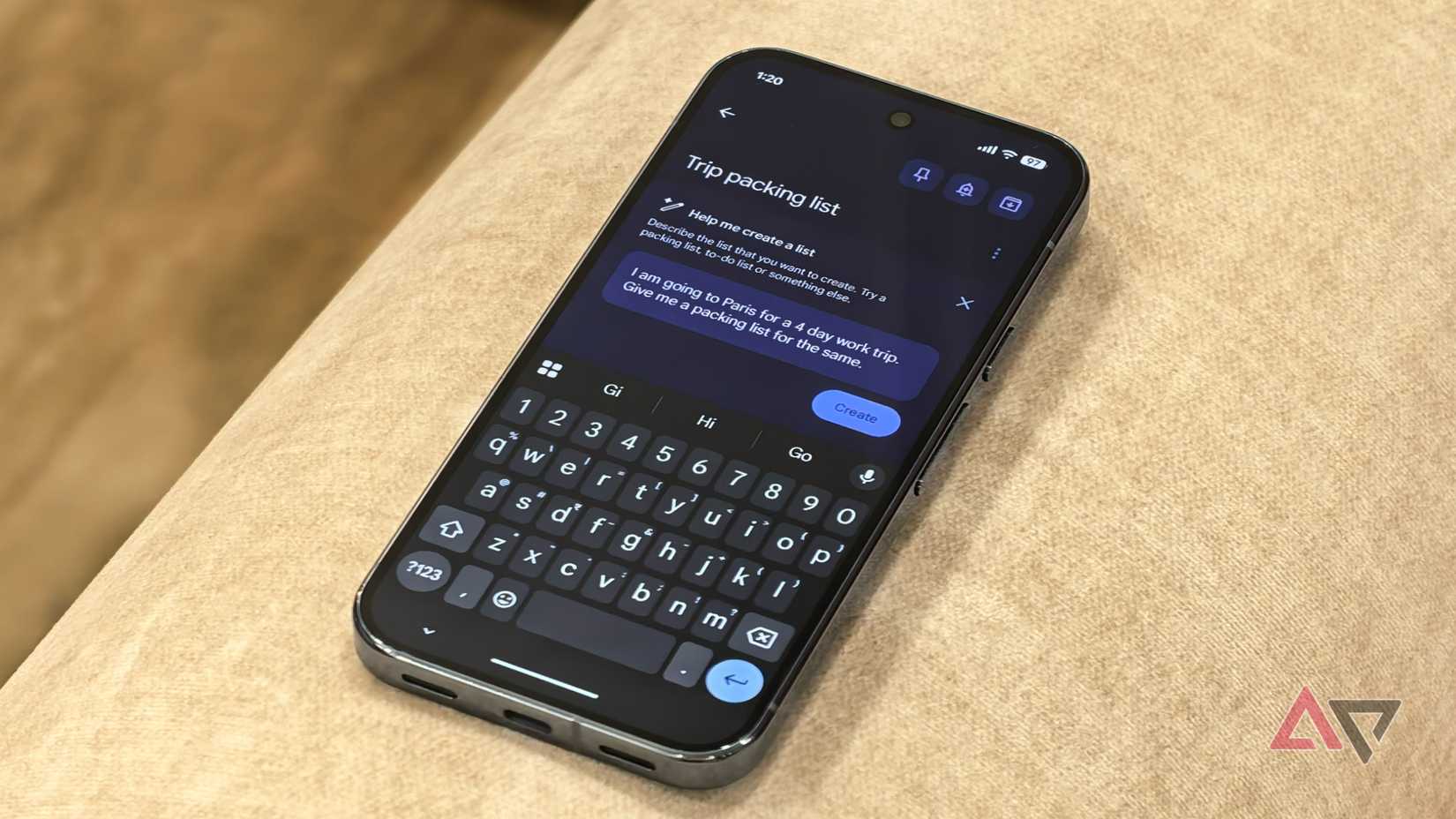
I still switch between note-taking apps after realizing that there’s not one perfect app that suits my needs. But for notes that I take in Google Keep, the Gemini integration makes things easier.
I can’t always recall a note that I have saved. Instead of going through all the notes in Keep, I simply ask Gemini to surface notes related to a specific project or topic.
If those notes happen to be meeting notes, I directly ask Gemini to give a list of actionable items and add them directly to Google Tasks.
This saves me from unnecessarily copying and pasting notes between my current preferred note-taking app and Gemini, reducing unwanted friction.
Ideally, I’d love to see this Keep-like deep Gemini integration expand to other note-taking apps as well. This would make my workflow even more powerful.
Chaos in, clarity out
I am still taking chaotic and messy notes — probably more than ever now that I know Gemini is there to take care of the chaos.
Having an AI between me and my notes has almost removed the friction that existed previously. I can now easily revisit my notes down the line and make sense of them all.
And when taking notes, I simply focus on thinking, not organizing — and that has made all the difference.











