


You may assume that Android Auto is simply your Android phone ported onto a larger screen, with all the capabilities you’re used to getting. But nothing could be further from the truth. Android Auto is a separately updated existence, and is constantly playing catch-up with the apps on your phone.
Google just got one step closer to version parity though, thanks to the most recent Android Auto update. Code has been discovered in Android Auto 16.2 which mentions a “driving avatar”, mirroring the customization options in the phone app.
No more swapping between Android Auto and your phone
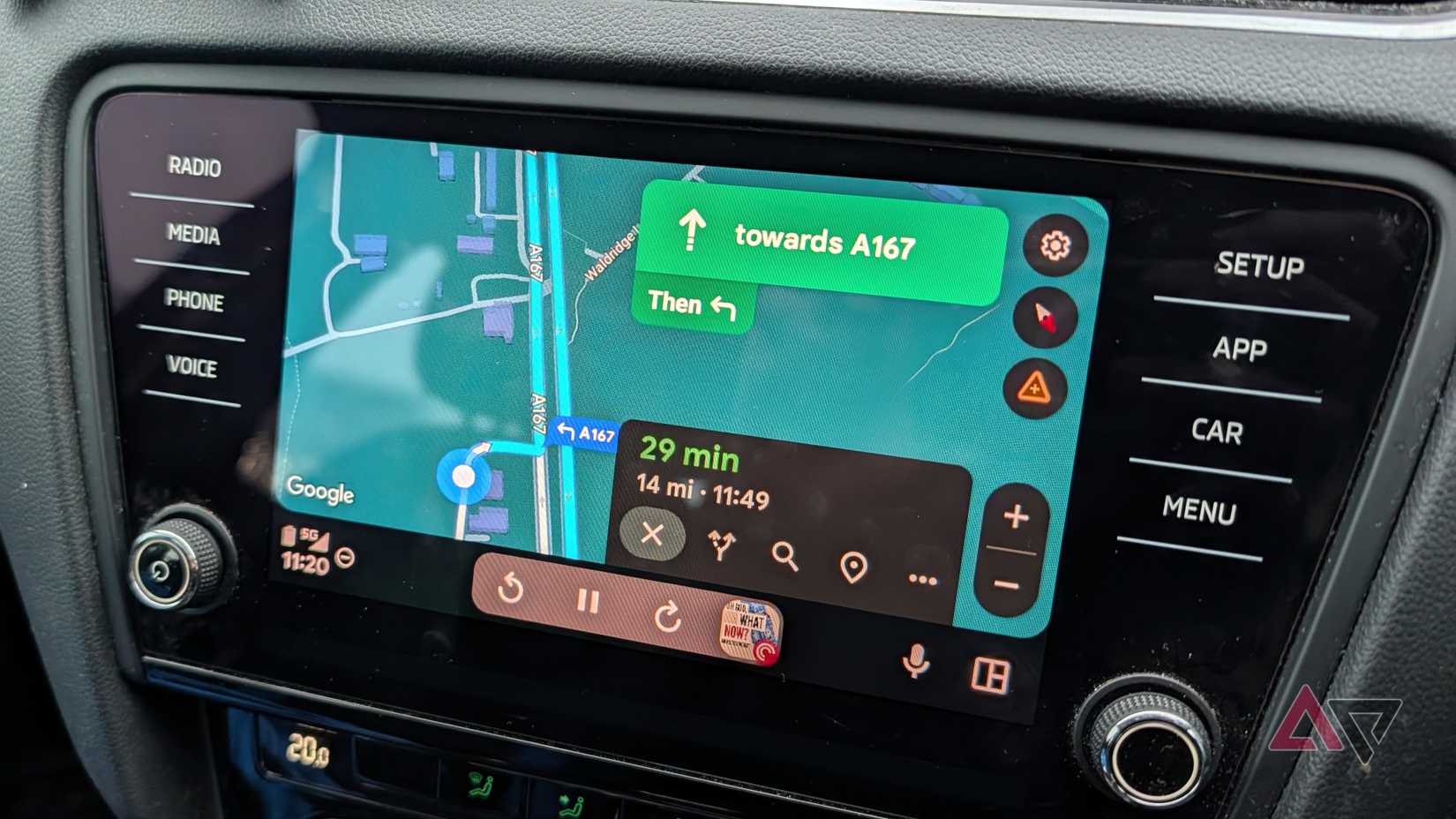
While this option doesn’t appear to be live in even the newest version of Android Auto, it likely heralds the eventual debut of it on your car’s infotainment system.
Discovered as a mention in the update’s code, it seems this new option will allow users to change their personal icon in the Google Maps app on Android Auto. At the moment, in Android Auto, you aren’t able to directly change this setting, and have to unlock your phone and do it from there instead.
This isn’t the most convenient way to do things, and in certain countries and areas, is illegal too. However, once live, you’ll be able to use your car’s infotainment display to change your icon instead.
If you’ve not done this before, or didn’t even realize you could, the usual triangular icon in Google Maps can be changed into a number of different icons. There are icons shaped like cars, in multiple body shapes, vans, and many other types of automobile, so you can choose the type that fits your current ride. You can even change the color to match, too.
It’s interesting that this addition has been discovered now, in the update following the Android Auto bug that made your direction icon disappear. It’s slightly amusing to entertain the notion that the only reason Google thought to include this option was because of the glitch that made it disappear.
That probably isn’t the case, but I like to believe it is. Whatever the reason, the inclusion of this code means this customization is on the way, and it hopefully means we’ll get more customization options down the road too.











