


Google Photos is one of those services I rely on without thinking.
It stores more than a terabyte of pictures and videos, and more importantly, resurfaces old memories at the right moments. For managing such a large photo library, it’s hard to beat.
However, I can’t trust Google Photos with storage management. It offers surprisingly little control over how I can control the ever-growing space requirements of my library. And that’s a problem.

Google Photos nails library management
But its storage tools still fall short
Google Photos does a fantastic job at managing and organizing photos and videos.
Face recognition, smart, contextual search, plenty of sharing tools, shared albums — these are all features that I use regularly and can’t imagine doing without.
I also love how old pictures and videos resurface as memories, ensuring I don’t just forget those special moments down the line.
The yearly recap is another highlight, and among the few recaps I actually look forward to at the end of the year.
Even better, Google keeps adding new features and editing tools to Photos, improving the overall experience.
But despite nailing the library management aspect, Google Photos falls apart when you want to manage your account storage.
It offers very little beyond a Manage Storage option, where I can review large photos and videos, blurry pictures, screenshots, and unsupported videos.
Google Photos does let me convert older photos to Storage saver quality to free up space. But there’s no way to convert them into more efficient formats like HEIC, even though that alone could reclaim a meaningful chunk of storage without sacrificing much quality.
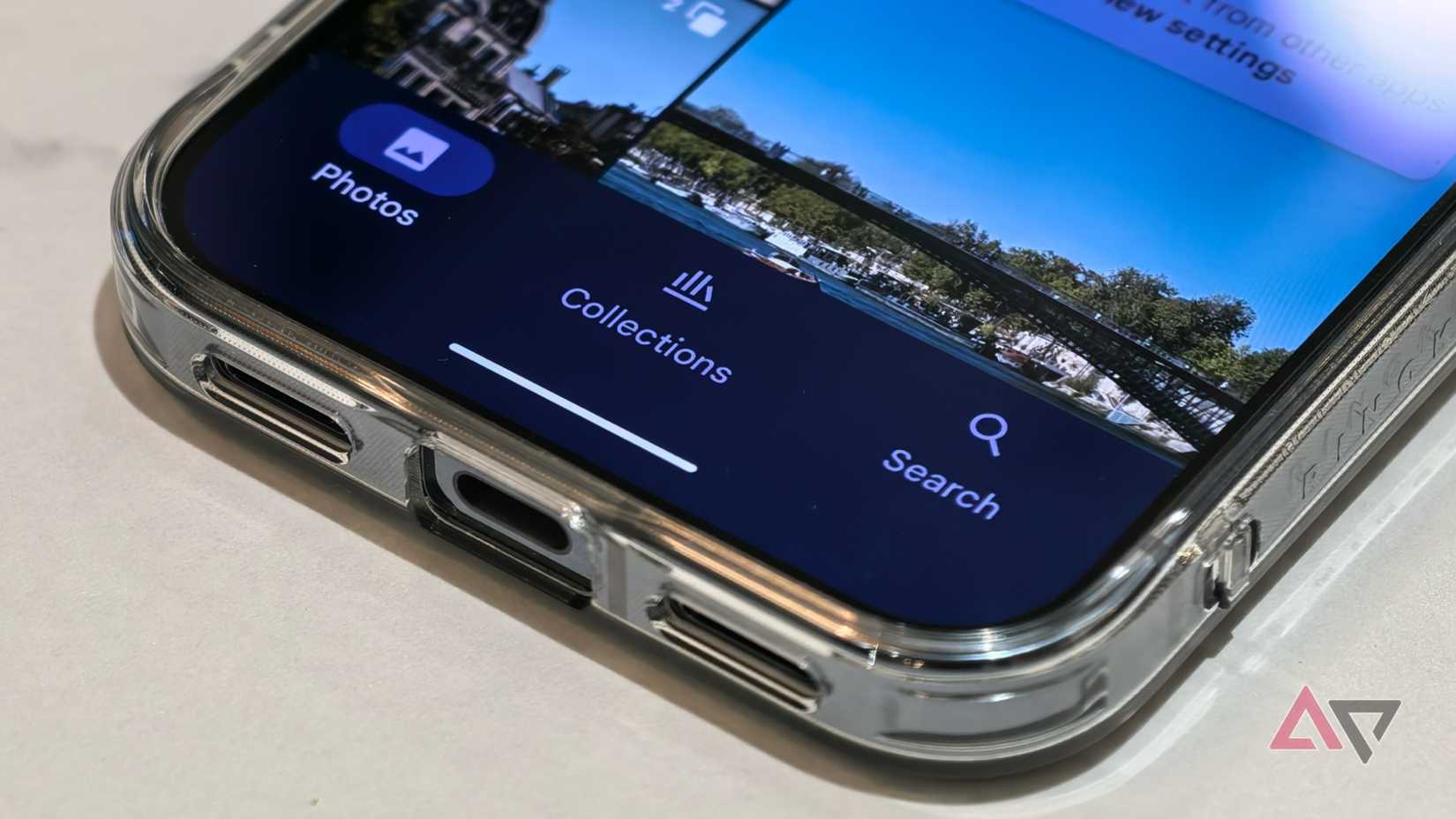
This gap feels even more glaring when you consider how large JPEG photos shot on newer Android phones have become, particularly with motion enabled. They can easily weigh anywhere between 4MB and 9MB each, with hi-res 50MP or 200MP shots taking up 25 to 45 MB of space easily.
It’s not like Google Photos does not support HEIC formats. HEIF images uploaded from my wife’s iPhone 15 Pro Max usually top out at around 1.5 to 2MB, despite looking just as good in most real-world scenarios.
Forget HEIC. Google Photos does not even support WebP or AVIF, both of which offer significant space savings and other benefits over JPEG.
Similarly, there’s no way to bulk downgrade motion photos to still images. That’s another option that could help me — and other heavy Google Photos users — reclaim gigabytes of storage without losing those precious moving photos.
I also can’t compress videos into more efficient formats directly in Google Photos. That leaves me stuck with massive GoPro clips from years ago, forcing me to manually download and convert them just to bring their multi-gigabyte file sizes down to something more manageable.
Google Photos will happily list the large videos in my library, but it won’t provide an option to convert them into a more space-efficient format. Switching to Storage saver quality for videos is not a viable option, since it downscales them to 1080p resolution.
Ideally, Google Photos should automatically convert photos and videos into more space-efficient formats before uploading them. It’s understandable why Google is avoiding offering such features. Doing this at scale would require significant computing and storage resources.
Still, that doesn’t justify their absence. The company could easily provide advanced format conversion and compression tools behind a paid Google One tier.
Duplicate photos, zero help
Near-identical photos pile up fast
It’s not just about being unable to convert photos and videos into more space-efficient formats.
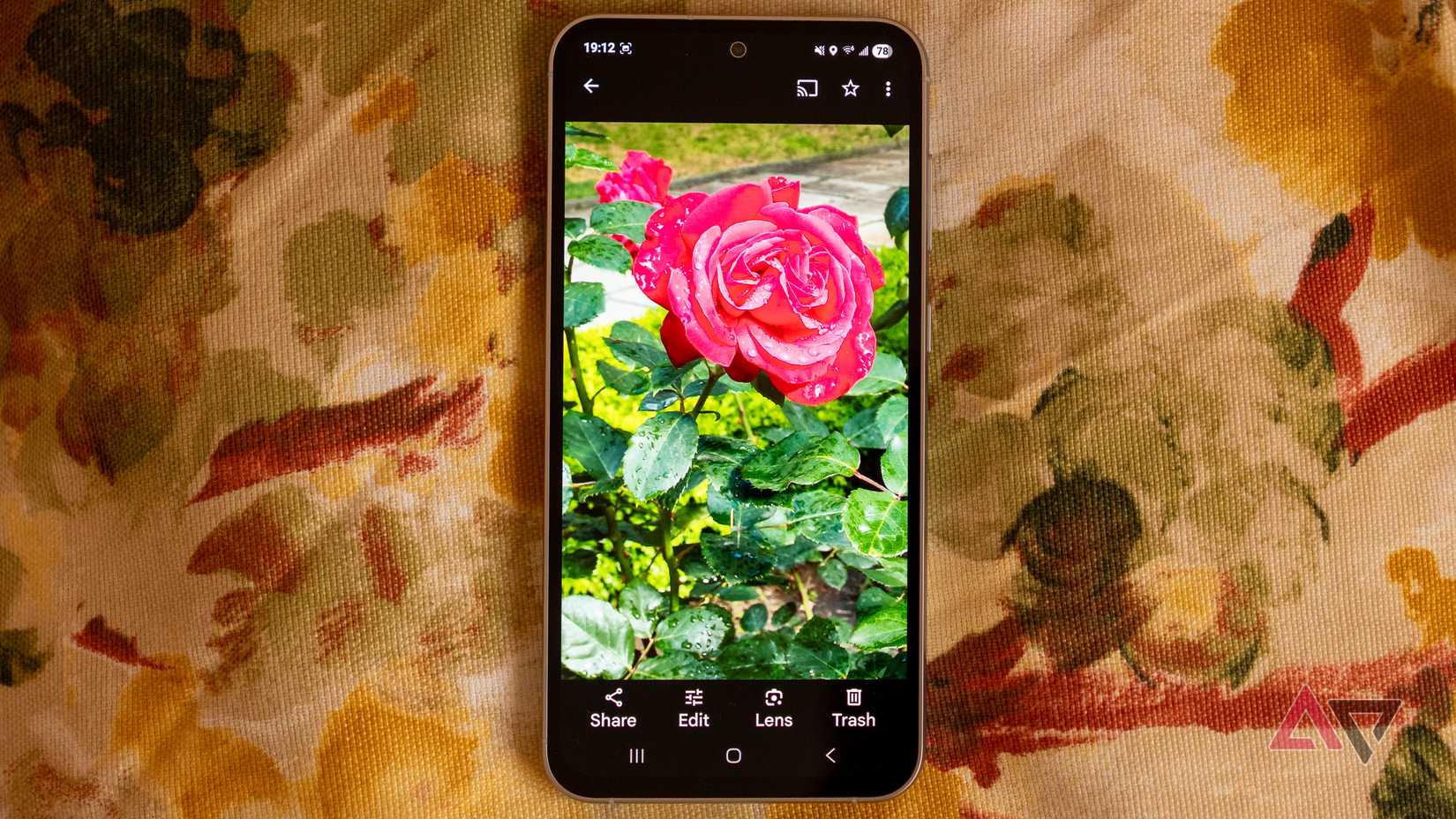
Google Photos is already smart enough to detect and stack similar shots together. Yet, it doesn’t let me view all those duplicates across my library in one place.
As a father to an almost six-month-old baby, I often take multiple shots in quick succession just to capture that one perfect moment. Such photos add up fast. Imagine 10 to 15 similar pictures every day, each weighing around 5 to 6 MB.
Google does not offer a simple way to review and clean them up at scale. Instead, I must manually view each photo stack and delete the unwanted images from there.
Another issue is that Google does not provide a detailed storage breakdown inside Google Photos. I can see large photos and videos, blurry photos, and space consumed by media from other apps, but that’s about it.
There’s also no way to see how much space each album takes up, or which years or months account for the bulk of my storage usage.
This kind of visibility would make a huge difference. I don’t want a random album from a decade ago quietly taking up the most space in my Google account.
Without a detailed breakdown of storage usage, managing an ever-growing photo library — especially when I’m close to reaching my storage limit — becomes far more challenging than it should be.
If anything, it feels like Google is holding back on offering such features in Google Photos to push users towards its paid Google One plans with higher storage options.
Google Photos feels built for growth, not maintenance
Google Photos is an excellent service for organizing and sharing a photo library, and it does a genuinely good job of resurfacing meaningful memories at the right moments.
It’s for these reasons that I can’t give up on Google Photos.
But when it comes to storage management, it falls short. Google’s tools simply don’t go far enough to help you understand, control, or optimize the space consumed by libraries.
At its core, Google Photos feels built for accumulation, not sustainability. And that’s a problem, especially as my photo library keeps expanding at a rapid pace.










