


Google failed to become a formidable competitor to Microsoft and Apple in the desktop space with Chrome OS, but that hasn’t made the Mountain View tech giant give up on its desktop effort.
Google has developed a plan to revive its desktop with a new operating system codenamed “Aluminium OS.” It hasn’t revealed an official name, but the company is also internally referring to it as “Android desktop.”
Whatever it may end up calling it, Android on the desktop has to get a few things right, right from Day One, to at least look like a serious competitor to Windows and macOS.
It won’t be easy for Google to offer as much as what Windows or macOS have accumulated over the years through numerous software updates. A much easier thing to do is to make me convert.
I’ll switch if I get something worthwhile in return. The Android desktop needs to get only five things right to replace my Windows PC.
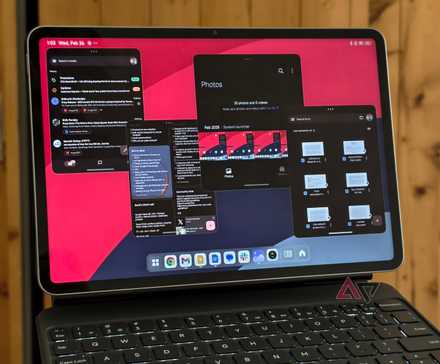
Multitasking like Windows
Every operating system offers some basic multitasking tools, but that won’t suffice if it wants to win me over.
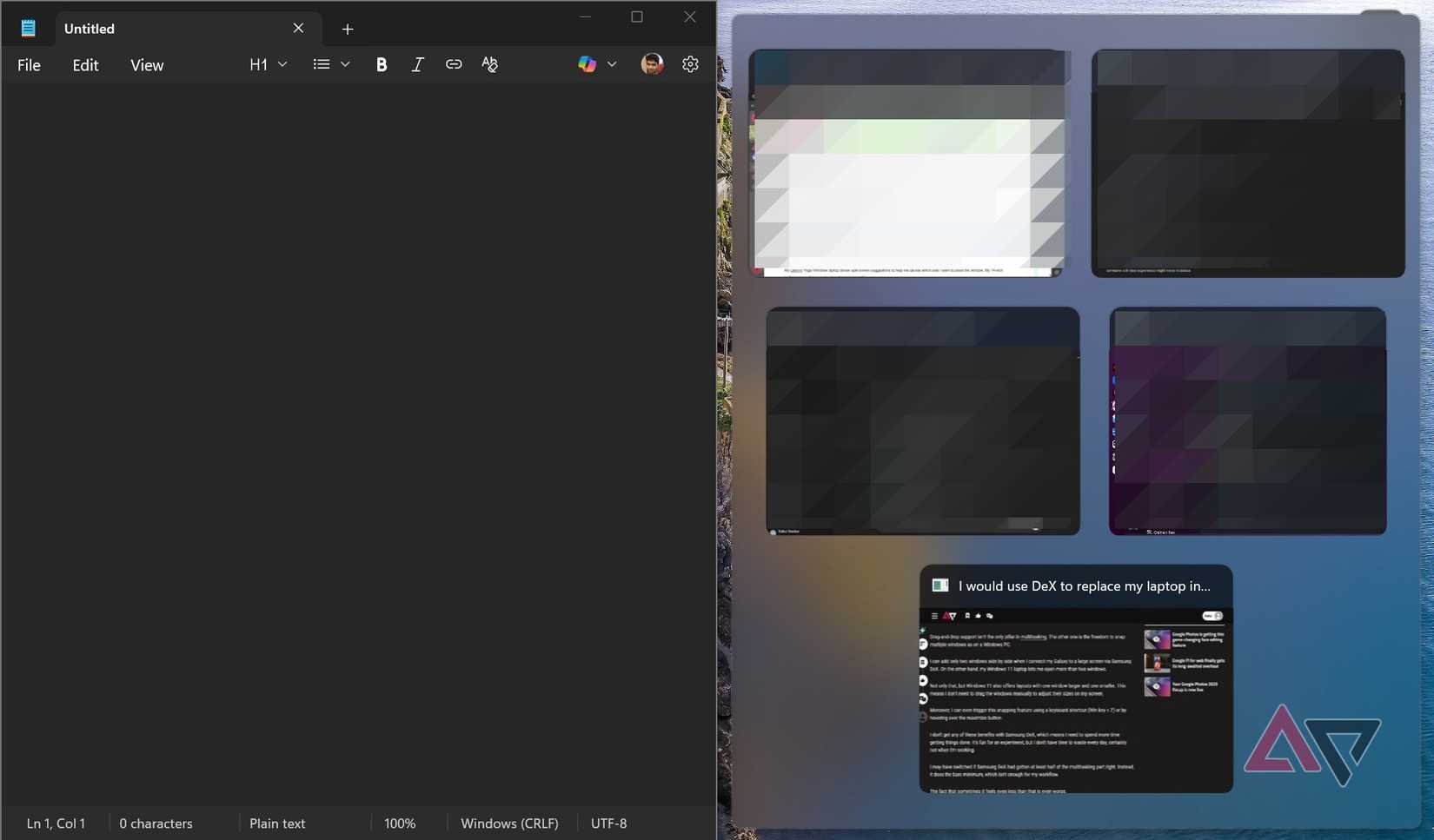
Google has to get multitasking right on the Android desktop, and the easiest way to do so is to copy Windows 11’s Snap layouts capability.
My Lenovo Yoga Windows laptop shows split-screen suggestions to help me decide which side I want to place the window. My 14-inch laptop screen allows me to put four windows this way.
It maxes out at four, but tools like PowerToys allow you to add more if you want.
I never wanted more than four windows open side by side and don’t think I’ll ever need to, so I don’t care about a PowerToys-like tool on an Android PC.
However, if it indeed gets one, it’ll certainly help Google to boast about Android PC’s computing prowess.
It’ll position Android on PC as a powerful platform, and not something meant to work great only on entry-level or budget hardware.
Clipboard history
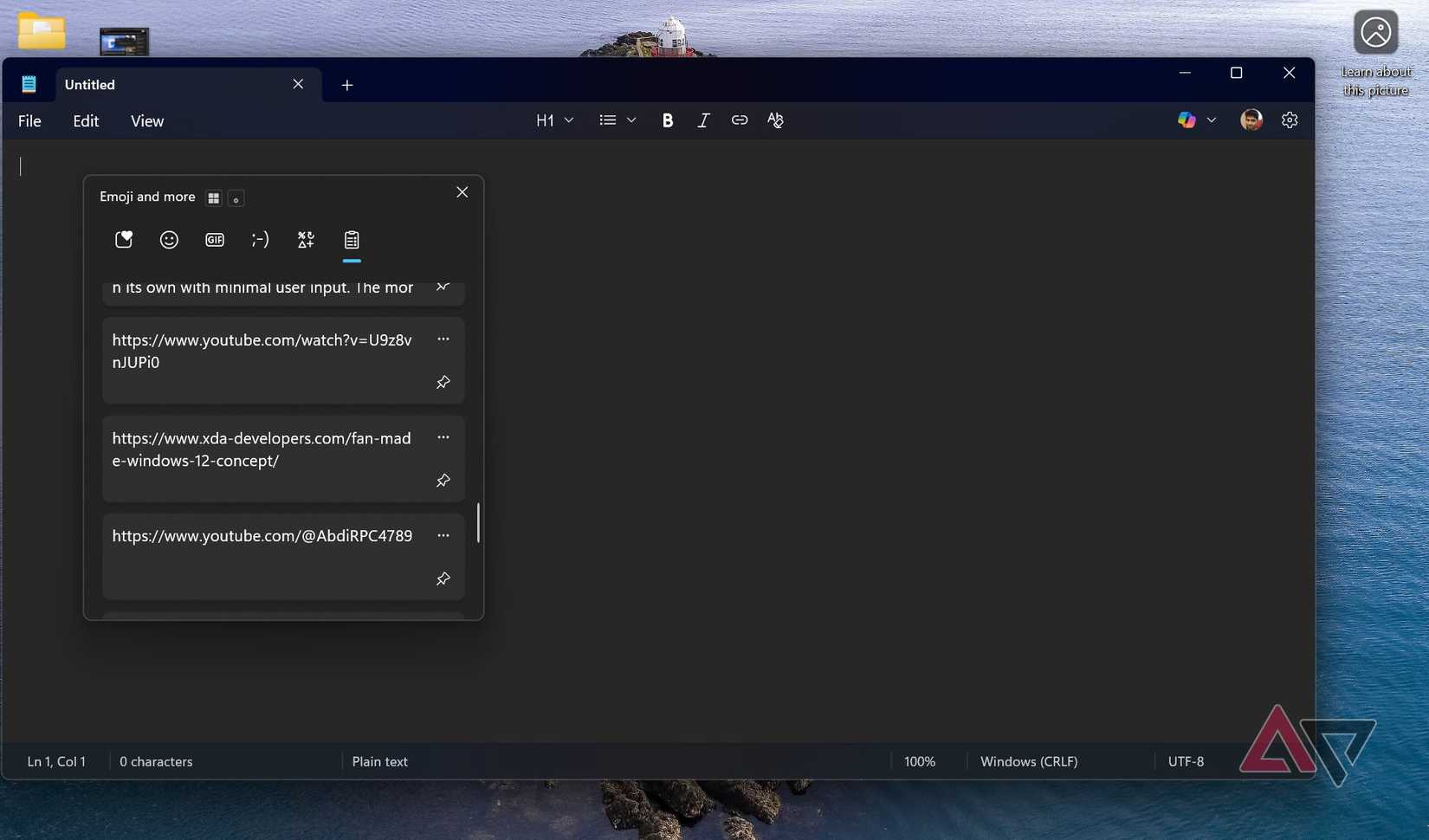
Clipboard history isn’t anything new to new Chromebook users, but it isn’t as good as on Windows 11. This needs to change for the better with Android on PC.
Since Google already has the feature in Chrome OS in some form, it shouldn’t be hard to improve it to reach feature parity with that of Windows.
I don’t love Chrome OS’s ability to store only the last five copied items in the clipboard. There is no way to make them stay there forever, either. On my Windows PC, I often pin copied items so that I don’t lose them over time.
In addition to the pinning capability, it must also add an option to paste with full formatting and not paste everything in plain text every time.
Leave it to the users to decide how they want to make the copied text appear in their text editor, just as Microsoft does in Windows 11’s Clipboard history.
Since Google is bringing both its mobile and desktop operating systems under one umbrella, there is no excuse for Google not to have true cross-device capability built into Android desktop.
If Microsoft can make it work between Windows and Android, it should be easier for Google.
I’d love to copy text and images from an Android phone and paste them wherever I want, in whatever format I like, using my Android laptop. Windows 11 gives me that freedom, and I want nothing less from my next Android PC.
Per-app sound control
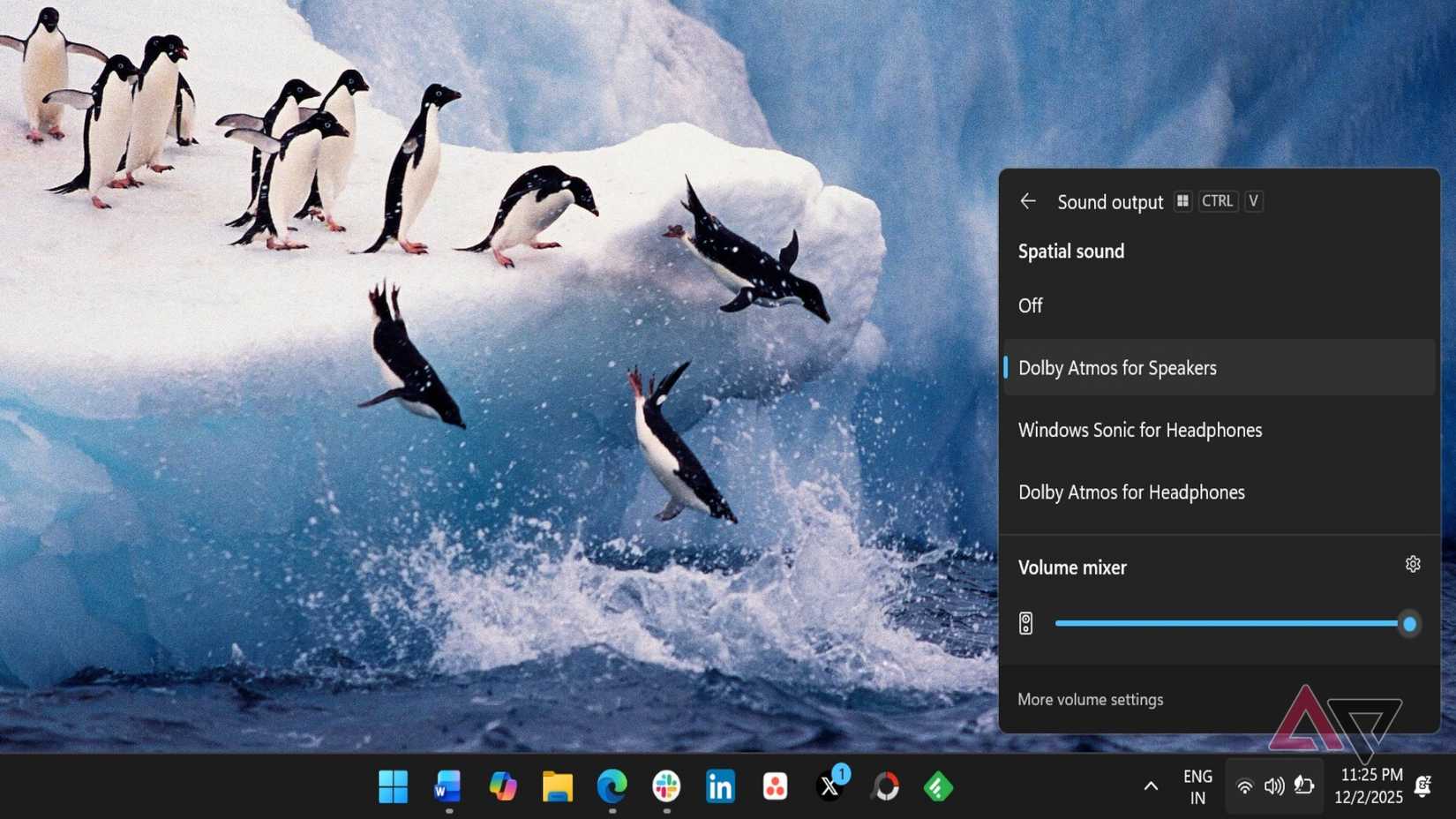
I use Windows 11’s Volume mixer every day to control the volume of apps individually. This is currently missing in Chrome OS and many other Android skins, even though users have been asking for it for years.
It’s more about whether Google wants to do it than a software challenge, because third-party apps can do it. Before Microsoft added a native Volume mixer to Windows, apps like EarTrumpet allowed users to control the sound of apps individually.
It shouldn’t be hard for Google, either. If my budget Motorola Android phone can do it, why wouldn’t Google make it a part of Android? If not for phones, it must do it on Android for PC.
I’ll have one less reason to miss Windows if Google finally adds it to Android, and that’ll take me a step closer to replacing my Windows PC for good. I can’t wait for that day, because I don’t like the direction Windows is taking.
Quick screenshot tools
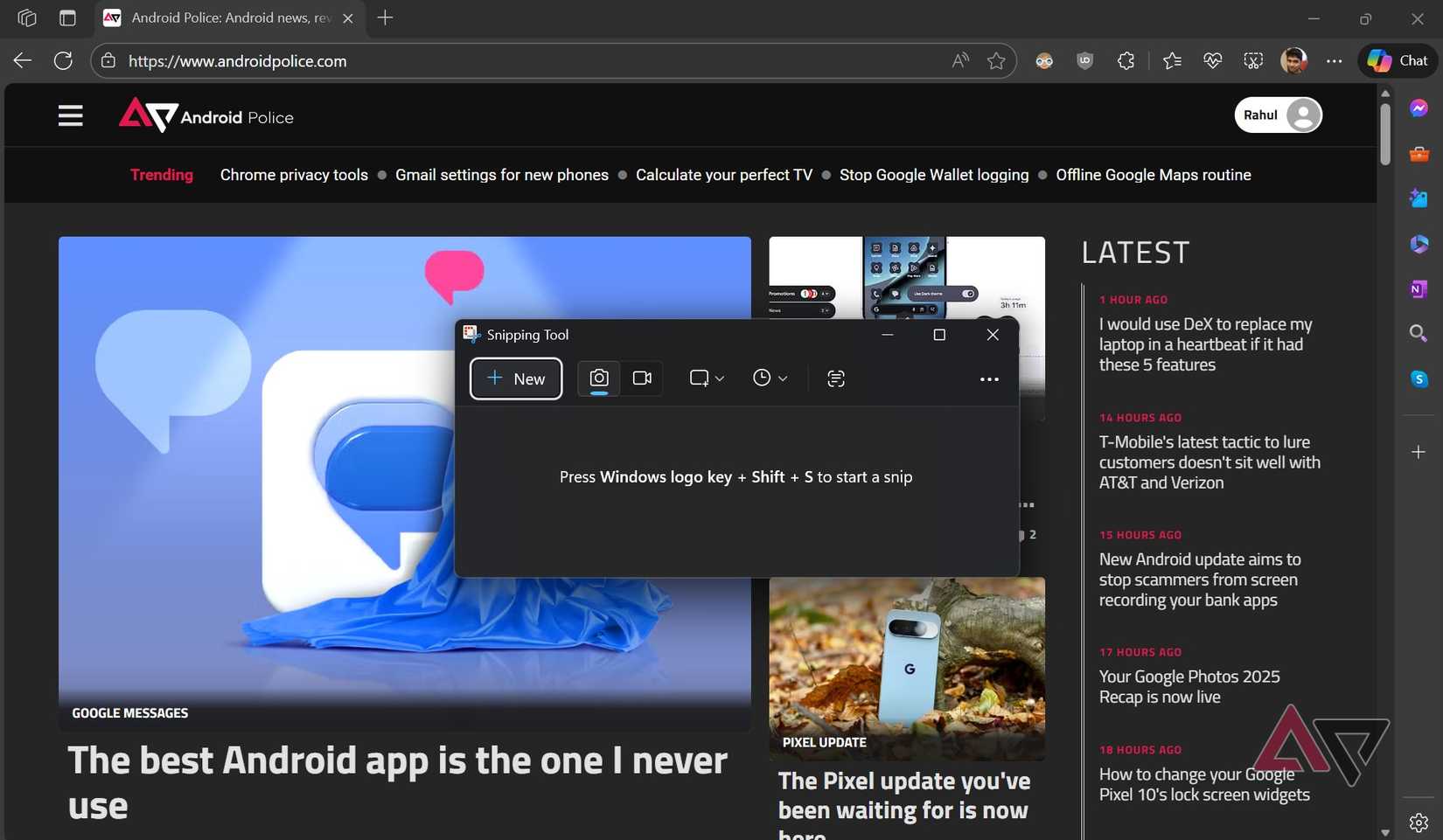
I have strong reservations about Microsoft’s overall strategy with Windows, but I still rely on it every day to do my job well. Other than writing, I edit images, take screenshots, and capture screen recordings.
Windows is great at all three for basic tasks, but Chrome OS is not. Windows 11’s Snipping tool is easily one of the most frequently used tools on my laptop. I use it to take screenshots and record my screen for my job.
In addition to allowing users to take “Rectangular,” “Window,” and “Fullscreen” screenshots, I’d also love to capture them in freeform shapes. A keyboard shortcut to launch it instantly would be the cherry on top.
Windows isn’t the only OS to take inspiration from. It should learn from macOS’ native screenshot tool. One specific feature I like about macOS’ screenshot app is its ability to display pixel measurements as I drag on the screen.
Desktop-class apps
Android apps can behave like desktop apps in some ways, but the only downside is that they aren’t a true replacement for their desktop counterparts.
You can use solutions like Samsung DeX that make Android apps behave more like desktop apps with features like mouse and keyboard support, resizable windows, multi-window multitasking, and more.
However, true desktop-class apps need much more than that. More than anything else, they need the power and features to do more than their smartphone counterparts.
This also means more work for developers. There is no real incentive for developers to optimize their apps for the Android PC platform if users aren’t using it.
I don’t think Google expects Android PC to become an overnight success, so it needs a long-term strategy to bring as many developers as it can to the Android PC fold.
One way would be to create the right environment for developers to bring their mobile apps to the Android desktop and enable them to add more power and features specific to desktop usage.
Additionally, it must make it simple to develop Android PC apps from scratch, because a powerful computer without powerful desktop apps is meaningless.
I can’t switch to a desktop OS that only pretends to be one in name.
I’m excited about Android on PC
Time will tell how promising Android on PC is when it launches in public preview sometime next year. I may not become a convert on the very first day, but I’ve already planned to buy whatever devices Google plans to ship the new OS with.
This is how excited I am about Android on PC. More than anything else, I’m curious about what Google’s new unified OS approach means for Android’s future development.
I’m equally excited to see how Google strategizes app development for the large screen. The company will likely follow a strategy similar to Microsoft: merging app development across devices through UWP (Universal Windows Platform).
It didn’t work for Microsoft, and the company had to change its strategy over time. So, this isn’t a tried-and-tested formula that Google can rely on. This makes me even more curious about Google’s real plan and how it will adjust to new realities if it doesn’t quite go the way it wanted.
I can’t wait to get my hands on the first device that ships with Google’s desktop OS.









