


Circle to Search is one of the best AI features to come to Android in recent years. It makes searching for information based on what’s visible on your phone’s screen effortless. And since its debut in January 2024, Google has only made Circle to Search better with Song Search support and translation support. Now, the company is taking translations a step further by adding scrolling support.
Right now, Circle to Search only translates what’s visible on your screen. If you scroll or swipe, you have to trigger the translation feature again. Essentially, Circle to Search screenshots your phone’s view and translates the still image’s content. It works in a pinch, but it can be frustrating when you are going through a large document or slide.
With the new update, Google says Circle to Search translations won’t stop at a single screen; it will keep translating on-screen content as you scroll. In fact, the functionality will even work if you switch apps. Like in the Google Translate app, you’ll be able to switch the translation languages from a floating pop-up on the screen.
The Live Translate functionality in Circle to Search was first spotted in action in mid-August. It works by seemingly using Android’s screen recording APIs.

Circle to Search already provides a quick and easy way to translate text, especially for images. This live translate upgrade will make the feature even more powerful.
There’s almost no change to how you invoke Translate in Circle to Search. Long-press the navigation bar or home button, tap the translate button at the bottom, and then select the new “scroll and translate” option. Without it, Circle to Search will only translate what’s on-screen and stop once you scroll or swipe away.
Coming first to Samsung Galaxy devices
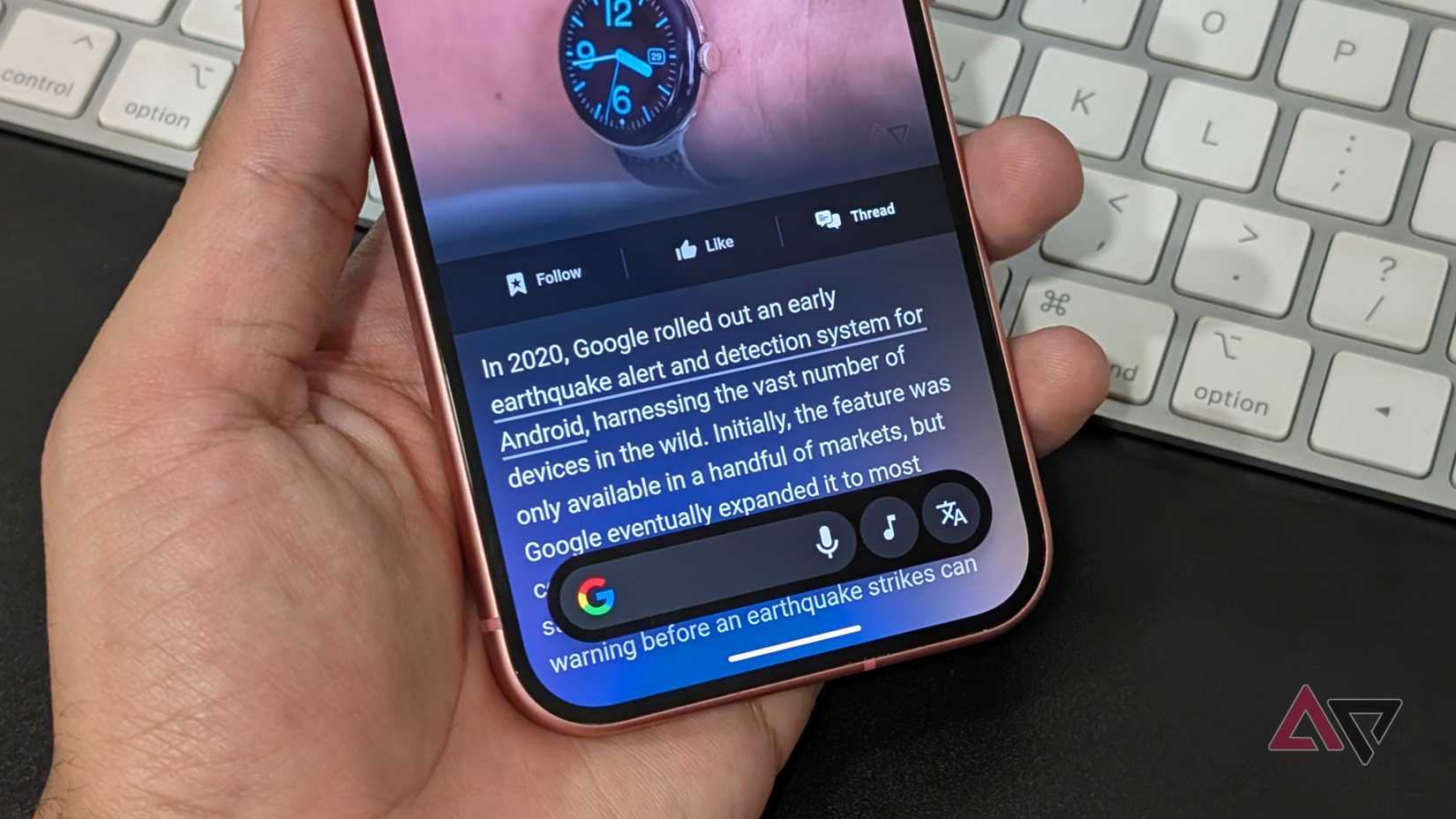
Google says the improved translate functionality in Circle to Search will start rolling out from this week. However, “select” Samsung devices will get priority access, which likely means recent Galaxy flagships such as the Galaxy S25, Z Fold 7, and Flip 7.
So, if you have a non-Samsung phone, you might have to wait a few more weeks for the enhanced translation functionality in Circle to Search to show up on your device.







… [Trackback]
[…] Find More on on that Topic: geeksforgeeks.org/google-teaches-circle-to-search-a-new-translation-trick-on-android/ […]
… [Trackback]
[…] Find More on to that Topic: geeksforgeeks.org/google-teaches-circle-to-search-a-new-translation-trick-on-android/ […]
… [Trackback]
[…] Find More on that Topic: geeksforgeeks.org/google-teaches-circle-to-search-a-new-translation-trick-on-android/ […]
… [Trackback]
[…] There you will find 1949 additional Info to that Topic: geeksforgeeks.org/google-teaches-circle-to-search-a-new-translation-trick-on-android/ […]