


When consumers buy a $400 smartwatch, they expect a serious health companion. What you usually get is a notification mirror that happens to count steps.
Wearables today sit in a strange place.
They can read data like incredibly detailed biometrics such as SpO₂ and millisecond-level Heart Rate Variability (HRV). Meanwhile, the software feels like it’s still playing catch-up.
Google Fit, Samsung Health, and Fitbit keep things broad and generic, built around the average. Here are five apps that address the shortcomings of native wearable tools.

Hevy helps you track lifting on your smartwatch
Credit: Lucas Gouveia/Android Police | muse studio/Shutterstock
Around 2014, Google Fit on Android Wear could auto-detect exercises like bicep curls and even count your reps.
It was ahead of its time. However, the accuracy wasn’t great, and false positives were common.
Instead of improving the feature, Google eventually dropped it in favor of generic heart-rate-based caloric tracking. That change didn’t do lifters any favors.
When you’re lifting, what actually matters is your volume and if you’re progressing week to week.
Because Hevy focuses on the actual mechanics of lifting, it has become one of the most popular apps on Wear OS. You begin a workout on your phone, and the watch syncs up.
The phone’s the brain showing all the details, while the watch is the quick-access input pad during your lifts.
What’s great is that Hevy also works independently. You can leave your phone in the locker and do your whole workout on the watch. When you reconnect, all your data syncs perfectly.
Hevy’s free version is already good enough. You can log unlimited workouts without paying a cent.
PRO subscription for $3 per month or a $75 one-time purchase adds some power-user perks like measurement tracking and graph history.
Sleep as Android fixes bad alarms and groggy mornings
Credit: Lucas Gouveia / Android Police | Krakenimages.com / Shutterstock
Sleep as Android is one of the most powerful sleep apps. The main feature is Smart Wake.
Waking up during deep sleep causes sleep inertia, which is that groggy, foggy feeling that can stick around for hours. Regular alarms just go off at the set time, no matter what sleep stage you’re in.
Sleep as Android keeps an eye on your sleep phases in real time using the watch. You pick a period, say 30 minutes. If your alarm’s at 7:00 AM, the app starts watching you from 6:30.
When it sees you’re in light sleep (more movement and heart rate changes), it wakes you up gently.
When you add a Wear OS watch, it combines the detailed wrist sensors with the phone’s data for more accuracy in tracking different sleep stages.
There are a few other features, though some feel a bit gimmicky.
For example, the app tries to help you have lucid dreams by spotting REM sleep and sending a reality check vibration to your wrist.
Sleep as Android’s premium features, like detailed stats and daily Smart Wakeup (the free version only lets you use it every other day), come with a lifetime price of around $90 or $5 per month.
But the lifetime purchase often goes on sale, so it’s worth keeping an eye out for a bargain.
Calm is the mindfulness tool every smartwatch should have
Wear OS watches aren’t really made for long content like guided meditations or sleep stories.
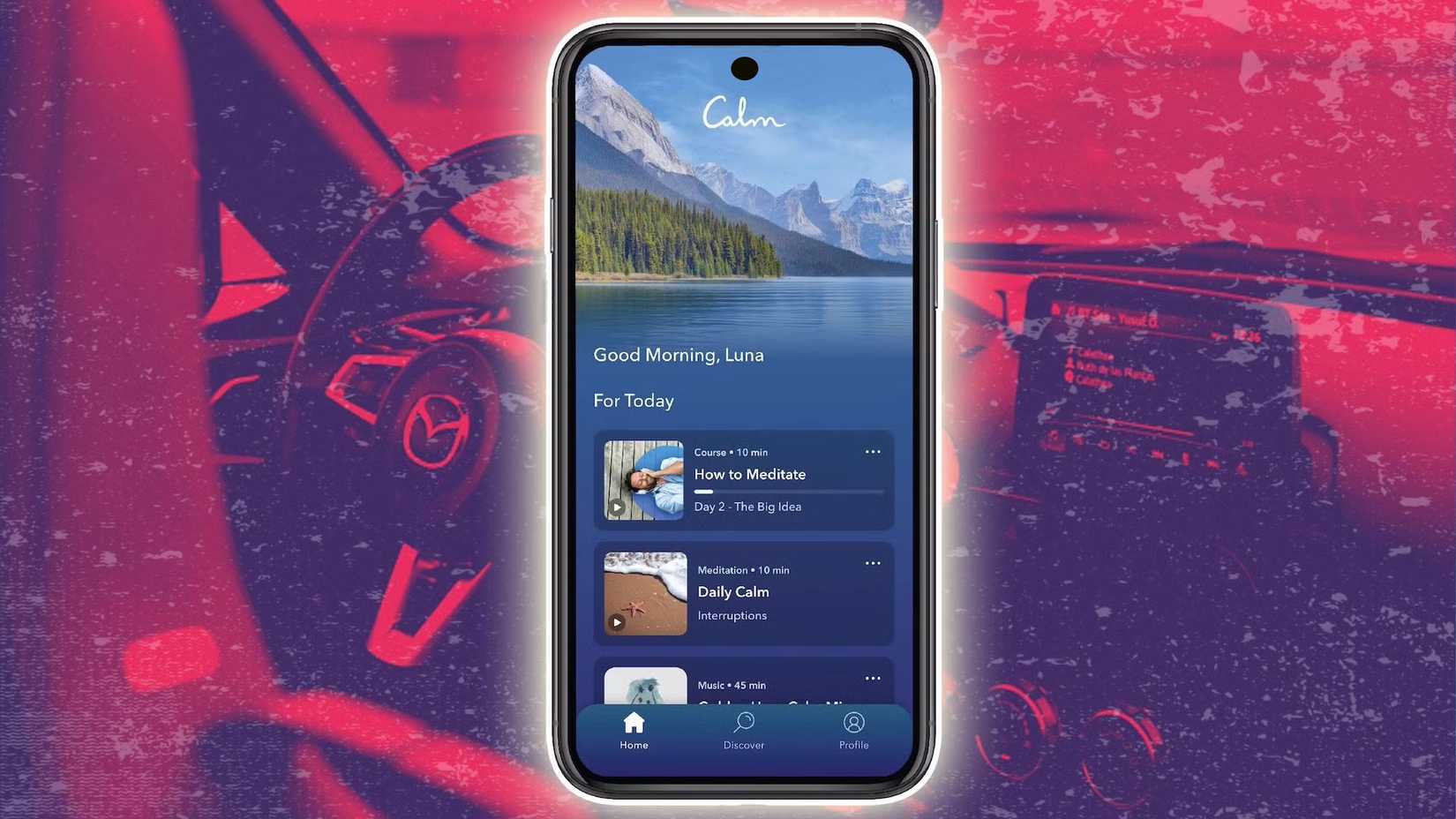
Instead, they shine by offering quick help when stress hits hard and fast. Calm is one of the big players in mindfulness.
It has the 60-second Breathe Bubble for fast, on-the-spot relief and visual breathing exercises. A blue sphere on your watch face gently grows and shrinks.
You breathe in as it expands and breathe out as it contracts. You can do it quietly anywhere.
Calm has teamed up with Samsung, so its content appears in the Health app’s Mindfulness section.
If you’re on a Galaxy Watch, everything syncs automatically. Your meditation minutes even count toward your health score.
The premium subscription costs $80 yearly. There’s also a lifetime Membership that costs $500.
WaterMinder is the easiest way to stay hydrated
Credit: WaterMinder
Tracking nutrition on a watch is generally a terrible idea. Typing grilled salmon, 4oz, on a 1.5-inch keyboard is a punishment. However, tracking simple metrics like water intake is the perfect use case for a wearable.
Most health apps like Google Fit and Samsung Health let you track water, but it’s usually buried deep in the nutrition menus.
Logging in to a glass takes navigating through too many steps, so most users give up.
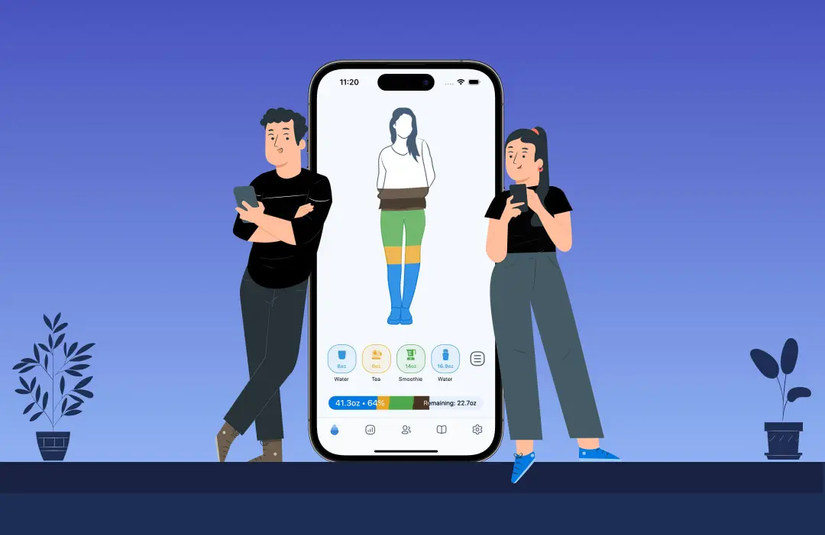
With WaterMinder, you can put a tile right on your watch.
When you drink a glass, tap the icon, select your cup size (which you can set up ahead of time), and that’s it.
WaterMinder also sends you helpful reminders throughout the day to keep you on track.
Moreover, the app also tracks hydration detractors. You can log coffee, soda, or alcohol. The app uses this data to adjust your hydration level based on the diuretic effect of these drinks.
The core app is free, but you can grab the premium subscription for around $12.50 a year during promotions. This unlocks extra features like custom cup sizes, making it an affordable way to stay on top of your hydration.
Outdooractive is a must-have for trail lovers
Credit: Outdooractive
Google Maps is great for finding a coffee shop, but it’s terrible for finding a trail.
When you trade the pavement for the bush, you need vector maps that show terrain, elevation, and path difficulty.
Outdooractive is the spiritual successor to the beloved ViewRanger app, having acquired it and integrated its best tech.
It brings topographic maps to your wrist, caching data offline, so your watch doesn’t become a useless glass when you inevitably lose cell signal.
The Wear OS integration keeps your phone safe in your backpack, and the watch acts as a second screen, offering turn-by-turn navigation that vibrates before a junction.
This lets you keep your eyes on the scenery rather than a screen.
It also doubles as a safety device with a feature called BuddyBeacon, which allows family or friends to track your real-time location if you’re hiking solo.
While the free version is functional for basic tracking, the serious tools are behind the paywall.
The Pro subscription costs around $3 per month and unlocks offline map storage and ad-free usage, while the Pro+ tier, at roughly $6 per month, adds specialized Alpine Club maps and expert trail networks.
Some premium health apps are worth it
You might notice that most of these apps need a subscription or paid license. If free is your game, nothing beats stock apps.
Google Fit and Samsung Health do the job well enough for most people. But when something’s made for everyone, it usually comes with shallow features.
Developing high-end features like precise sleep phase detection, terrain mapping, or heavy lifting tools requires serious resources and niche skills. You rarely get these with free, ad-supported apps.
Some of these apps can cost a bit. However, they almost always have free trials and discounts, like student offers or lower prices if you say no at first.
If an app stands out to you, testing it out is the best way to see if it really works for you.










