


I remember when photo libraries were a massive, disorganized attic where memories went to be forgotten.
Finding that shot of your dog at the beach three years ago meant endless scrolling until your thumb begged for mercy.
Those days are behind us.
In modern photo libraries, our photos are searchable and malleable data points. Google Photos is the perfect example.
I’ve spent years with it and watched it grow into a cloud-powered photo service with powerful generative AI features.
I loved what it could do, but because it all lived in Google’s cloud made me want to see if I could build something similar on my own terms.
I’ve put a lot of work into replicating Google Photos’ magic on my self-hosted setup, and while some features are up and running, there are still a few pieces missing that make me miss Google Photos.

Using Magic Editor whenever I want a quick fix without a fuss
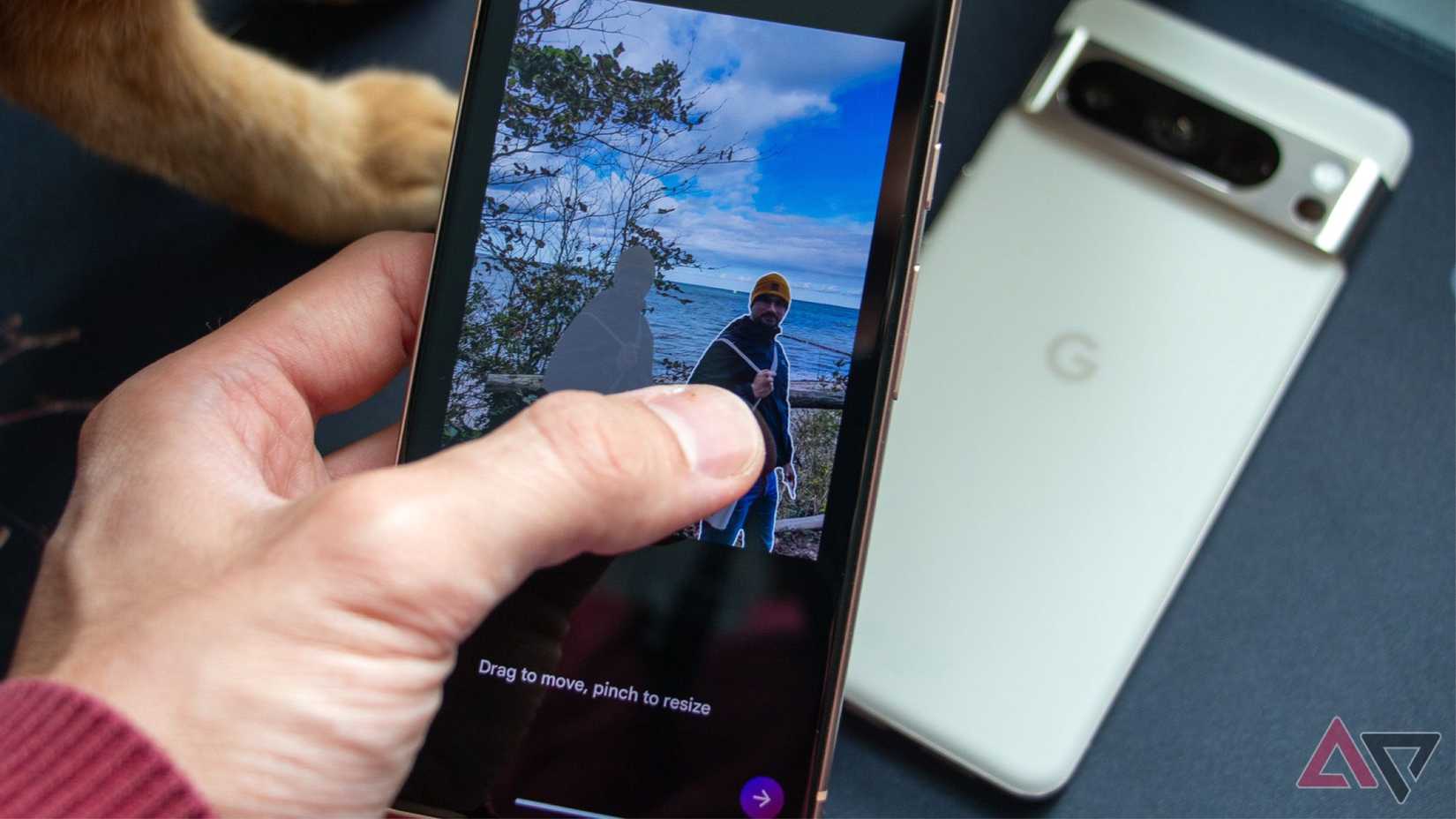
I took a park photo, but when I looked at it later at home, there was a trash can in the background.
With Google Photos’ Magic Editor, I circled the trash can, and it disappeared. Done in five seconds, with absolutely no skill needed.
This is a taste of the generative edits in Google Photos.
Immich is my self-hosted alternative of choice. It doesn’t have similar generative editing out of the box.
You can wire it up to external AI editors, but the experience isn’t as seamless and is still a DIY affair.
Ask Photos actually understands what I’m looking for

Finding photos by keywords used to be the norm. It worked, but felt kind of limited.
If a photo wasn’t tagged or the model didn’t recognize what was in it, keywords wouldn’t bring it up.
That era is dead. We’re now living in the age of AI and semantic search.
Google’s name for this is Ask Photos, and it’s impressive. With Gemini, Google understands context and connections.
It also means Gemini can answer “Where did we camp last year?” by mixing location info with what it picks up in the photos.
Immich is also great at spotting images, but it doesn’t really “reason” about them as Gemini does, and it’s not quite conversational yet.
Video Boost is why my Pixel videos look impressive

While generative editing is a missing piece, video processing is where Google’s massive infrastructure flexes muscles that no one else can match.
This is technically a Pixel‑Google Photos thing, but I couldn’t leave it out.
When I shoot video on my Pixel Pro with Video Boost on, I’m basically capturing a kind of “raw” video.
The phone saves a preview right away, but the real processing happens later.
The video goes straight to Google, and their data centers do all the heavy lifting.
I tested this with a video I shot at a bar, and the preview looked muddy and grainy on my phone.
When the final video was ready, the grain dropped a lot, and the dynamic range got much better.
It’s annoying that I have to wait — sometimes hours — and I don’t like that I have to manually turn it on before recording.
Plus, the files are huge, so I end up moving them around after processing.
Still, the final output beats anything the phone could manage by itself.
Now, you can find tools and do basic upscaling, but an open source equivalent to Pixel’s end‑to‑end Video Boost pipeline doesn’t exist yet.
There is no automated pipeline that says, “Oh, this is a dark video? Let me run a denoising on it.”
I keep coming back to Google Photos for its Memories
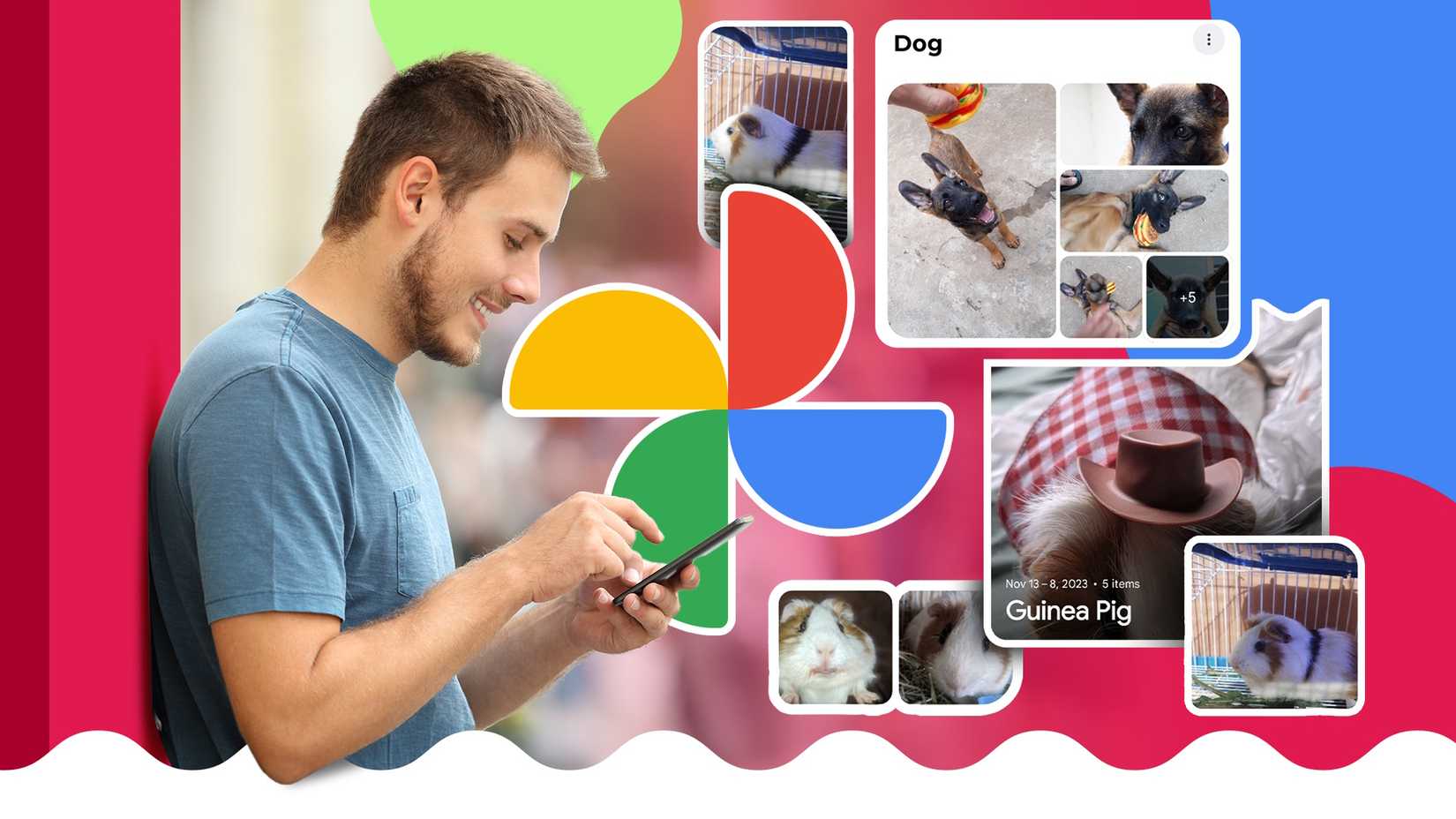
Credit: Lucas Gouveia / Android Police | Antonio Guillem / Shutterstock
Every time I open Google Photos, nostalgia washes over me.
Google’s machine learning can tell which shots have open eyes, which ones are blurry, and more importantly, which ones have emotional value tied to people I care about.
Open source tools cover a lot of the same ground.
These tools can judge photos by contrast, exposure, and color, and filter out blurry shots, screenshots, and receipts from these memory montages.
They replicate the mechanics well, but not the feeling Google Photos creates.
Still, there’s a certain peace in that.
Google sometimes shows memories of ex-partners or difficult times, despite my efforts to hide their faces.
Partner Sharing with family beats any self-hosted solution

Credit: Lucas Gouveia / Android Police | Olezzo / Shutterstock
Google Photos’ Partner Sharing is a feature that locks you in like nothing else.
I set it up ages ago, and since then, every photo I take of my partner ends up in her library.
She doesn’t need to ask, and I don’t have to think about sending them. Google takes care of it.
With self-hosting, sharing can happen, but it’s trickier than it needs to be.
In most setups, you can’t easily get Google Photos-style Partner Sharing rules like “Only share photos with this face.” It usually ends up feeling like your entire library flowing to theirs.
Plus, to get a family member on board, I have to play IT support. “Download this specific app, put this custom server URL, ignore that warning… oh wait, are you on the VPN?”
You just can’t beat the convenience of a pre-installed ecosystem.
I use both because each does something different for me
If you want your photos to look better than when you took them and your phone to remember your life, Google Photos is the way to go.
For the prosumers out there who value sovereignty, have a NAS at home, and are willing to trade some of Google’s magic for control, make the switch.











