


In theory, wireless Android Auto sounds like a great feature to have. No cables, no clutter, with your phone wirelessly connecting to your car’s infotainment system every time you get in.
But after relying on it for months for daily commutes and long road trips, I ran into enough dealbreakers to give up on the convenience that wireless Android Auto promises.
Wireless convenience, wired-level battery drain
It drains your phone faster than expected

The biggest issue with wireless Android Auto is its high power drain.
With around three to four hours of daily driving, my phone would often need a top-up in the late afternoon.
My car does not feature a built-in wireless charging pad, and plugging a cable defeats the purpose of using wireless Android Auto.
The high battery drain isn’t an issue when I’m using flagship Chinese Android phones like the Vivo X300 Pro and Oppo Find X9 Pro, which have large batteries.
But on phones like the Samsung Galaxy S25 Ultra and Google Pixel 10 Pro XL, wireless Android Auto takes a big toll on battery life to be practical for everyday use.
The high power consumption also causes the phone to run unusually warm. Besides battery life, that’s not good for battery health in the long term.
This is an even bigger problem in India, where temperatures regularly reach 45 degrees Celsius.
The high ambient temperatures and the extra heat ensure even the best phones start throttling while running wireless Android Auto within minutes.
Combined, these factors essentially ruled out wireless Android Auto for me on long road trips.
I rely heavily on my phone on such occasions, and I can’t afford it to run warm or be low on battery when I need it most.
A wireless charger in the car negates the battery life problem to a certain extent. But that only works if your vehicle’s dashboard has a built-in wireless charger.
Otherwise, using a third-party wireless charger beats the purpose of wireless Android Auto, as there’s still a cable that’s dangling from the dashboard.
And worse, it generates even more heat, which is bad in the long run.
I want to use wireless Android Auto for the cable-free convenience it offers.
But if I still have to use a cable for any other reason, it defeats the entire purpose of wireless Android Auto, especially with the additional issues it introduces.
Wireless, but not worry-free
Random disconnects break the experience
Credit: Nirave Gondhia
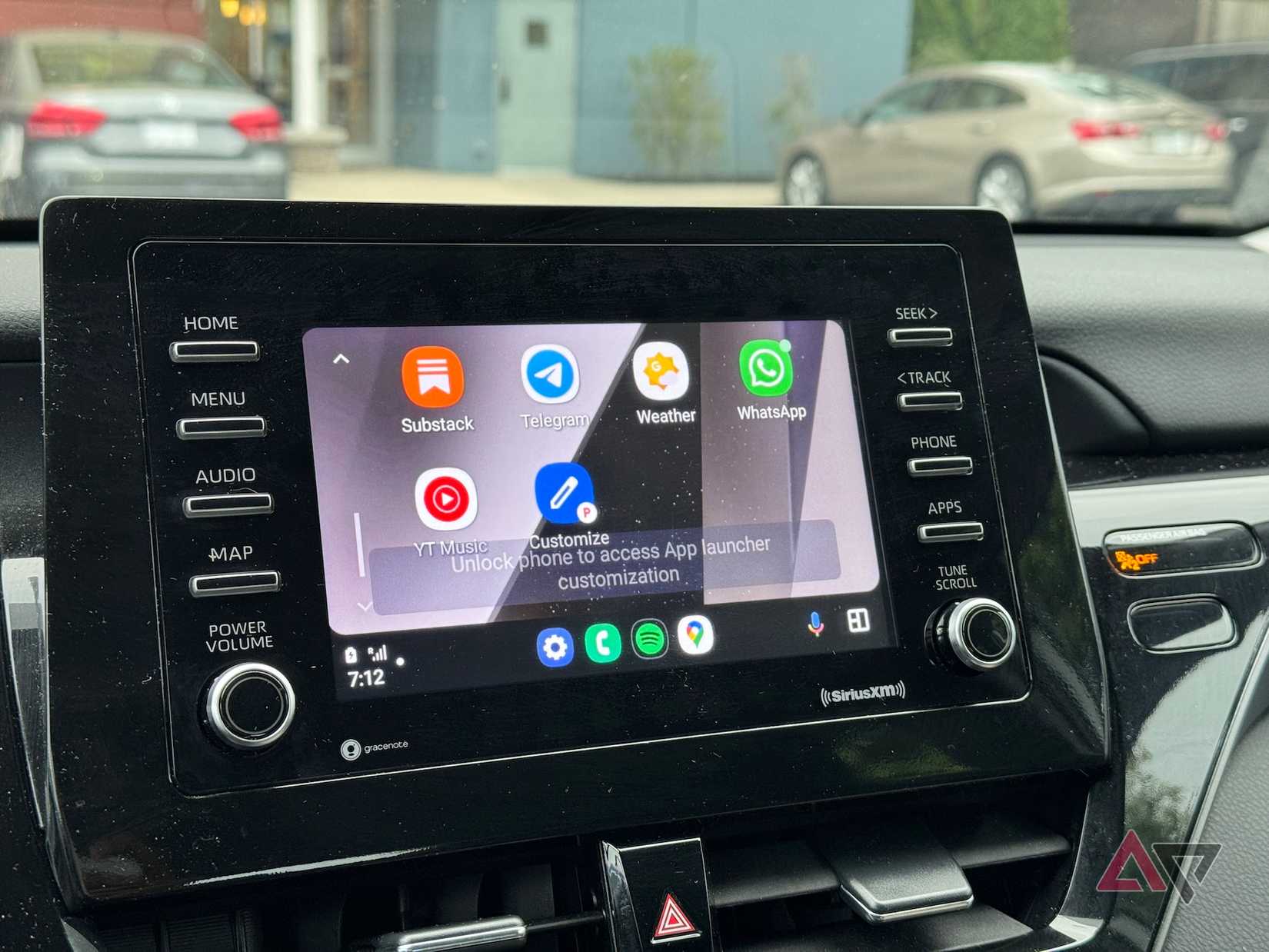
I switched to wireless Android Auto after growing tired of frequent connection issues with the wired setup.
But after a few months of use, it became clear that wireless Android Auto suffers from many of the same problems.
Random disconnects are common, and there are times when Android Auto simply refuses to launch.
The worst part is how it poorly handles short stops. For example, if I stop for a quick refuel after a few hours of driving, wireless Android Auto fails to reconnect when I get back in.
Sometimes, it can take a few minutes for navigation and music to resume. And other times, I have to restart my car’s infotainment system or toggle airplane mode on my phone to get wireless Android Auto to work.
Even more frustrating is the random increase in call latency. Every once in a while, there’s a noticeable delay during phone calls, where the other person hears me seconds after I speak, or I hear them with an awkward lag.
This often leads to both of us talking over each other, making even a simple conversation a frustrating experience.
Similarly, minor connection issues end up adding a one to two second lag for most wireless Android Auto actions.
At times, pressing the next or previous button on my car’s steering wheel responds a second or two late, which quickly gets annoying.
Admittedly, the connection issues have reduced in the last few years, but they haven’t disappeared completely.
By comparison, my experience with wireless CarPlay has been far more reliable and consistent, with faster connection and fewer random dropouts.
It’s not like I don’t run into connection issues with wired Android Auto. But they are noticeably easier to resolve: just unplug and plug the cable back in.
Hit-or-miss across phones
Some devices behave better than others
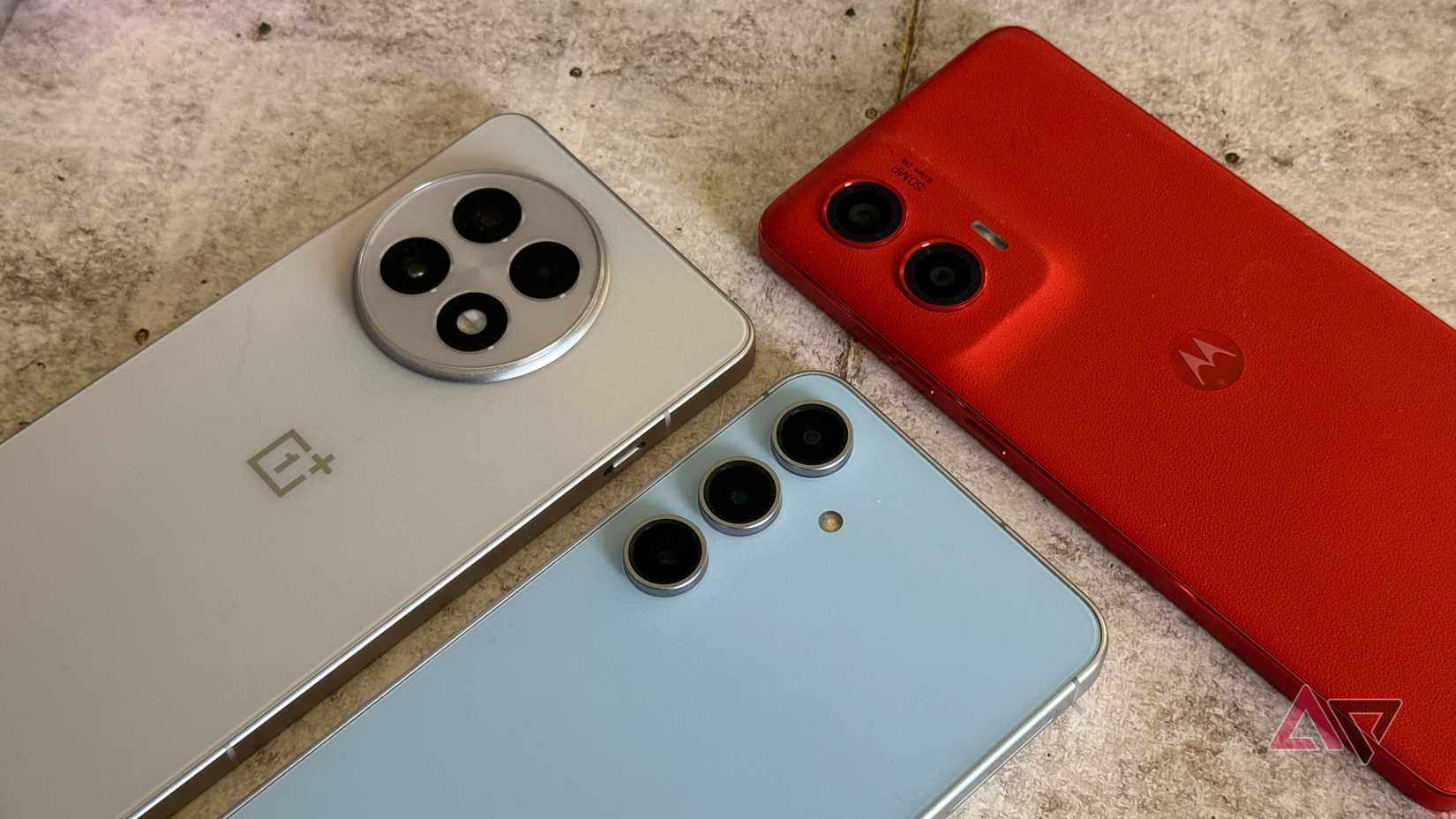
Another major gripe of mine with wireless Android Auto is the inconsistent experience across devices.
With some phones, I’ve had a near-flawless experience, with no connection issues or excessive battery drain.
But, on the same car and infotainment system, the experience has been wildly different with another device.
Some devices connect quickly, and I rarely run into connection issues with them.
Others, like the Pixel 8 Pro, frequently disconnect, take a long time to connect to the infotainment system, or suffer from laggy touch inputs.
The latter is especially frustrating when running some great Android Auto apps.
Even when I don’t run into connection issues with wireless Android Auto, there are other problems.
Media playback will suddenly stutter, or the audio briefly sounds compressed before returning to normal a few seconds later.
The inconsistent experience has nothing to do with the phone’s specs or Android version.
For example, I’ve had a great wireless Android Auto experience in my car for months with the Xiaomi 15 Ultra. The Vivo X300 Pro also fares well, though I do run into connection issues every once in a while.
By comparison, my experience with the Google Pixel 8 Pro and even the Samsung Galaxy S23 Ultra has consistently been below-par, with frequent disconnects, slower startups, and random input lag.
This inconsistency is frustrating, especially when these are all flagship phones, packing top-end hardware that is more than capable of running wireless Android Auto smoothly.
Slower to start than it should be
Wireless takes longer to load
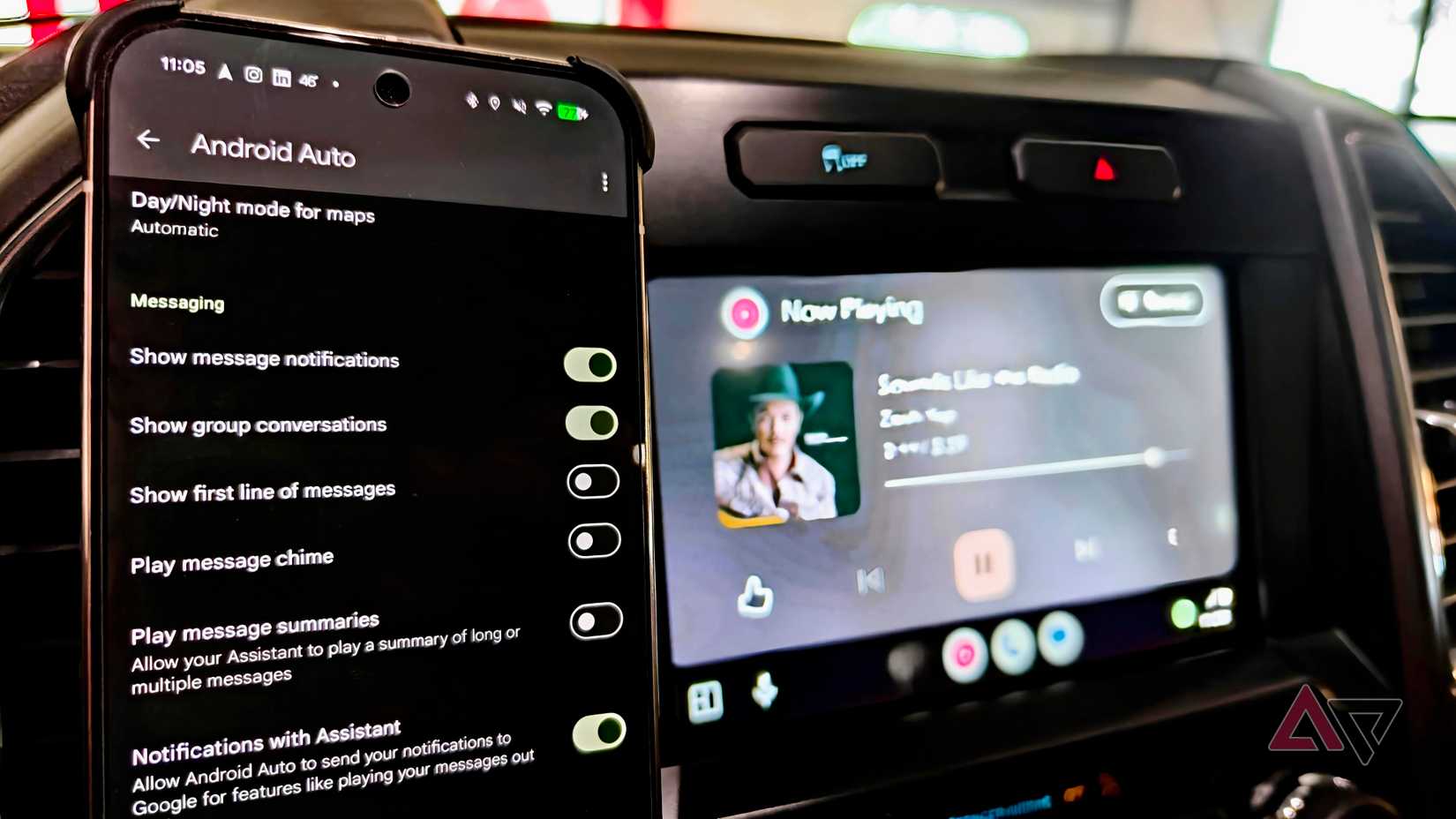
This might be a minor gripe for some, but compared to wired Android Auto, the wireless version takes longer to start.
By the time the Android Auto interface loads on my car’s infotainment system, I would already have navigation and music playback up and running over a wired connection.
A quick startup time might not seem like a big deal, but over time, the few seconds add up.
I feel it most on days with multiple short stops, where I’m forced to wait for Android Auto to reload again and again instead of getting back on the road right away.
This added friction and unnecessary delay made me ultimately ditch wireless Android Auto for good.
When reliability matters more than convenience
Unfortunately, wireless Android Auto sounds good on paper.
In everyday life, after you factor in all its issues, the practical benefits feel thin. The only key advantage is that you don’t have to plug in a cable to use Android Auto.
However, this only works for short drives, as for longer durations, wired Android Auto is just better. It may require a cable, but it’s far more reliable for day-to-day use.
I also don’t run into random connection issues, there’s no excessive battery drain, and my phone stays noticeably cooler.
And if I ever run into connection issues, I know simply disconnecting and reconnecting the cable will do the job.
That reliability is more valuable to me than dealing with various wireless Android Auto issues.
The consistency and reliability, paired with my ultimate Android Auto setup, help deliver a distraction-free driving experience.











