


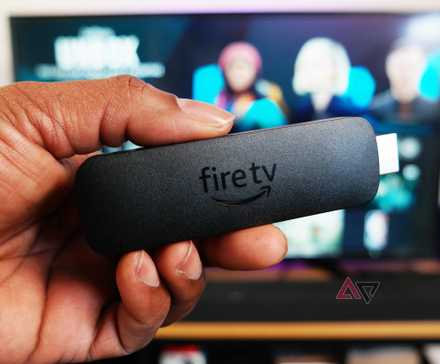
Amazon Fire TV Stick is a popular streaming device. One reason for its soaring popularity is the rich Amazon App Store.
The Amazon Appstore houses hundreds of apps and utilities to get the best out of your cord-cutting setup. From enhancing your viewing experience to unlocking new productivity levels, these apps prove there’s always more to discover on the Fire TV Stick.
In this post, I go over the essential Fire TV Stick apps you need in 2026.
Whether you’re looking for a unique entertainment experience, a handy utility, or something new, these apps offer a welcome breath of fresh air.
Downloader: Sideload apps like a pro
Credit: Amazon
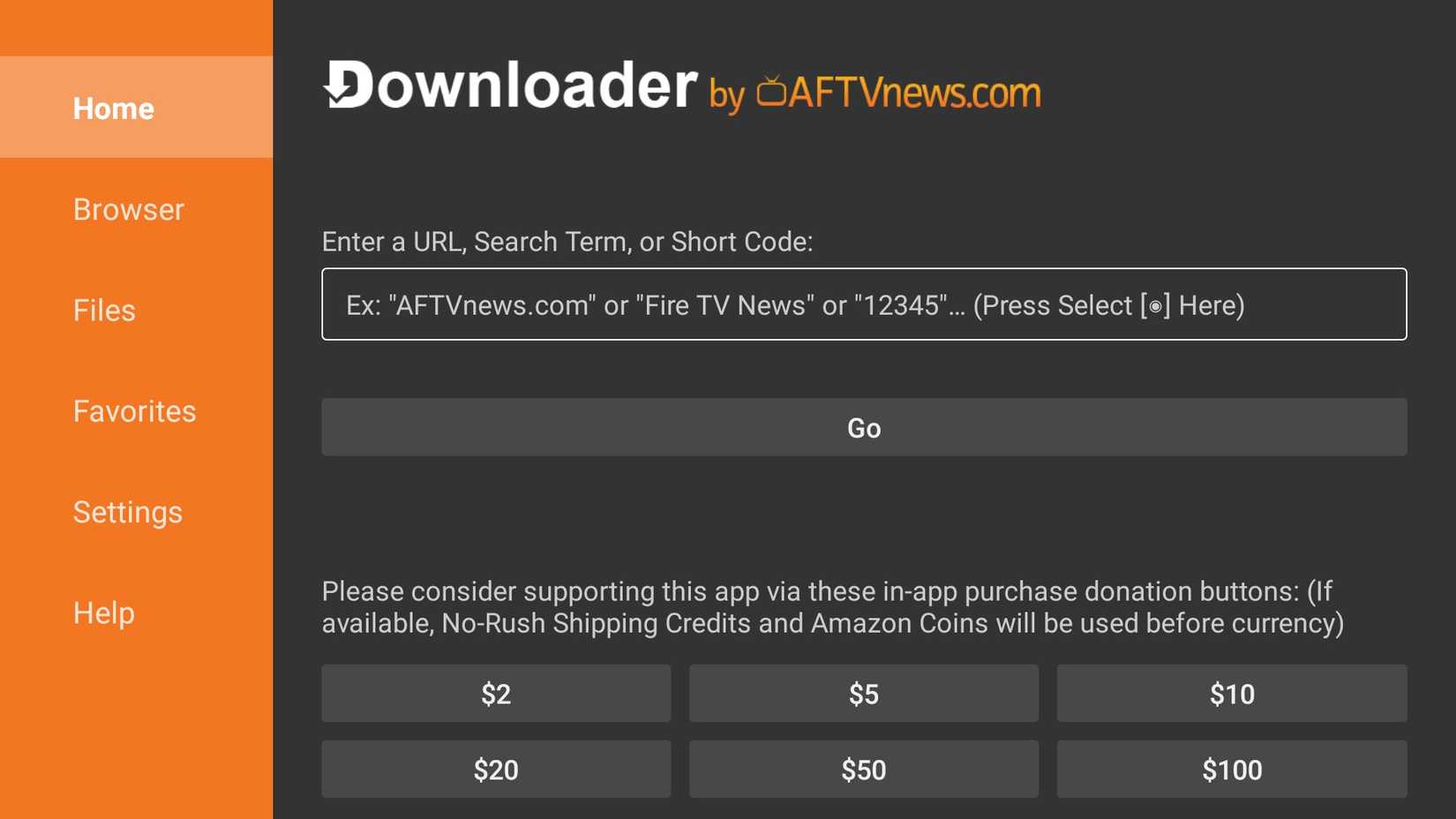
Let’s start the list with my favorite one: Downloader. It is an absolute must-have app for any Fire TV Stick user.
If you have a Fire TV Stick that runs on Fire OS, you can download and install APK files with the app, opening up a universe of apps beyond the Amazon Appstore.
Newer Amazon streamers like the Fire TV Stick 4K Select (2025), however, run on Amazon’s Linux‑based Vega OS, so sideloading Android APKs is a no-go.
There are plenty of fantastic apps that are MIA from the Amazon Appstore. Downloader lets you install these apps, expanding your entertainment options, productivity tools, and more.
Downloader is a free app available on the Amazon Appstore. It’s also relatively lightweight, so it won’t hog resources on your Fire TV Stick.
Plex: Access your media library
Credit: Amazon
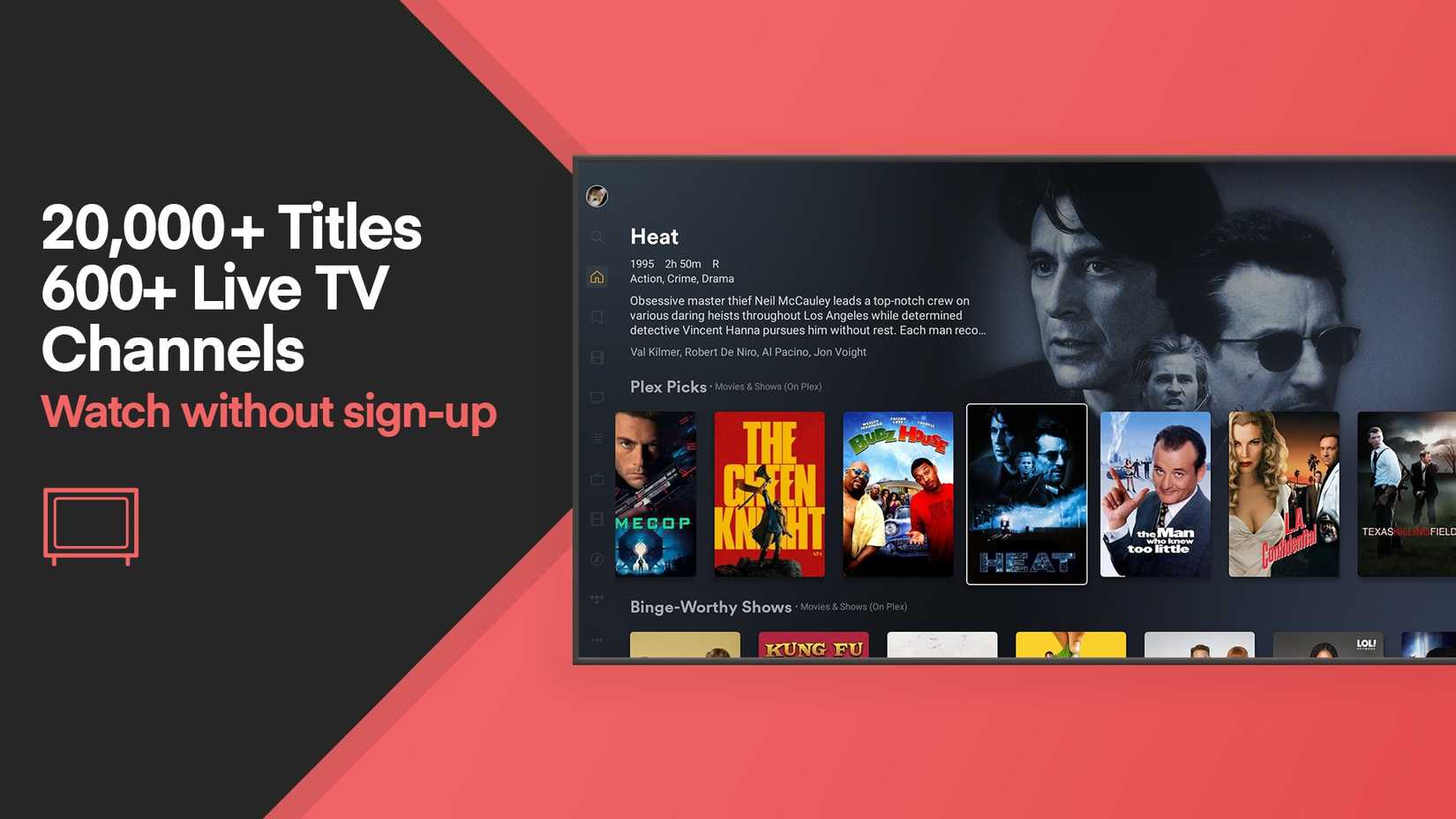
Plex is a powerful media server that transforms your Fire TV Stick into a central hub for all your media.
Unlike Netflix, Disney+, and similar tools, Plex lets you organize and access your collection of movies, TV shows, music, photos, and home videos from any device, including the Fire TV Stick.
Plex offers a centralized media library and an enhanced viewing experience with its intuitive interface, live TV, DVR support, and more.
It’s a game-changer for anyone who doesn’t want to rely on streaming apps only and wants to carry their large media collection on every device.
The Roku Channel: Enjoy free live TV channels
Credit: Amazon
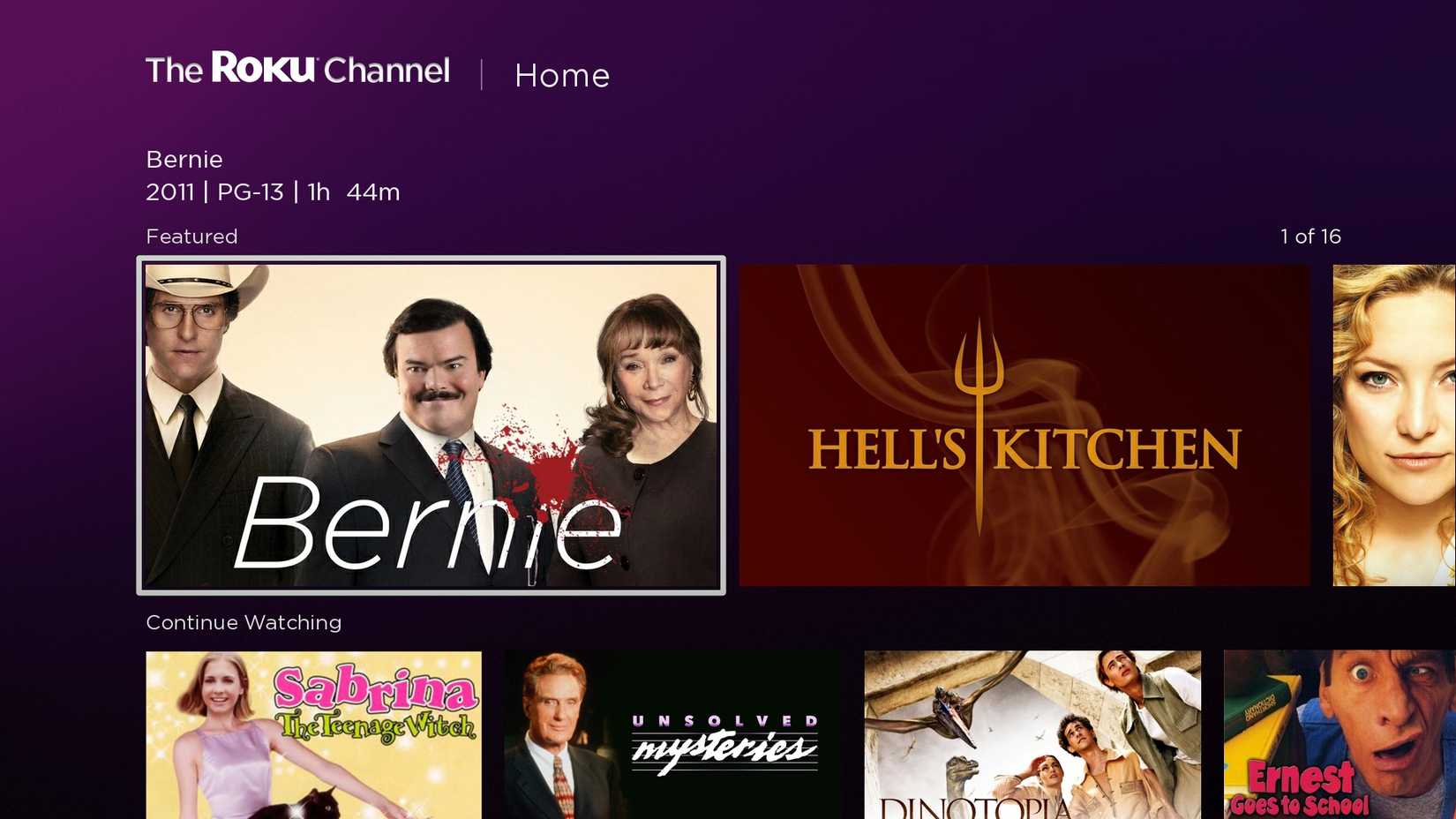
Many will be surprised to learn that the Roku Channel is available outside the Roku ecosystem.
It offers a vast library of free, ad-supported movies and TV shows. The selection might not include the latest releases, but it’s good enough to uncover some hidden gems.
The Roku Channel also includes free live TV channels from different categories, like sports, entertainment, kids, news, and more.
The interface is clean and easy to use. It’s similar to other streaming apps you’re probably familiar with, so there’s no learning curve.
AiryTV: Solid collection of free channels
Credit: Amazon
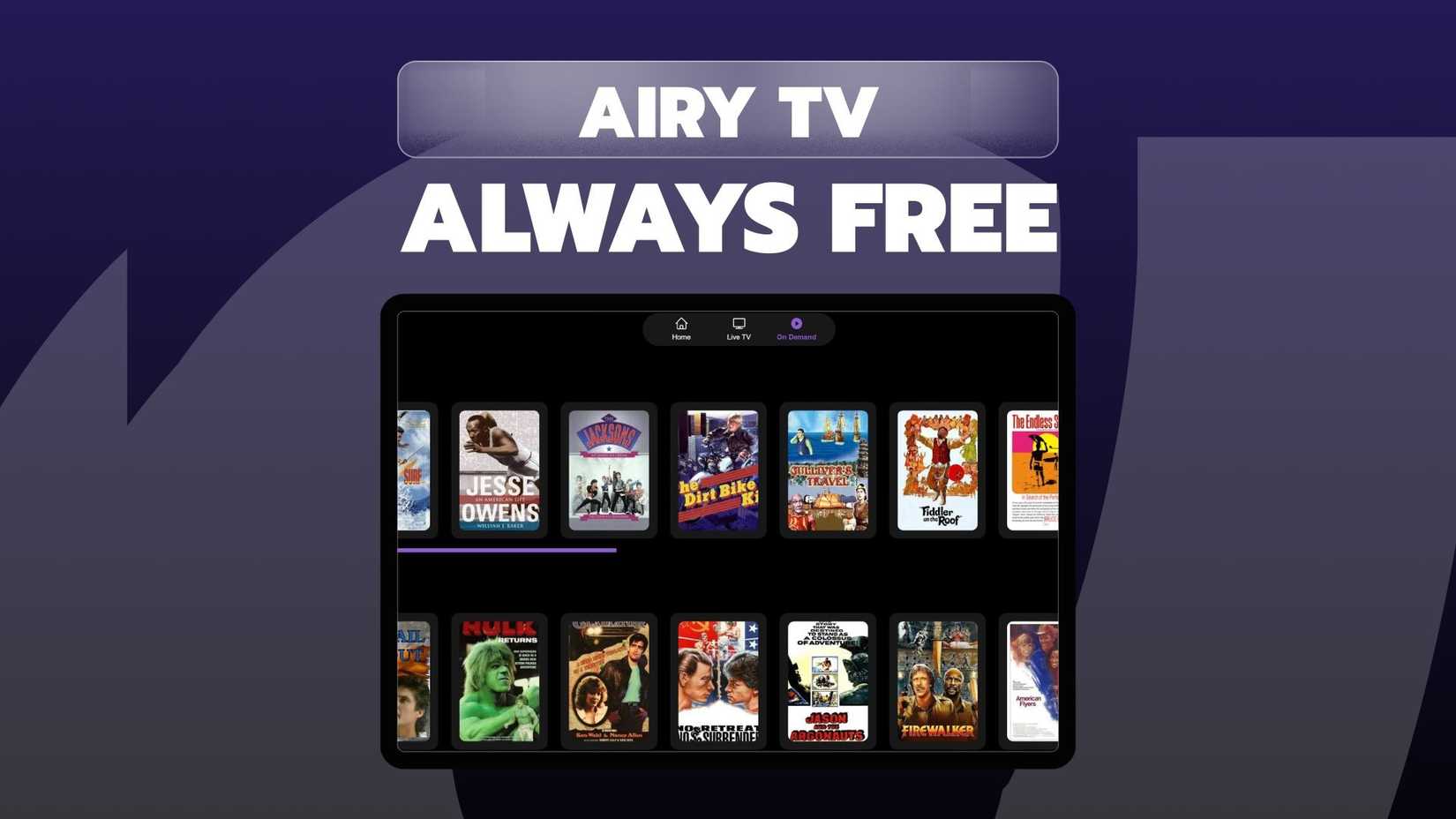
AiryTV is another FAST channel with a variety of live TV channels. If you are on a tight budget and don’t subscribe to paid apps like Sling TV or YouTube TV, give AiryTV a try.
These channels span a range of categories, including news, sports, entertainment, movies, kids’ programming, and more.
Like other paid apps, AiryTV has a straightforward interface. Navigating between channels and finding what you want to watch doesn’t require rocket science.
It’s worth exploring to see if its channel lineup aligns with your interests.
Triller TV: Catch your favorite fight cards
Credit: Amazon
There is no shortage of sports apps for Fire TV Stick users.
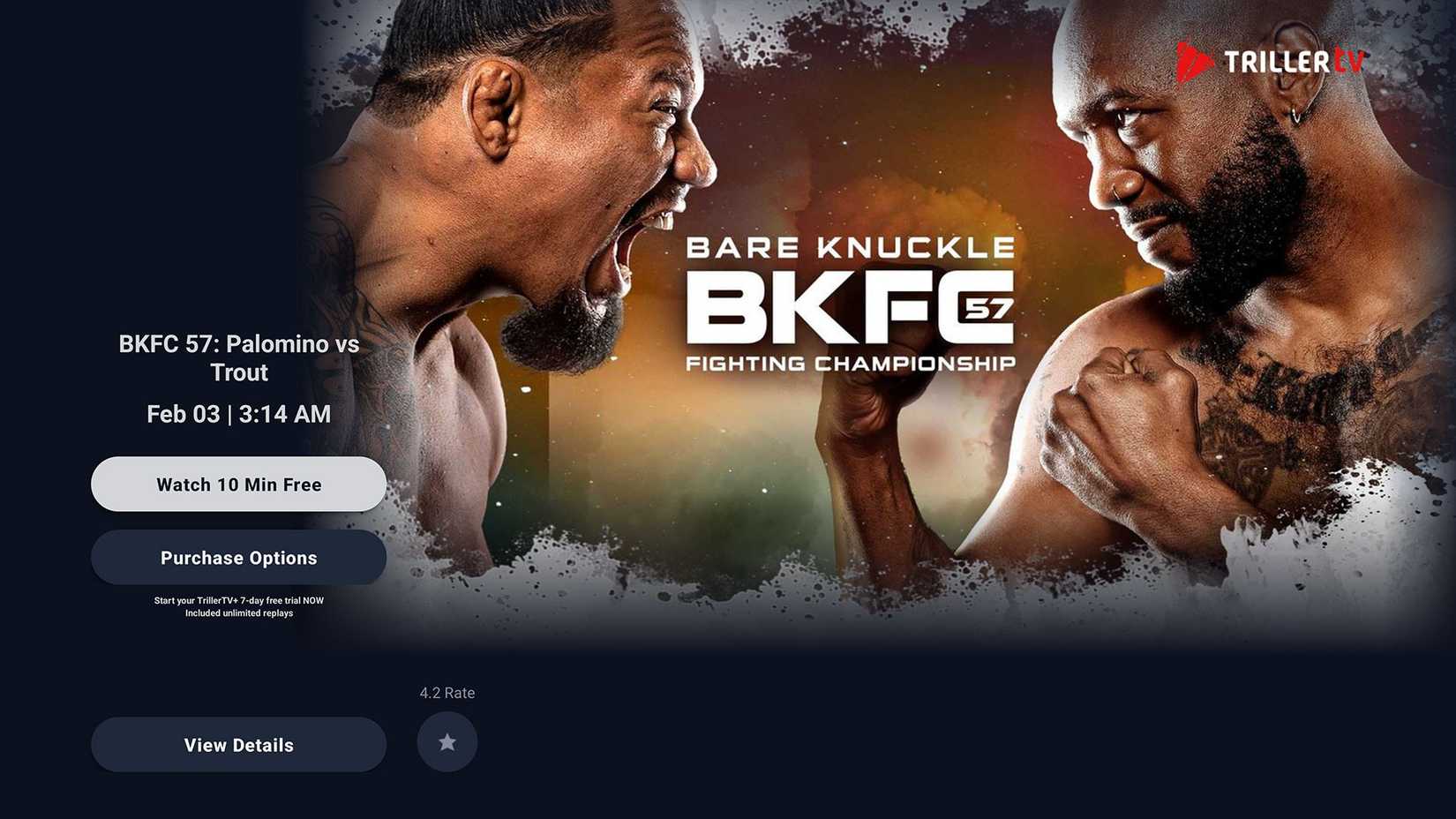
While ESPN+, DAZN, and WWE Network dominate the download charts, you can’t rule out Triller TV (formerly known as FITE TV) from the list. It’s one of the best streaming services for wrestling and other combat sports.
It carries a huge library of live events, replays, classic matches, documentaries, and original programming. It also produces its own original content, including documentaries, talk shows, and analysis programs.
You can subscribe to a Triller TV plan or purchase the PPV events to catch your favorite events without cable.
Mouse Toggle: Manage third-party apps like a pro
Mouse Toggle isn’t available from the Amazon Appstore; you must sideload its APK file using Downloader or another sideloading method.
That means people who own a Fire TV Stick running Vega OS are, again, out of luck, since Amazon’s latest streamers support neither sideloading nor Android APKs.
It’s a small but mighty app that enhances your experience with sideloaded apps.
However, many Android apps, especially those not specifically designed for Fire TV, aren’t optimized for remote control navigation.
They often rely on touch input, which makes them difficult to use with the Fire TV Stick’s remote. This is where Mouse Toggle becomes so handy, as it allows you to interact with touch‑based apps as if you were using a mouse.
If you’ve sideloaded several third‑party apps on your Fire TV Stick, you can’t go wrong with Mouse Toggle.
VLC Player: Play any media file
Credit: Amazon
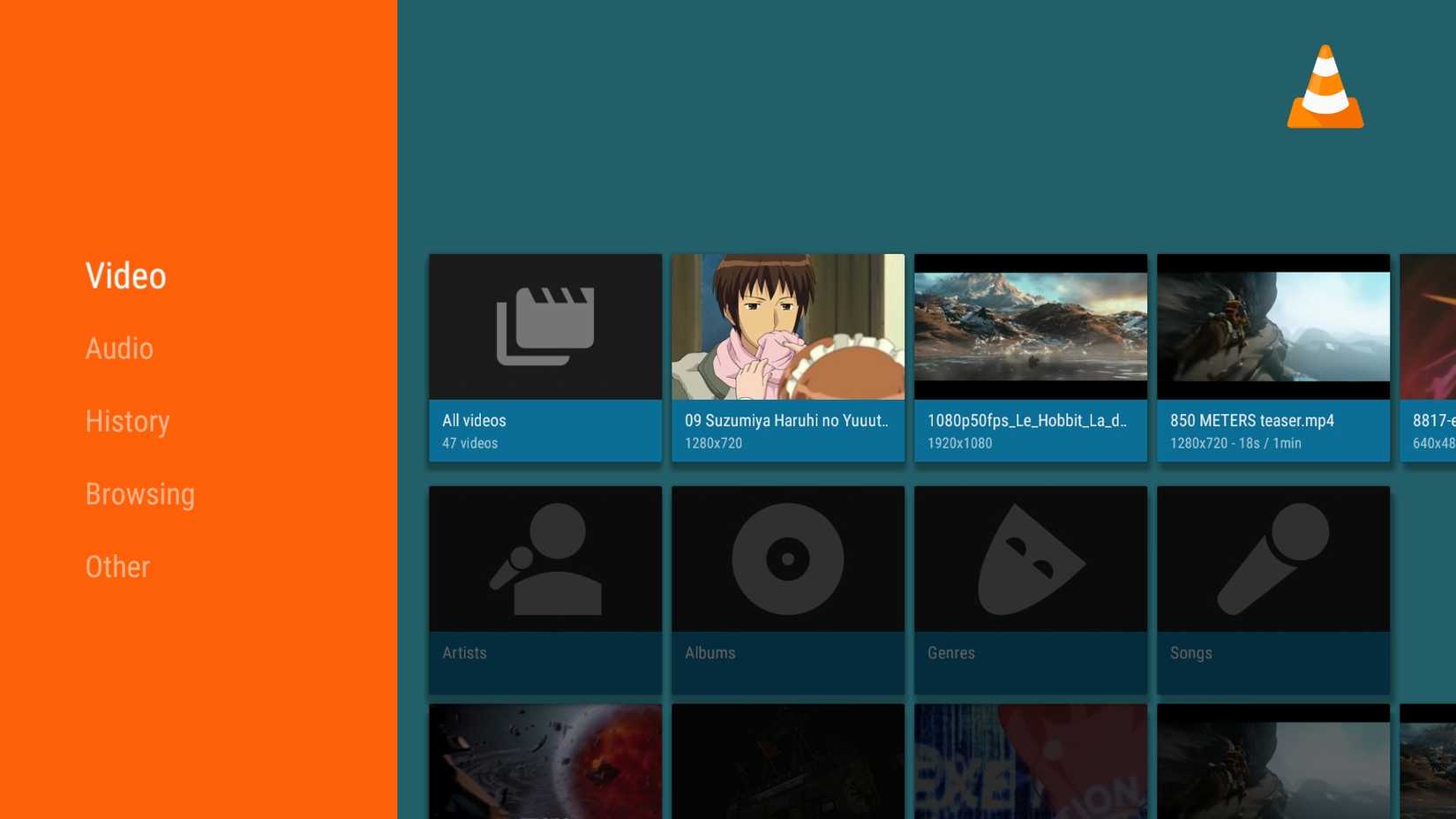
VLC media player is known for its versatility and reliability in the world of media playback. It’s a powerhouse that can handle virtually any video or audio format you throw at it.
It’s an essential app for many Fire TV Stick users, and here’s why.
VLC can play any video from an external storage, and you can stream files from your local network. It also has excellent support for subtitles. It can automatically detect and load subtitle files.
Airscreen: Mirror your iPhone, Android, or laptop
Credit: Amazon
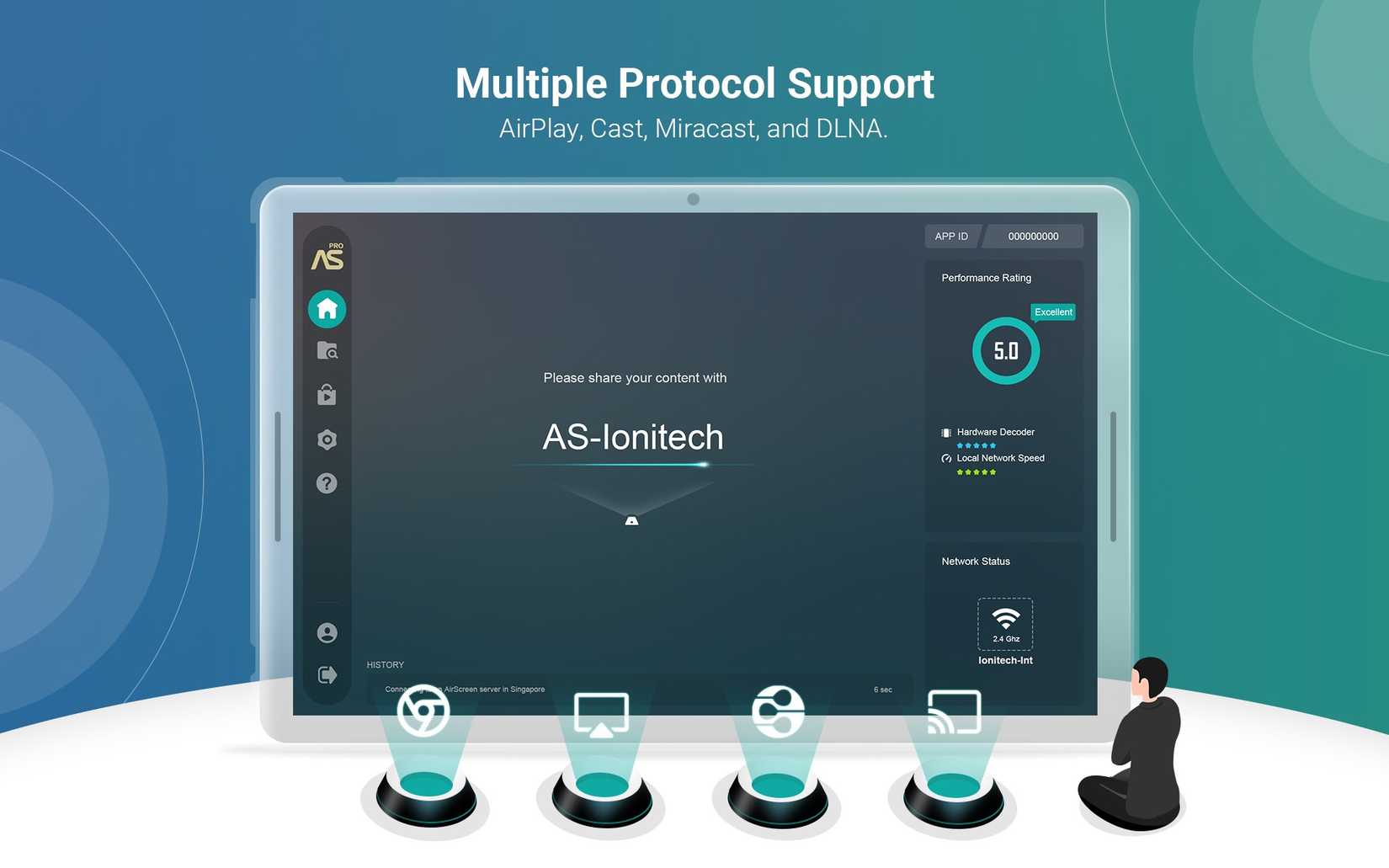
Airscreen is another unsung hero of the Fire TV Stick ecosystem. It turns your streaming device into a wireless display receiver.
Whether you want to share photos with family, give a presentation from your laptop, or play mobile games on the big screen, AirScreen makes it easy to mirror your device’s display to your Fire TV Stick.
It supports AirPlay, Miracast, and Chromecast to get the job done.
Before you take it up for a spin, make sure you have a robust wireless network. The performance of AirScreen can depend on your Wi-Fi network and the capabilities of your devices.
Proton VPN: Shield your private info
Credit: Amazon
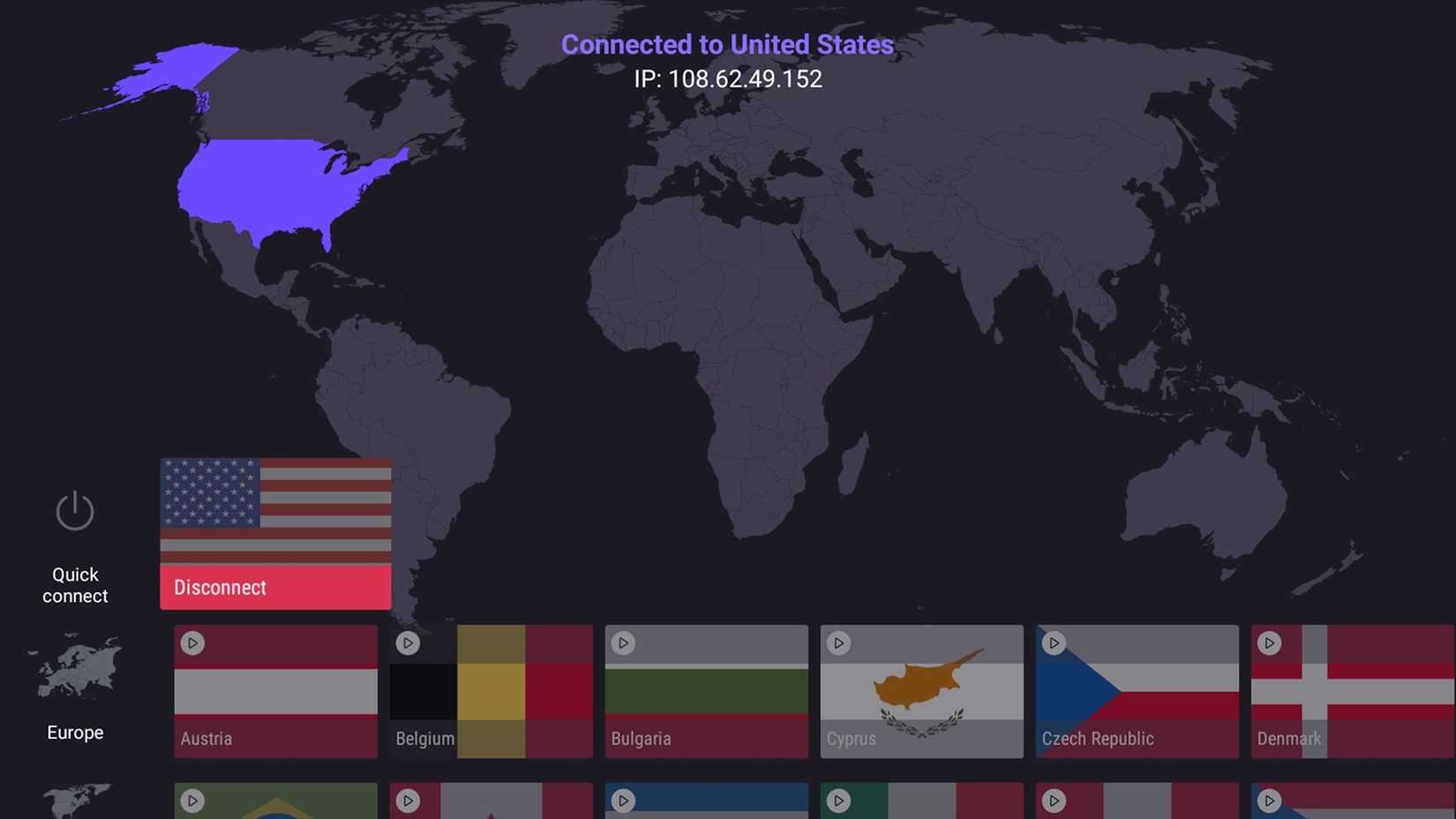
While there is no shortage of VPN apps on the Fire TV Stick, Proton VPN stands out for several reasons.
Unlike other apps, Proton VPN is a part of the growing Proton ecosystem. It’s bundled with existing Proton apps like Drive, Email, Docs, Calendar, and more.
Proton VPN is an incredible tool for setting up a private browsing experience on a Fire TV Stick.
When you activate Proton VPN, your local authorities and ISP (internet service provider) can’t see your IP location and browsing history.
You can also access content that’s not available in your region.
Proton VPN has thousands of servers worldwide, so you shouldn’t have a hard time accessing content from another region.
AnExplorer: A solid file manager app
Credit: Amazon
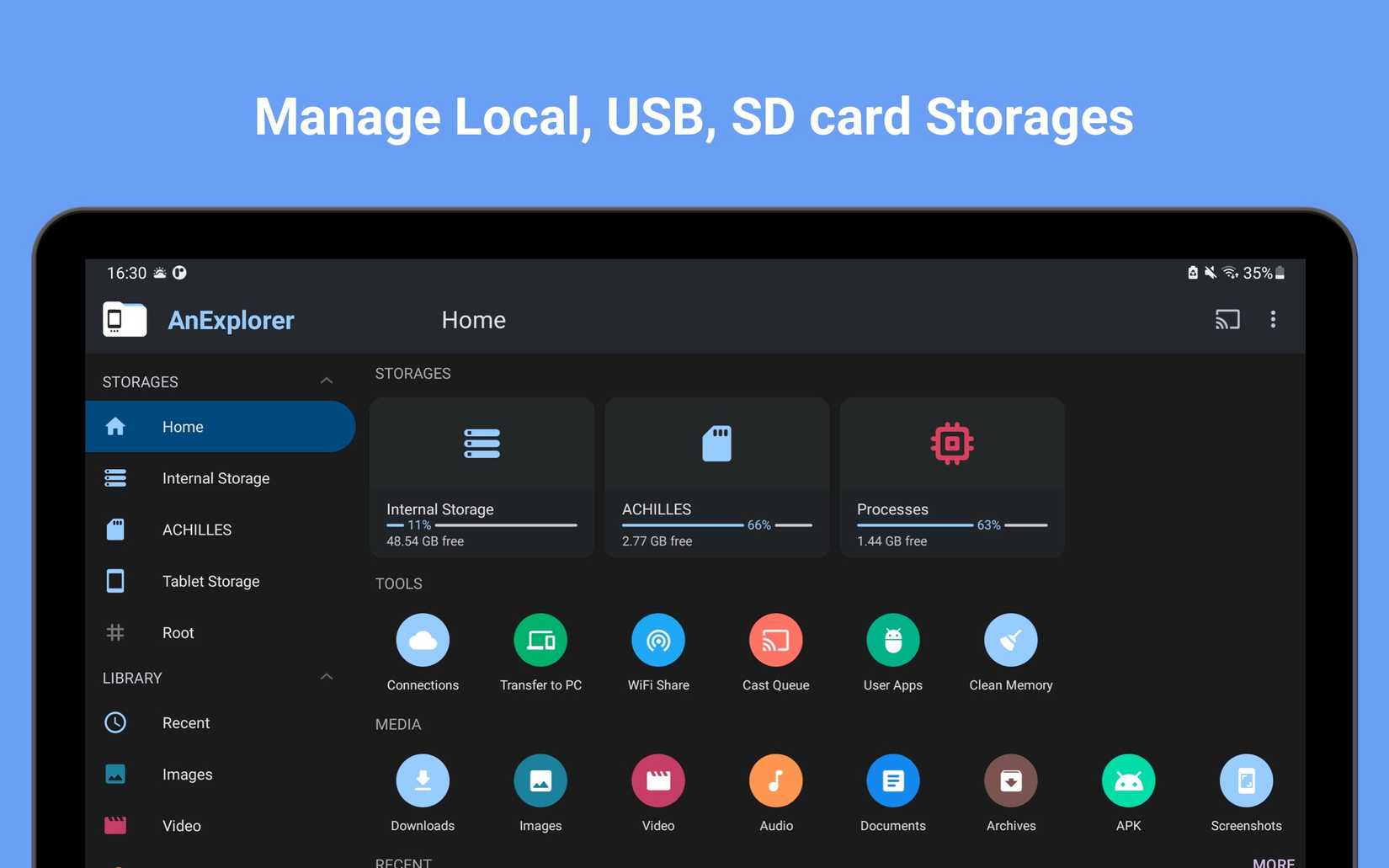
The default file management on the Fire TV Stick is basic at best. If you want more control over your installed apps and files, look no further and go with AnExplorer.
AnExplorer is a powerful file manager app that brings a level of organization that you might not have thought possible.
It’s not only about browsing files. It’s about managing your entire Fire TV Stick experience. You can sideload your APK files and manage content from connected USB drives, installed apps, and more.
Most Fire TV Stick devices come with 8GB of internal storage, and it’s essential to optimize it to avoid low space errors.
Beyond Netflix and Disney+
While most cord-cutters should be completely fine with the usual apps like Netflix, Disney+, Peacock TV, YouTube TV, and Paramount+, there is always more to discover on Amazon’s streaming device.
So, ditch the routine, explore the unknown, and fire up your Fire TV Stick in no time.
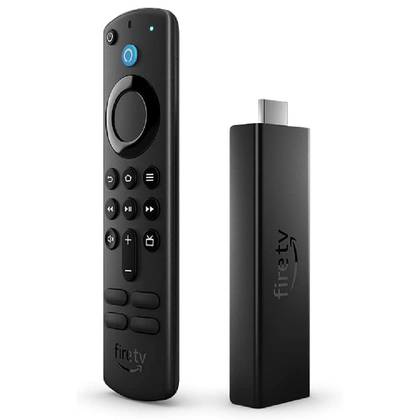
Amazon Fire TV Stick 4K Max
$59.99
Save $20
- Operating System
-
Fire OS
- RAM/storage
-
2GB / 8GB
- Ports
-
HDMI, Micro-USB
- Connectivity
-
Bluetooth 5.0, Wi-Fi 6
- Price
-
$55










